

3175x175(CURRENT).thumb.jpg.b05acc060982b36f5891ba728e6d953c.jpg)
AMD has allowed you to dedicate more of your system memory as VRAM for the GPU for a while now, and Intel is following suit.
AMD has had a feature on its APUs for a while now that's attractive not just to gamers, but also local AI users; Variable Graphics Memory. Now, Intel is following suit, by adding a similar feature to its Core Ultra chips.
It was revealed by Intel's Bob Duffy (via VideoCardz), with the new Shared GPU Memory Override feature tagging along with the latest version of the Arc drivers.
In simplest terms, just as on AMD's recent APUs, you will now be able to decide how much of your total system memory is reserved for the GPU. This can help with gaming, but it's especially useful if you're using local LLMs on your machine.
Ollama doesn't currently support integrated GPUs, but something like LM Studio does, and allows you to load up even fairly chunky models such as gpt-oss:20b onto the GPU instead of the CPU.
Such models will work without manually selecting larger amounts of memory for the GPU, but there are benefits to doing it. Intel's Core Ultra chips aren't yet using true Unified Memory, such as you find on an Apple Mac or on AMD's latest Strix Halo chips. It sounds the same, but it isn't. This feature would be redundant on Unified Memory.
In my own (albeit brief) testing on an AMD Ryzen AI 9 HX 370 which doesn't utilize Unified Memory, setting a large amount for the GPU to use has performance benefits.
In gpt-oss:20b, performance is around 5 tokens per second higher with a 4k context window when the model is able to load fully into dedicated GPU memory, versus when everything is just overall system memory.
You can leverage the GPU still for compute and just use the 'RAM' but it performs slower. The best overall scenario is siloing enough dedicated GPU memory to load the model into.
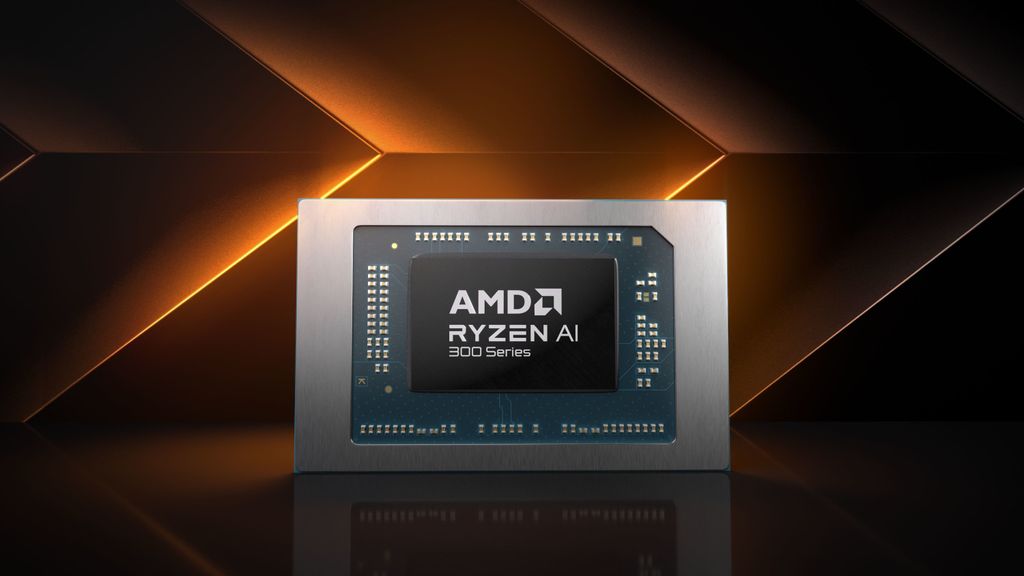
AMD has offered this feature on its Ryzen AI chips for a while now.
(Image credit: AMD)
This is what Intel is now allowing Core Ultra users to do, though it's still a little unclear as to whether it's all Core Ultra or just Core Ultra Series 2. In the Intel Graphics Software, a simple slider has been added that allows you to choose how much memory you want reserved for the GPU.
To go back to my own system as an example, when I'm using a larger model like gpt-oss:20b, I set an even split of the 32GB I have available. 16GB for the GPU, 16GB for everything else. This allows me to load the model entirely into the GPU portion of memory, leaving the reserved pool for the rest of the system well alone.
This is how I extract the best performance from the LLM, because why wouldn't you leverage a GPU if you can instead of using up all of your CPU? Even an integrated GPU can give you better results over using the CPU in this instance.
Of course, it's all still relative. If you have 16GB of total system memory, you can't go throwing it all at the GPU to run an LLM. The PC still needs memory for all the other stuff going on in Windows. Ideally, you want to have enough to be able to leave at least 8GB for the rest of the system.
To get the new Shared GPU Memory Override feature, you'll need to be on the latest Intel drivers. Note, it only applies if you only have integrated Arc graphics on your PC. Dedicated GPUs with their own VRAM don't need this feature and will still be a better performer, in any case.
But if you're using local LLMs on your Core Ultra system, this is a nice addition that should help you squeeze a little extra performance from your AI workloads.
Hope you enjoyed this news post. Feedback welcome.
Posted Tuesday 19 August 2025 at 3:05 am AEST (my time).
News posts... 2023: 5,800+ | 2024: 5,700+ | 2025 (till end of July): 3,458
Recommended Comments
There are no comments to display.
Join the conversation
You can post now and register later. If you have an account, sign in now to post with your account.
Note: Your post will require moderator approval before it will be visible.