


3175x175(CURRENT).thumb.jpg.b05acc060982b36f5891ba728e6d953c.jpg)
Microsoft is redesigning the Settings app in Windows 11 to make Search more accessible. Here's why that could be a good thing.
Currently, there are two separate pages where you can manage how Search works in Windows 11. The first one lets you customize the Search Permissions which includes Safe Search, Cloud Content Search, Search History.

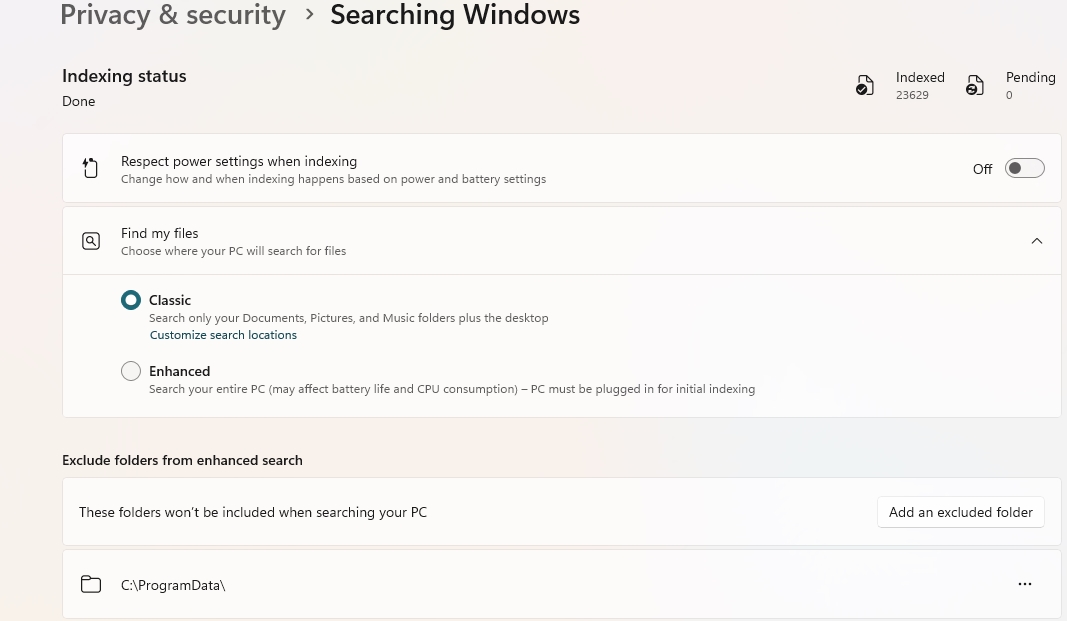
The other page, which is called Searching Windows, is used to configure how searching for files works, folders to be excluded from enhanced search, and even has options to control the power settings for indexing. The thing is, while both pages fall under the Privacy and security category, it's kind of confusing.
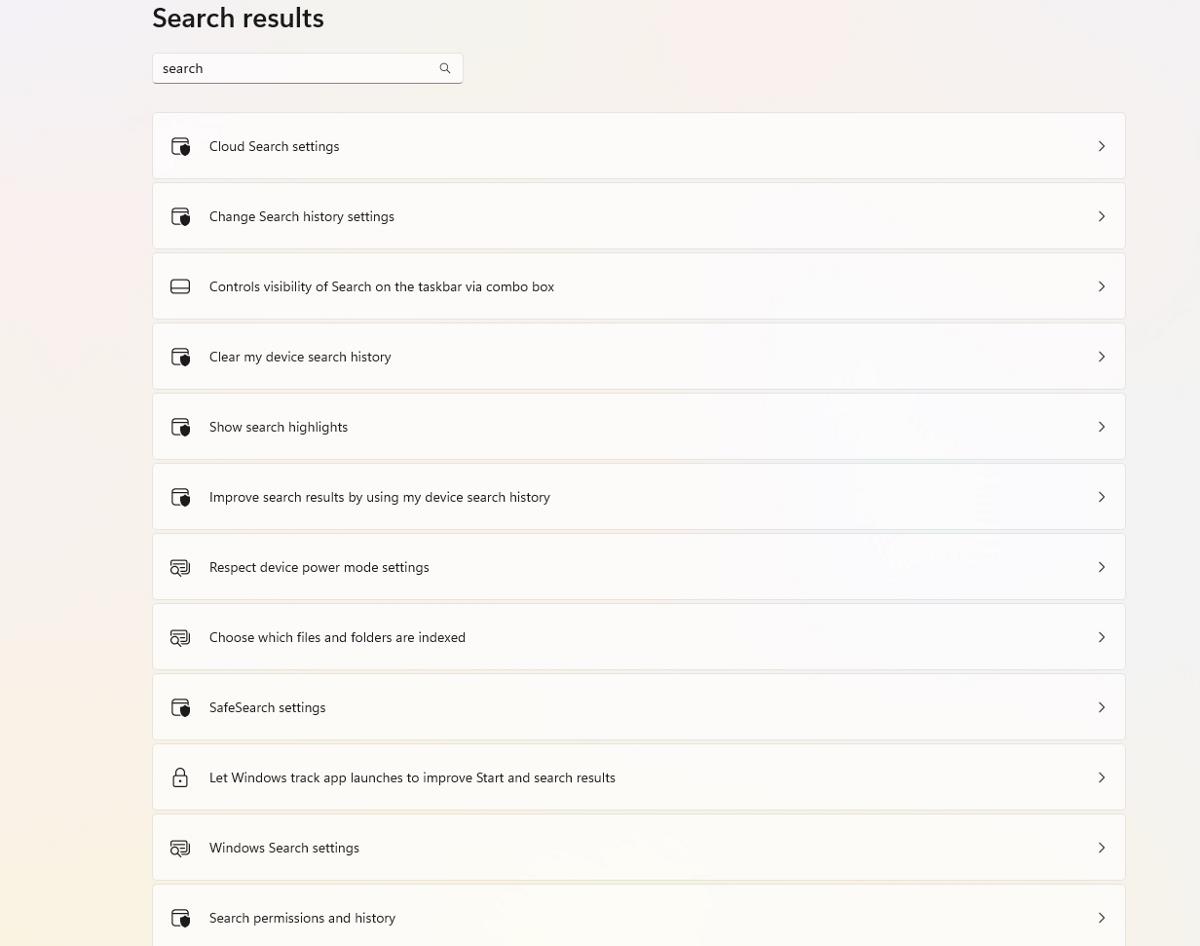
When you type search and click on show all results, this is what you get. That is messy. Not everyone may know that multiple pages exist for search settings, which in turn could mean that they are unaware of several options that they would have liked to tweak. Control Panel's replacement should do better than this, right?
Phantomofearth, who has a stellar record when it comes to reporting about Windows features, says that Microsoft is changing the search experience, by simply merging the pages. Placing all search related settings on one page could make things a lot user-friendlier. So you can manage the search history, search highlights, search indexing, web search, etc. It just makes sense to have all these together under an easy-to-understand word, Search, it's intuitive, and the more accessible such options are, the more control the user has over them, and that is always welcome.
Microsoft is currently testing the new Search settings page in the Windows Insider Program, it is available in Windows 11 Build 26200.5622 and Build 26120.4230. It is unclear when these changes would be added to the stable channel.
Hope you enjoyed this news post.
Thank you for appreciating my time and effort posting news every day for many years.
News posts... 2023: 5,800+ | 2024: 5,700+ | 2025 (till end of May): 2,377
RIP Matrix | Farewell my friend
Recommended Comments
There are no comments to display.
Join the conversation
You can post now and register later. If you have an account, sign in now to post with your account.
Note: Your post will require moderator approval before it will be visible.