

3175x175(CURRENT).thumb.jpg.b05acc060982b36f5891ba728e6d953c.jpg)
After five months of on-and-off development, Niri 26.04 is here, bringing its most requested feature, blur, along with animation improvements & more.
After five months of development, Niri 26.04 released today finally bringing one of the most requested features: blur alongside other goodies like major screencasting improvements and pointer warping.
Version 26.04 now ships with support for the ext-background-effect Wayland protocol, which lets desktop shells like Dank Material Shell and Noctalia shell, along with apps like the foot and kitty terminals, request blur without any special configuration.
Two types of blur are supported: the non-x-ray (normal) blur, which is more expensive, and the cheaper x-ray blur. The default X-ray blur works by computing a blurred version of the wallpaper just once and reusing it as a static image behind windows, making it extremely efficient. In contrast, the normal blur mode reads pixels directly from what is rendered behind a window mid-frame.
When screencasting a specific window (via PipeWire), the cursor is now sent as metadata. This allows apps like OBS or browsers to cleanly draw the cursor on top of the window, and properly hide it when your mouse moves over an obstructing window. This release also introduces an IPC mechanism so that desktop bars can show a screencasting indicator, and a new command (niri mg action stop-cast --session-id ) allows you to force-stop a cast.
You can also now cancel an ongoing drag-and-drop operation by pressing the Escape button. There's a new "pointer warping" feature that makes the cursor jump from one side of the screen to the other during horizontal scrolling.
Other miscellaneous additions and fixes include:
- A VRAM leak that occurred after closing certain applications has been patched.
-
Support for the
ext-foreign-toplevel-listprotocol was implemented. - Error messages for duplicate keybinds now show where the first definition is located.
-
The default configuration now binds
Mod+Mto maximize-window-to-edges andMod+Shift+Rto switch-preset-column-width-back. -
A new
--pathargument lets you switch to a different Niri config at runtime. - Constant screen repainting while the overview is open was fixed.
- Hardware acceleration now works in nested Niri instances thanks to DMA-BUF support.
- Building on OpenBSD has been fixed.
- The Num Lock state is now correctly preserved when loading a custom keymap.
- Trackball scrolling is now functional in the overview.
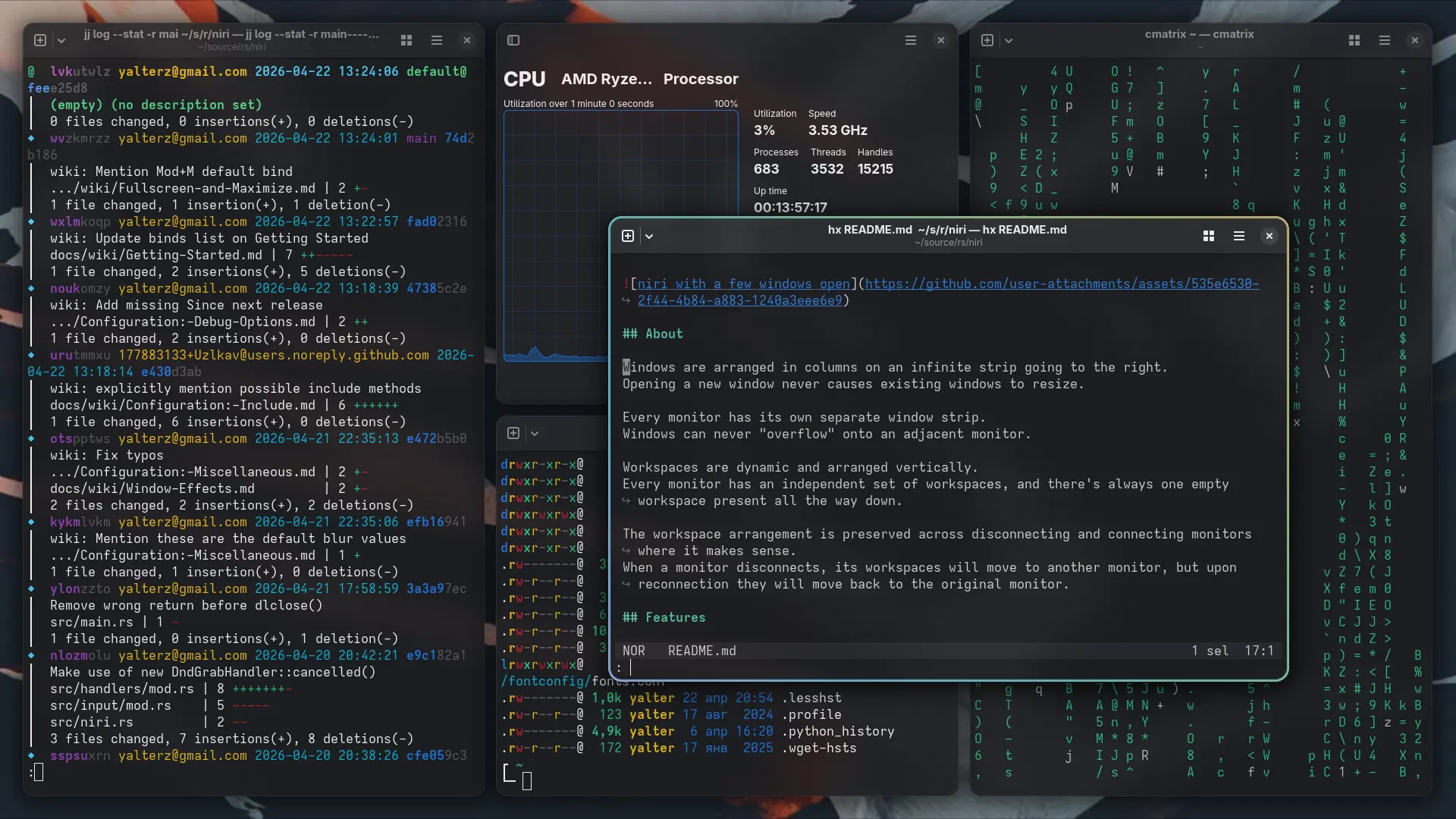
Niri is one of the fastest-growing window managers (technically a Wayland compositor) for Linux out there. What makes it special is its infinite horizontal ribbon. When you open an app and then open a second window, it spawns to the right. Upon opening a third, the first window scrolls off the screen without resizing the others. You navigate through this endless row of open applications by scrolling left or right, using keyboard shortcuts or touchpad gestures.
The project has a reputation for great defaults and a well-documented configuration process. Speaking of which, the config file is written in KDL (located at ~/.config/niri/config.kdl by default). Any changes you make to this file are applied instantly. If you write a typo in your config file, Niri just warns you and keeps running your last working setup instead of crashing.
Hope you enjoyed this news post. Feedback welcome.
Posted Sunday 26 April 2026 at 12:18 pm AEST (my time).
News posts: 2023 5,800+ | 2024 5,700+ | 2025 5,700+ | 2026 (to end of March) 1,297
Recommended Comments
There are no comments to display.
Join the conversation
You can post now and register later. If you have an account, sign in now to post with your account.
Note: Your post will require moderator approval before it will be visible.