

3175x175(CURRENT).thumb.jpg.b05acc060982b36f5891ba728e6d953c.jpg)
The new feature, set to debut in preview soon, will show a chronological list of your upcoming events right in the Notification Center, putting essential scheduling information at your fingertips.
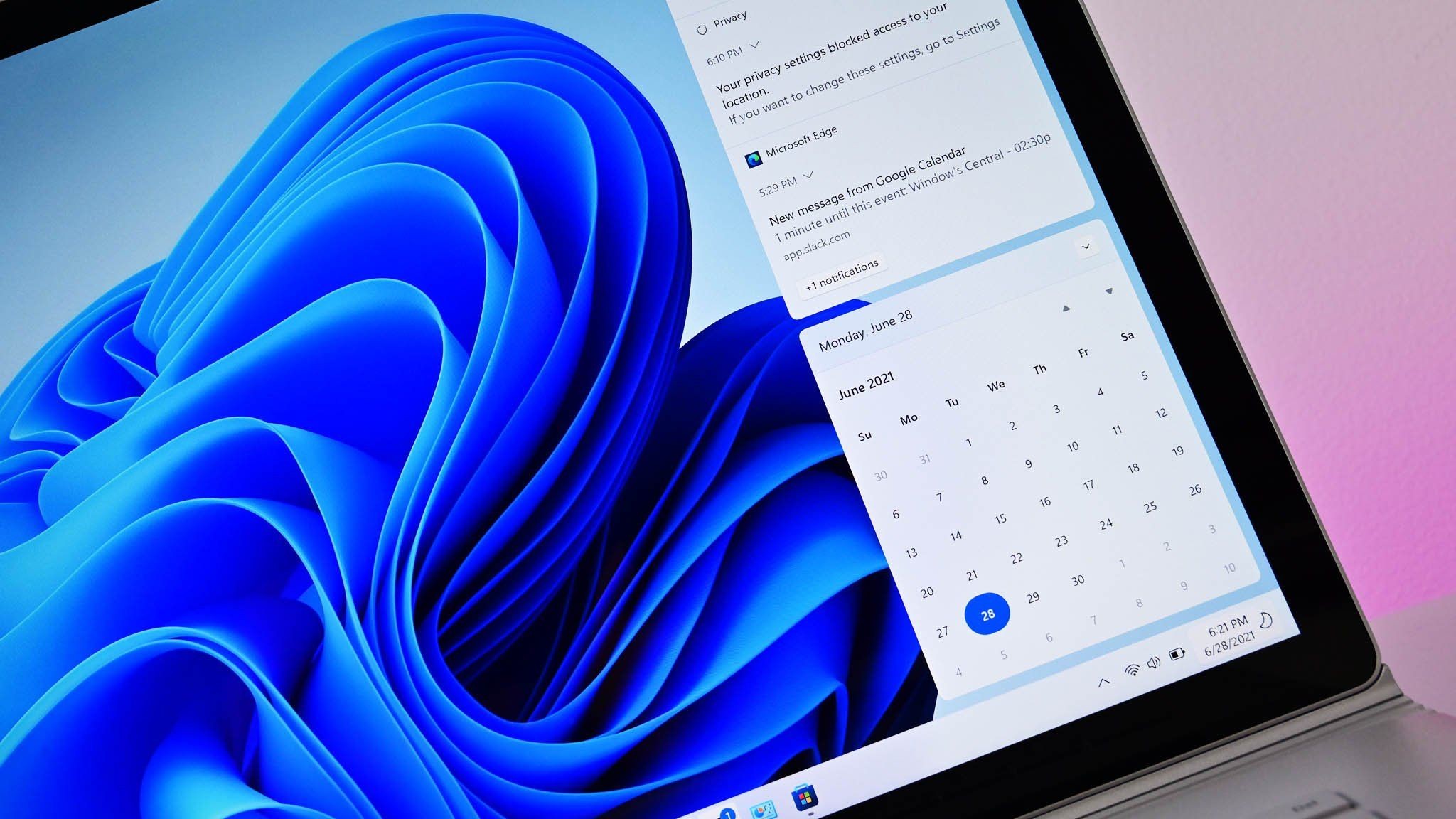
Microsoft has revealed that the Taskbar calendar flyout on Windows 11 will soon be updated to finally support showing your upcoming events and meetings. This is a feature that Windows 10 originally had, but it was removed with the debut of Windows 11. The company says it'll debut in preview next month.
Up until now, the calendar flyout on Windows 11 just served as a date checker. You could scroll through the days and months of the year, but you were never able to add events or view upcoming ones from this interface. That's finally changing with the new "agenda view" that Microsoft has announced.

The new agenda view coming to the calendar flyout next month.
(Image credit: Microsoft)
This small but important change is going to make the calendar flyout so much more useful. It's actually insane to think that it hasn't supported this until now, even though Windows 10, macOS, and Chrome OS have features just like this. It's just another example of Windows 11 playing catch up, but better late than never I say.
Microsoft also announced a number of other productivity enhancing features, including new AI capabilities such as the ability to generate AI written text in any text box across the OS, and the ability for Outlook to generate summaries of your inbox. Windows 11 is also gaining a new agentic workspace feature, which will let AI agents operate in their own desktop environment alongside your own.
The company has also unveiled a new hardware accelerated version of BitLocker that will launch next year on new PCs running Windows 11, which is designed to encrypt data faster and more securely.
Microsoft is pushing forward with its vision of an agentic, AI native Windows 11, but it's also promised to focus on other important aspects of the OS, such as enhanced productivity features and power user enhancements. Features like an agenda view in Calendar may seem small, but it's a sign that the company is listening.
Recommended Comments
There are no comments to display.
Join the conversation
You can post now and register later. If you have an account, sign in now to post with your account.
Note: Your post will require moderator approval before it will be visible.