

3175x175(CURRENT).thumb.jpg.b05acc060982b36f5891ba728e6d953c.jpg)
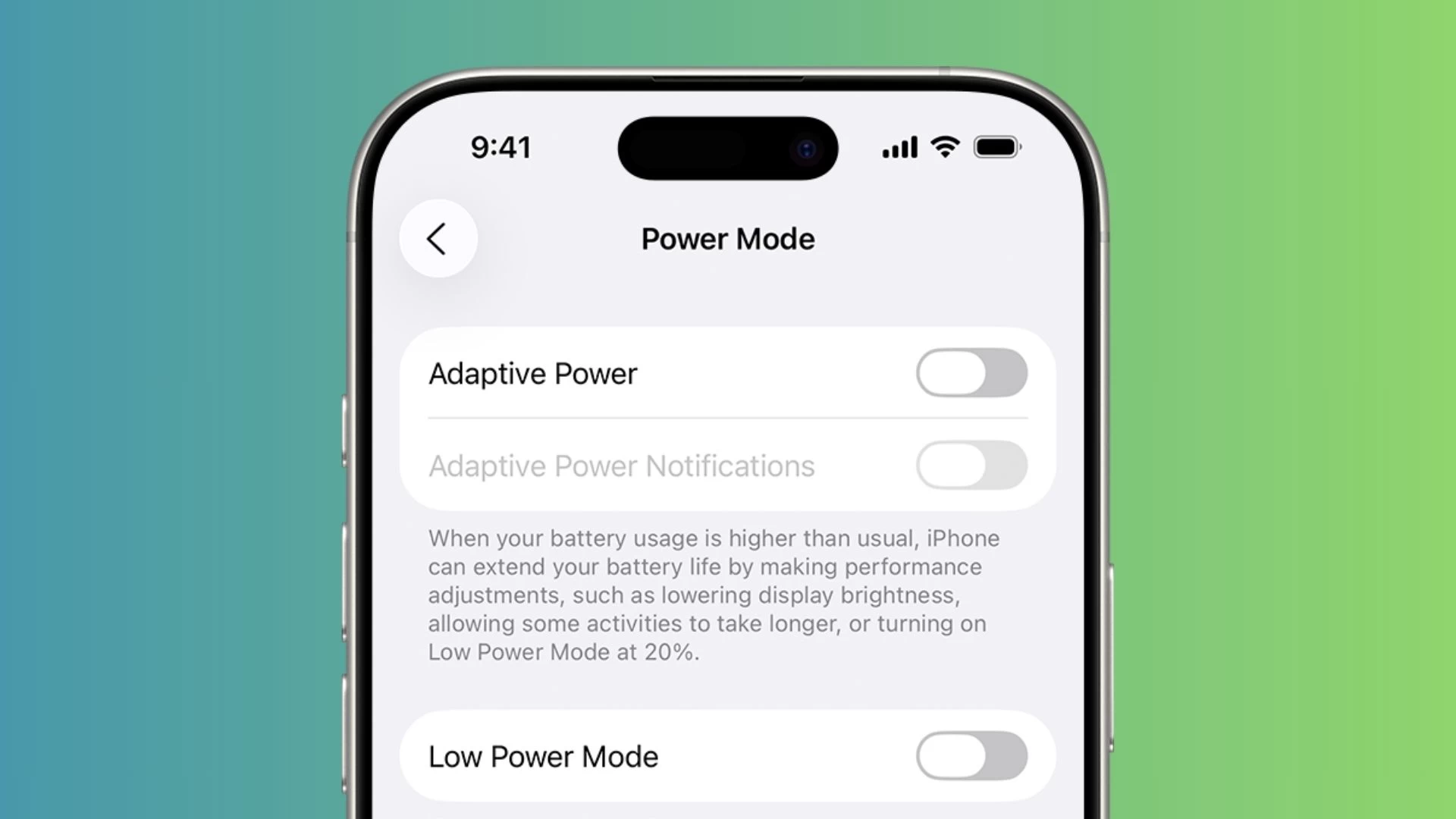
Apple has baked some battery-saving features into the latest iPhone models and the iOS 26 software update. Adaptive Power mode is one of those perks meant to conserve your phone's battery life on those days when your usage is higher than usual.
Adaptive Power relies on Apple's on-device machine learning prowess to analyze your battery usage patterns and charging habits, predicting when you might need some extra backup until your next trip to a charging point.
It works behind the scenes to make performance adjustments, limit background activity, lower screen brightness by 3%, and turn on Low Power Mode when your battery percentage reaches 20%.
The feature is supported on the following iPhone models:
- Enabled by default: iPhone Air, iPhone 17, iPhone 17 Pro, iPhone 17 Pro Max
- Disabled by default: iPhone 16 Pro/Pro Max, iPhone 16 Plus, iPhone 16, iPhone 16e, iPhone 15 Pro/Pro Max
You can manage Adaptive Power by going to Settings > Battery > Power Mode. Here, you can turn on the optional notifications for Adaptive Power to know when it kicks in during the day. The feature will work in the background even if you disable the notifications.
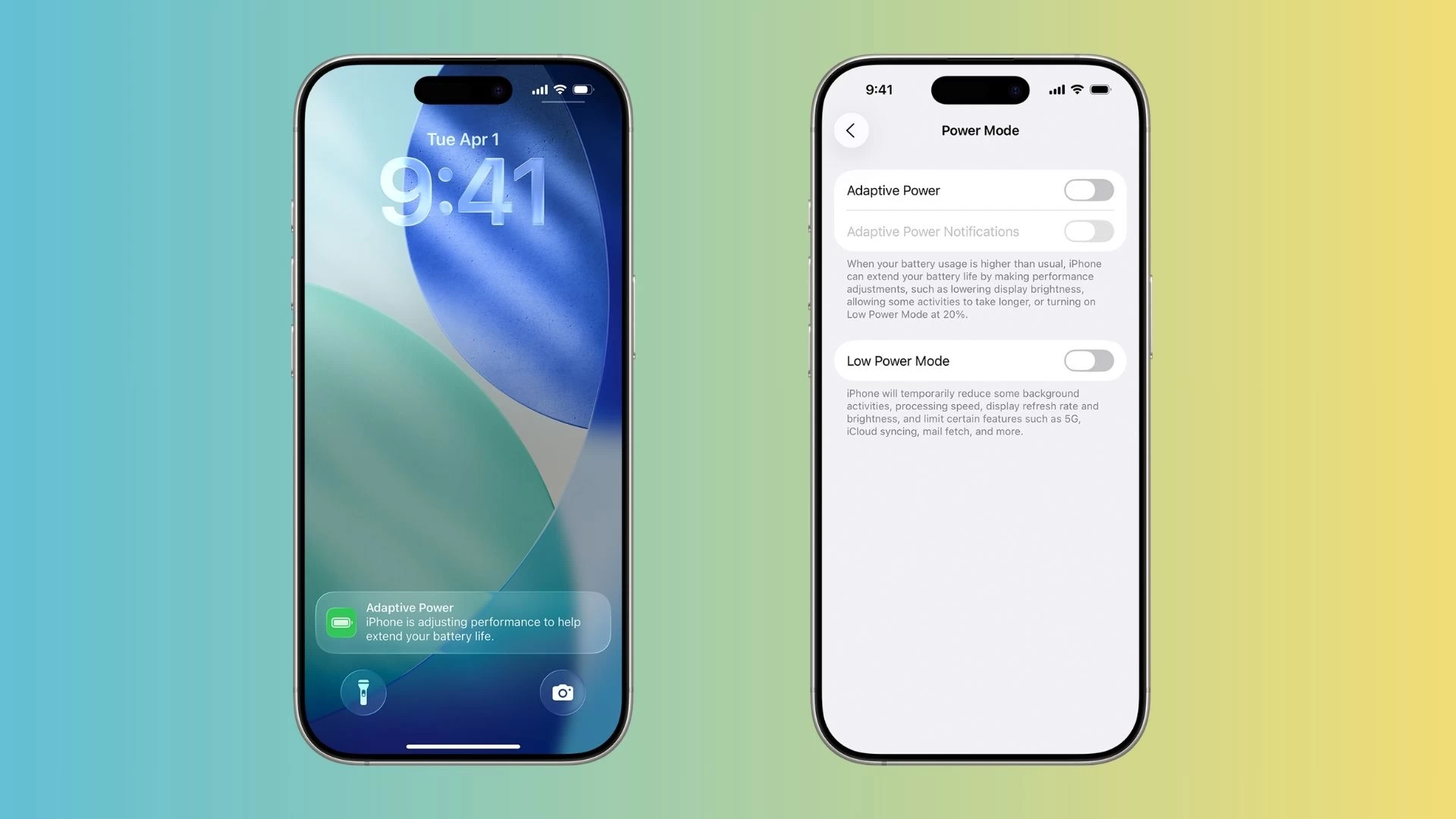
Note that the feature doesn't manage performance when your iPhone needs all of its muscle power, such as when using the Camera app or playing games with Game Mode enabled.
Moreover, Adaptive Power needs at least seven days to analyze your charging habits before it starts doing its job. Speaking of which, the iPhone 17 series devices can now charge from zero to 50% battery capacity in 20 minutes using Apple's new 40W charging adapter.
The iOS 26 update is now available to download on supported iPhone models. If you haven't installed it yet, consider checking out the list of 10 things you should do before installing iOS 26. Apple recently admitted that installing iOS 26, or any major update, may worsen your iPhone's battery life initially. So, if you want, you can wait for a few days before updating your device.
Hope you enjoyed this news post. Feedback welcome.
Posted Thursday 18 September 2025 at 5:13 pm AEST (my time).
News posts... 2023: 5,800+ | 2024: 5,700+ | 2025 (till end of August): 4,048
Recommended Comments
There are no comments to display.
Join the conversation
You can post now and register later. If you have an account, sign in now to post with your account.
Note: Your post will require moderator approval before it will be visible.