

3175x175(CURRENT).thumb.jpg.b05acc060982b36f5891ba728e6d953c.jpg)
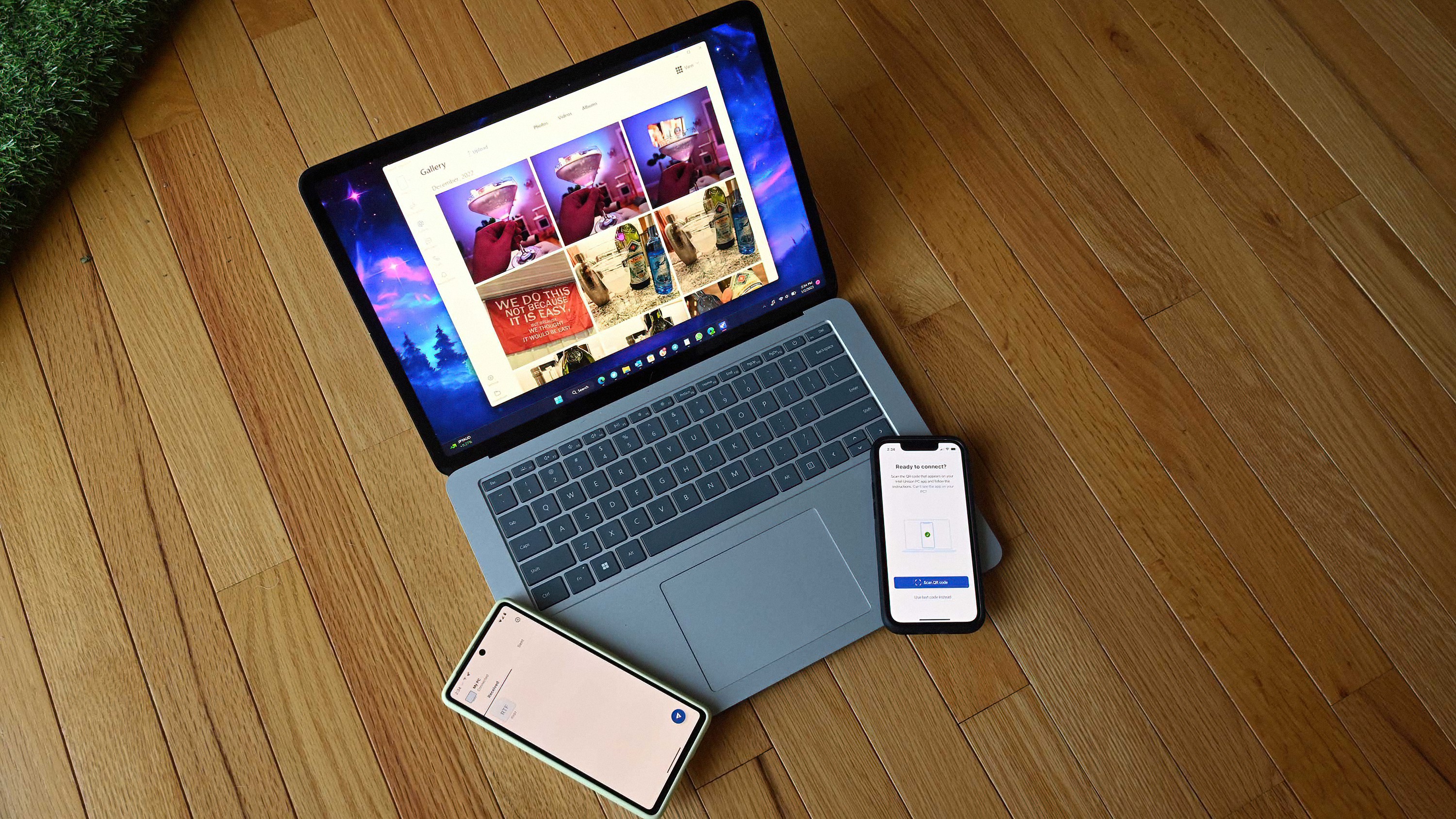
Intel has discontinued its popular Unison app on Windows, which let users sync their phone's data with their Windows PC. Now, the app is encouraging users to switch to another multi-device experience.
Earlier this year, Intel announced that it was shutting down its excellent Unison app for Windows, which let users sync their smartphone with their PC to share files and data between devices seamlessly. The app was very similar to Microsoft's Phone Link, except it only worked on certain PCs powered by Intel.
Intel Unison was great as in many cases, it was more reliable than Windows Phone Link. It let you view your photos, transfer files, view notifications, and control your smartphone directly from your PC. It also did things Phone Link can't do, including letting you use your phone or tablet as an extended monitor for your Windows device.
Unfortunately, for unknown reasons, Intel announced that it would be shutting down Unison earlier this year. As of today, the app is no longer functional, instead displaying a message titled "All good things come to an end" and saying "It was a great run, but Intel Unison is now discontinued. Please consider other multi-device experiences."
Curiously, the Intel Unison website says Lenovo Aura PCs will retain service, which likely means the app still works if your device is built by Lenovo and came with Intel Unison pre-installed. It's unclear why Lenovo device retain access, but other devices do not.
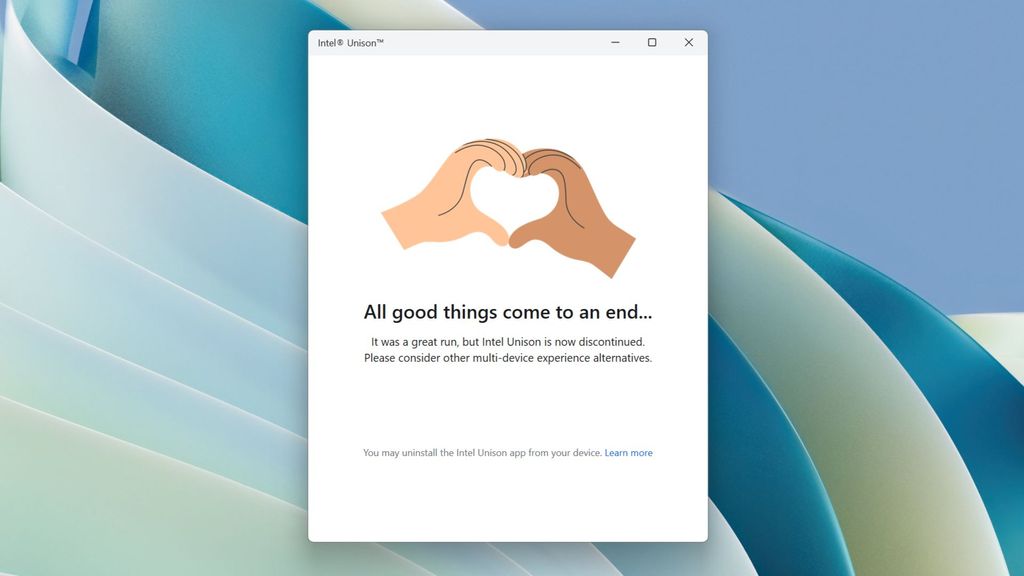
The Intel Unison app will refuse to function from today.
(Image credit: Windows Central)
If you have been using Intel Unison until now, your only option is to switch to another multi-device provider. Phone Link is the default choice, as it's built into Windows. Our senior editor Jez Corder called it the best feature that Windows has received in the past decade, and I have to agree. I use Phone Link every day, and find it to be very useful.
There are also third-party alternatives you can try, such as KDE Connect which has a very similar set of features to Intel Unison and Windows Phone Link, but works across Linux and Mac as well. If you're only interested in transferring files between phone and PC, LocalSend is another alternative that's highly reviewed.
Microsoft recently announced that it was adding Phone Link integration directly to the Start menu on Windows 11, letting you see an overview of your phone whenever you hit the Start button. It's a nice addition, as it means you don't have to open the Phone Link app every time you want to see your phone's battery health or connection.
Recommended Comments
There are no comments to display.
Join the conversation
You can post now and register later. If you have an account, sign in now to post with your account.
Note: Your post will require moderator approval before it will be visible.