

3175x175(CURRENT).thumb.jpg.b05acc060982b36f5891ba728e6d953c.jpg)
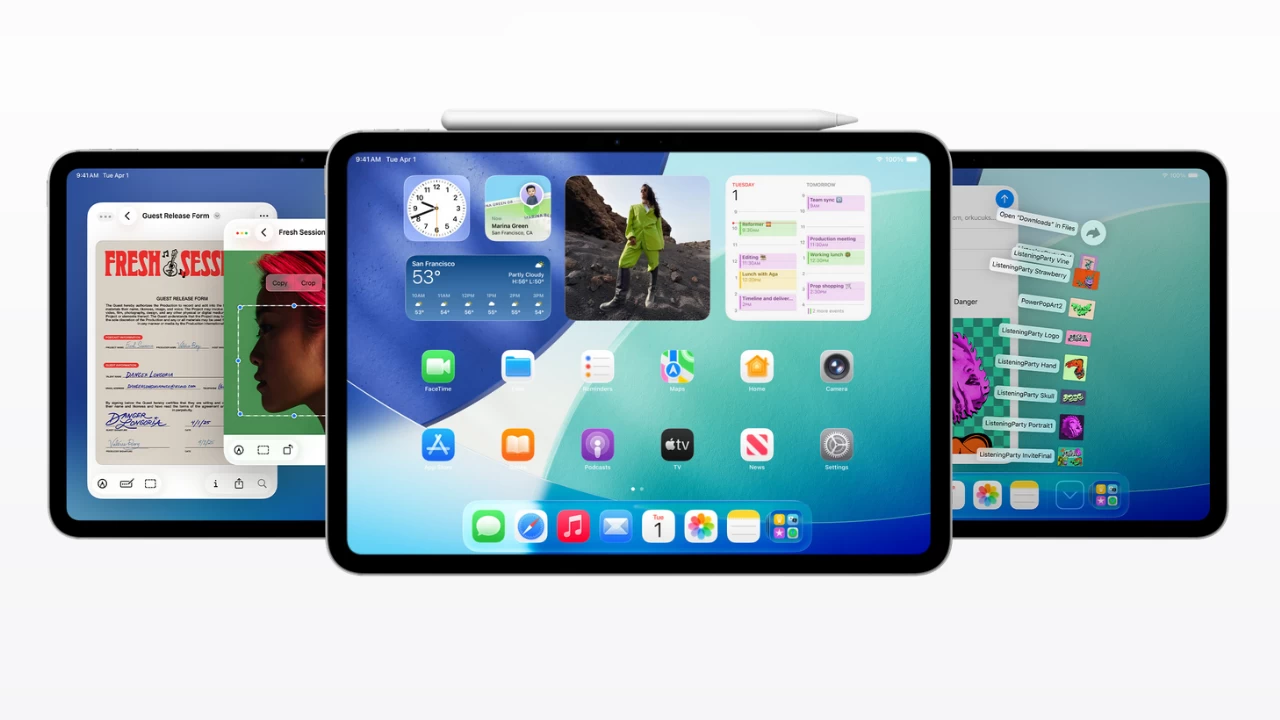
iPadOS 26, announced at WWDC 2025 on June 9, introduces many upgrades to the iPad experience, which brings it a few steps closer to the long-promised "laptop replacement." The operating system now has a much better window management system that lets you place any window wherever you like it, a proper menu bar, and the classic window controls straight from macOS.
On top of that, iPadOS 26 features the redesigned user interface with "Liquid Glass" elements that resemble the UI of Windows Vista and Windows 7 back in the day. Overall, the update looks promising, but not all iPads will be able to upgrade from iPadOS 18 to iPadOS 26. Here is a list of iPads that are compatible with the new operating system:
- iPad Pro 12.9-inch 3rd generation (A12X) and newer
- iPad Pro 11-inch 1st generation (A12X) and newer
- iPad Air 3rd generation (A12) and newer
- iPad 8 (A12) and newer
- iPad mini 5th generation (A12) and newer
With iPadOS 26, Apple is dropping only one iPad: the iPad 7 with the A10 Fusion. From now on, iPadOS is only compatible with iPads running an A12 chip (regular or X).
The first developer beta of iPadOS 26 is now available. Apple plans to start public testing in July, but exact dates are not available as of right now, so stay tuned for future announcements. You can also check out the full list of iPadOS 26 features on this page.
If you have an iPhone and you also want to know what models are supported by iOS 26, check out this article. It lists all the iPhones that can upgrade to the new operating system and those that will remain forever stuck on the current iOS 18.
Hope you enjoyed this news post.
Thank you for appreciating my time and effort posting news every day for many years.
News posts... 2023: 5,800+ | 2024: 5,700+ | 2025 (till end of May): 2,377
RIP Matrix | Farewell my friend
Recommended Comments
There are no comments to display.
Join the conversation
You can post now and register later. If you have an account, sign in now to post with your account.
Note: Your post will require moderator approval before it will be visible.