

3175x175(CURRENT).thumb.jpg.b05acc060982b36f5891ba728e6d953c.jpg)
It happens every year on March 31 — strategically placed the day before April Fool's Day as a reminder that only fools skip their backups.
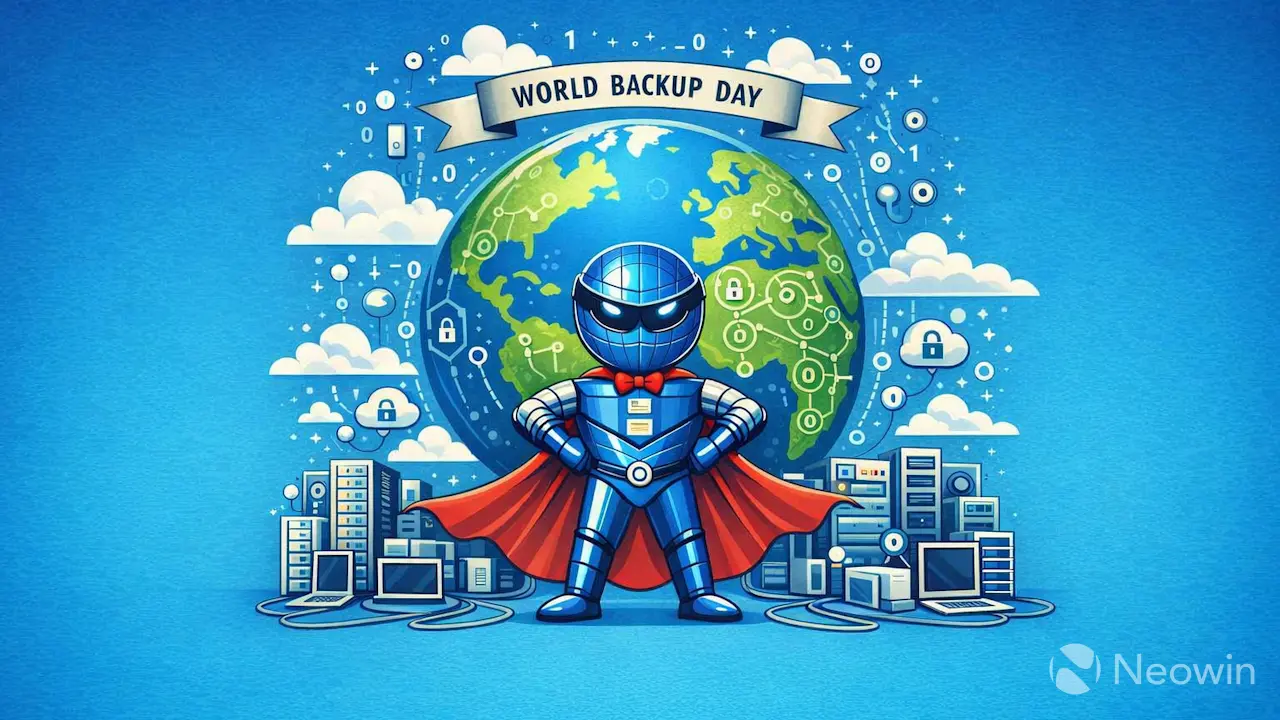
If you've been reading Neowin for any length of time, you know that we're big proponents of World Backup Day, which is celebrated on the 31st of March. According to estimates, the world is expected to generate 120 zettabytes of data this year and 181 zettabytes of data in 2025. With just under 8.3 billion people on the planet, each person is generating, on average, over 100 megabytes of data per day, or 36.5 gigabytes per year of new information. It'd be shame to lose that data to a broken phone or a fire destroying a computer.
The World Backup Day website defines a backup as, "a copy of all your important files." While true, that's a bit simplistic. Most experts agree that backups should follow the 3-2-1 rule, which means you should have three copies of your data on two different mediums, with (at least) one copy kept offsite. That means if you have your data on your phone, you should have at least one copy in a cloud service, like Google Photos, or on a NAS server somewhere outside of your house.
For my backup strategy, I copy all data (photos from my phone via Synology Photos which auto backup all folders of phones and tablets, and documents from my PCs (via SyncFolder), etc) to a Synology NAS device, and finally to two Cloud backups on OneDrive and Google Drive.
My esteemed colleague, Chris White goes a couple of steps further, backing up to a second NAS device pulling files so that if someone compromises my PC and wipes my SMB-mounted filesystem as well, I still have the copy that is inaccessible. In addition, he uses Crashplan to keep a copy of the data offsite in case of a fire or theft in his house. Finally, once a year he'll take a couple of hard drives to the in-laws, who live a few hundred miles away, although this really only protects historical data. It may be a little overkill for some, but it's a cheap insurance policy in his mind.

And remember: RAID is not a backup! It's considered redundancy, which is helpful, but it doesn't follow the 3-2-1 rule we discussed earlier.
Consider using automated tools, such as the BeeStation or setup a backup service on a NAS device and have their photos sent to the system automatically.
Of course World Backup Day is about more than just backing up data: It's also "a day to talk about the enormous task of preserving our increasingly digital heritage and cultural works for future generations." Think about your old 8mm film, or your MiniDV tapes that can only be read via FireWire, or your thesis paper you wrote using Word Perfect 5.1 on DOS, and come up with a plan to modernize the information so that future generations will be able to admire it, instead of simply finding a 5.25" plastic square, shrugging, and throwing it in the garbage.
How do you backup your data? In addition, do you have any old media that you should think about modernizing? Share your process with others so that we can help everyone make good choices when it comes to keeping their data safe!
Image Source: AI-generated via Microsoft Copilot
Hope you enjoyed this news post. Feedback welcome.
Posted Wednesday 1 April 2026 at 6:05 am AEST (my time).
News posts: 2023 5,800+ | 2024 5,700+ | 2025 5,700+ | 2026 (to end of March) 1,297
- phen0men4
-
 1
1
Recommended Comments
Join the conversation
You can post now and register later. If you have an account, sign in now to post with your account.
Note: Your post will require moderator approval before it will be visible.