

3175x175(CURRENT).thumb.jpg.b05acc060982b36f5891ba728e6d953c.jpg)
This week's Microsoft Weekly news recap is about new builds, Patch Tuesday, Recall controversies, Start menu reworks, and more.
This week's news recap is here, with Microsoft releasing Patch Tuesday updates and confirming new bugs, reports about another Start menu rework, fresh Windows 11 preview builds, another Recall controversy, useful apps for Windows 11, and more.
Quick links:
Windows 11 and Windows 10
Here, we talk about everything happening around Microsoft's latest operating system in the Stable channel and preview builds: new features, removed features, controversies, bugs, interesting findings, and more. And, of course, you may find a word or two about older versions.
This week, Microsoft released the April 2026 Patch Tuesday updates. KB5082200 arrived for Windows 10 users, while Windows 11 received KB5083769.
Shortly after the release, new reports about bugs and other issues emerged. Microsoft, for one, acknowledged that the April 2026 Patch Tuesday updates cause BitLocker recovery prompts. This inconvenience occurs frequently, and the company often issues workarounds for the affected systems. This time, a workaround is available as well.
BitLocker prompts are not the only bug in this month's Patch Tuesday updates. Microsoft also warned about Windows Server restarts. To mitigate the problem, Microsoft suggests IT admins contact Microsoft Support for Business.
Windows 11's Recall, the flagship AI feature on Copilot+ PCs, is in hot water once again. A security researcher published a new tool on GitHub, which demonstrates how relatively easy it is to extract captured data by injecting code into one of the feature's processes. What makes this extra interesting is the fact that Microsoft says there are no vulnerabilities, and Recall works as intended.

Windows 11's Start menu is reportedly in another rework. This week, a new report emerged about Microsoft redoing the iconic part of its operating system. The new version will be based on WinUI 3 and offer better performance and new customization, such as the ability to resize the Start menu, disable specific parts of it, and more.

Despite all the improvements and promises (including fewer Copilot references across the OS and the ability to skip mandatory updates during OOBE), some countries still decide to ditch Windows altogether. France, for one, plans to phase out Windows across government systems, shifting to EU-built tech in an effort to reduce reliance on US software suppliers.
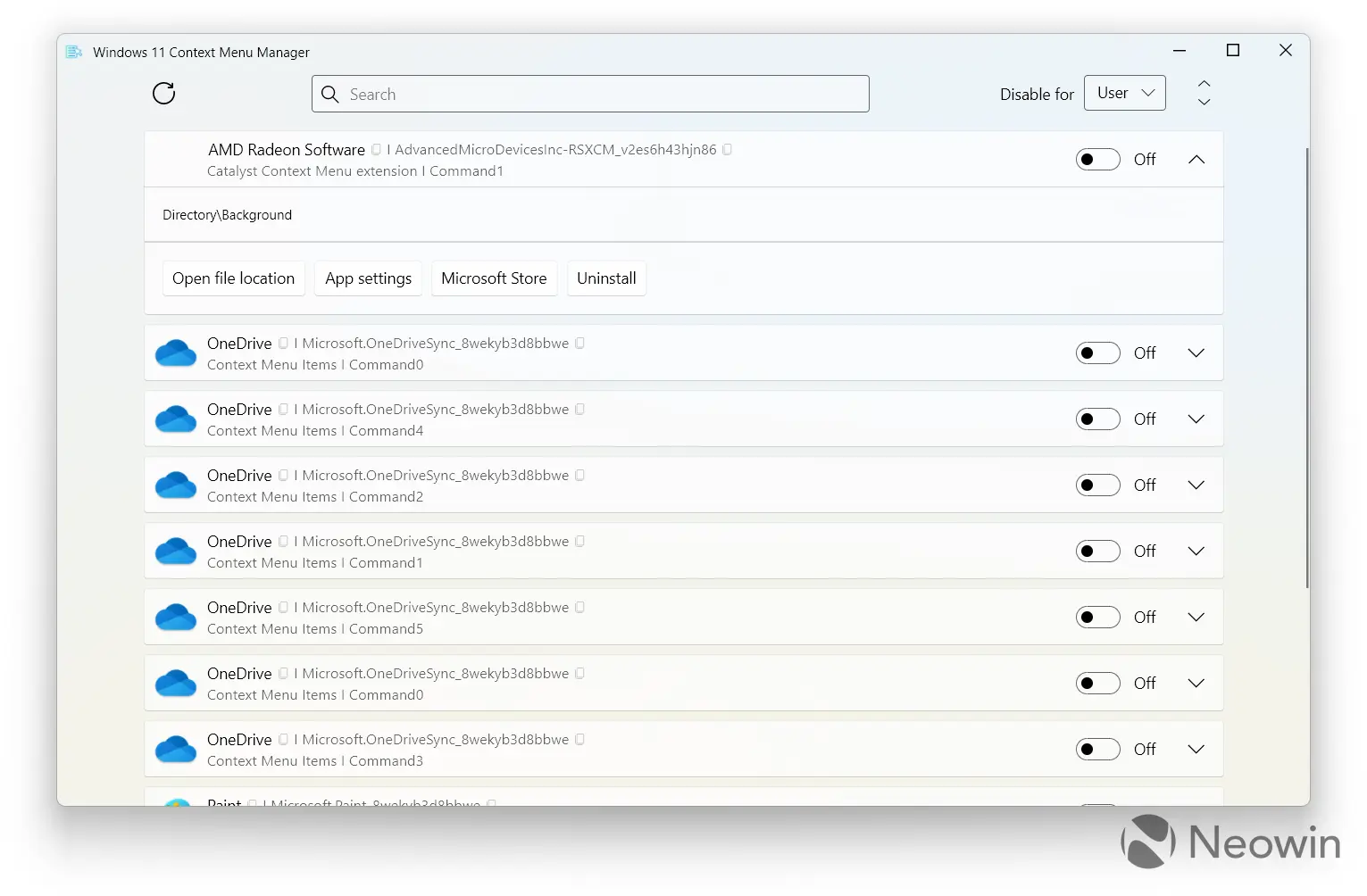
This week, we reported a couple of useful apps for Windows 11. Windows 11 Context Menu Manager, for example, is a must-have utility for those who want cleaner context menus. Just open the app (no need to install it) and disable all the entries you do not want to see. Very handy, and performance improvements are quite noticeable.
Another app you may find useful is called Peek Desktop. It was made by a Microsoft engineer, and its goal is to give you the ability to minimize/restore all apps by simply clicking anywhere on the desktop. macOS has had this feature for a while, and now, it is available on Windows as well. There is also a new update for NTLite, a powerful Windows configuration app.
Speaking of configuration tools, beware of this "download utility," as it reportedly steals sensitive data from clueless victims. Better use the official MCT app, which was updated this week.
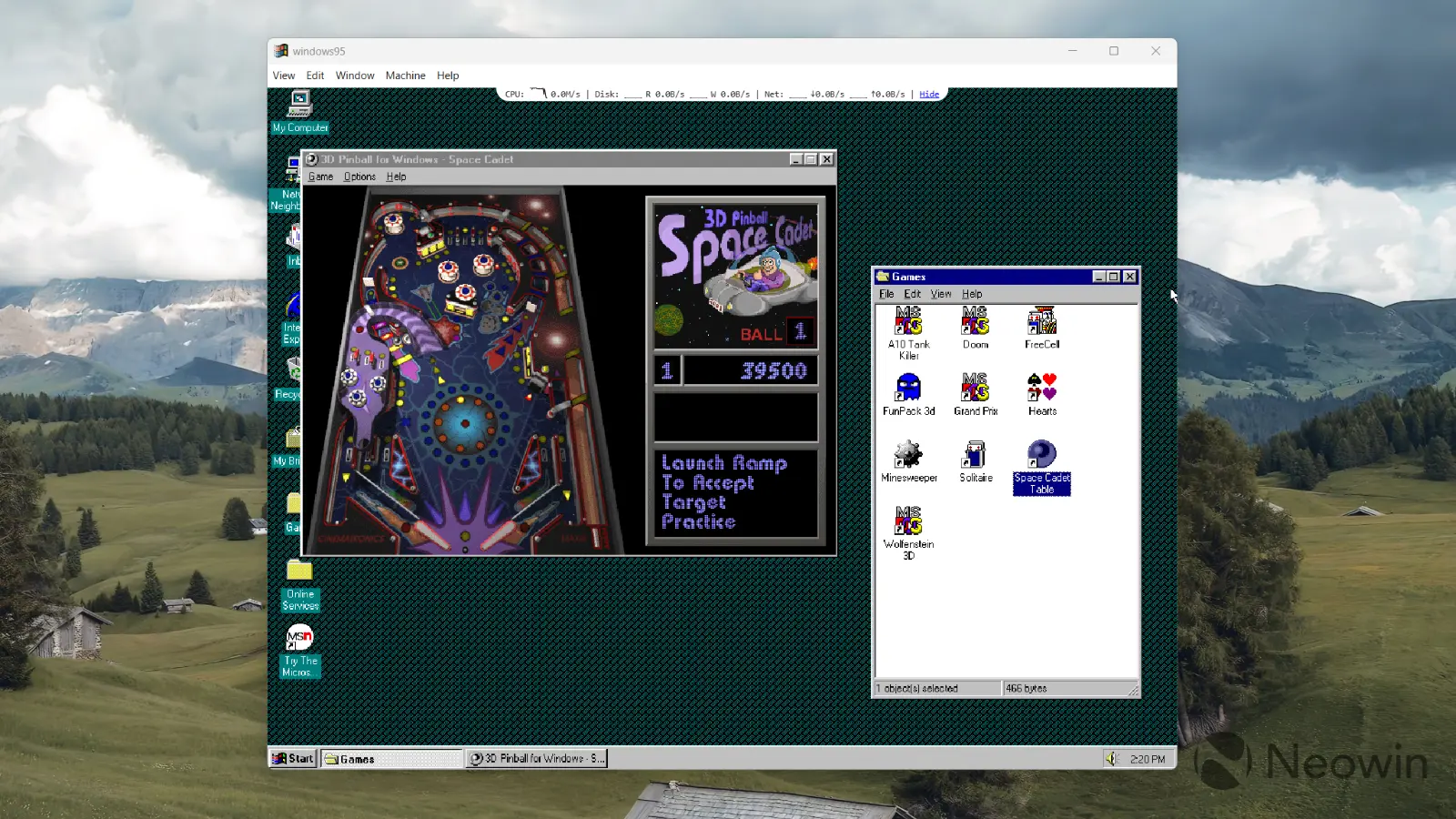
Finally, there is "Windows 95 App," an Electron-based app that runs Windows 95 rewritten in JavaScript. Its latest update introduced plenty of useful features, including shared folders, Internet support, CD-ROM, better looks, various quality-of-life improvements, and more.
Windows Insider Program
Here is what Microsoft released for Windows Insiders this week:
| Builds | |||
|---|---|---|---|
| Canary Channel |
Builds 29570.1000 and 28020.1863
This week's Canary builds introduced Xbox mode, policy-based Microsoft Apps removal, improved context menus for certain files, and more. |
||
| Dev Channel |
Builds 26220.8271 and 26300.8276
Dev and Beta builds brought improved privacy settings, a more reliable Installed Apps page, a redesigned search bar for File Explorer, and more. |
||
| Beta Channel | |||
Updates are available
This section covers software, firmware, and other notable updates (released and coming soon) delivering new features, security fixes, improvements, patches, and more from Microsoft and third parties.
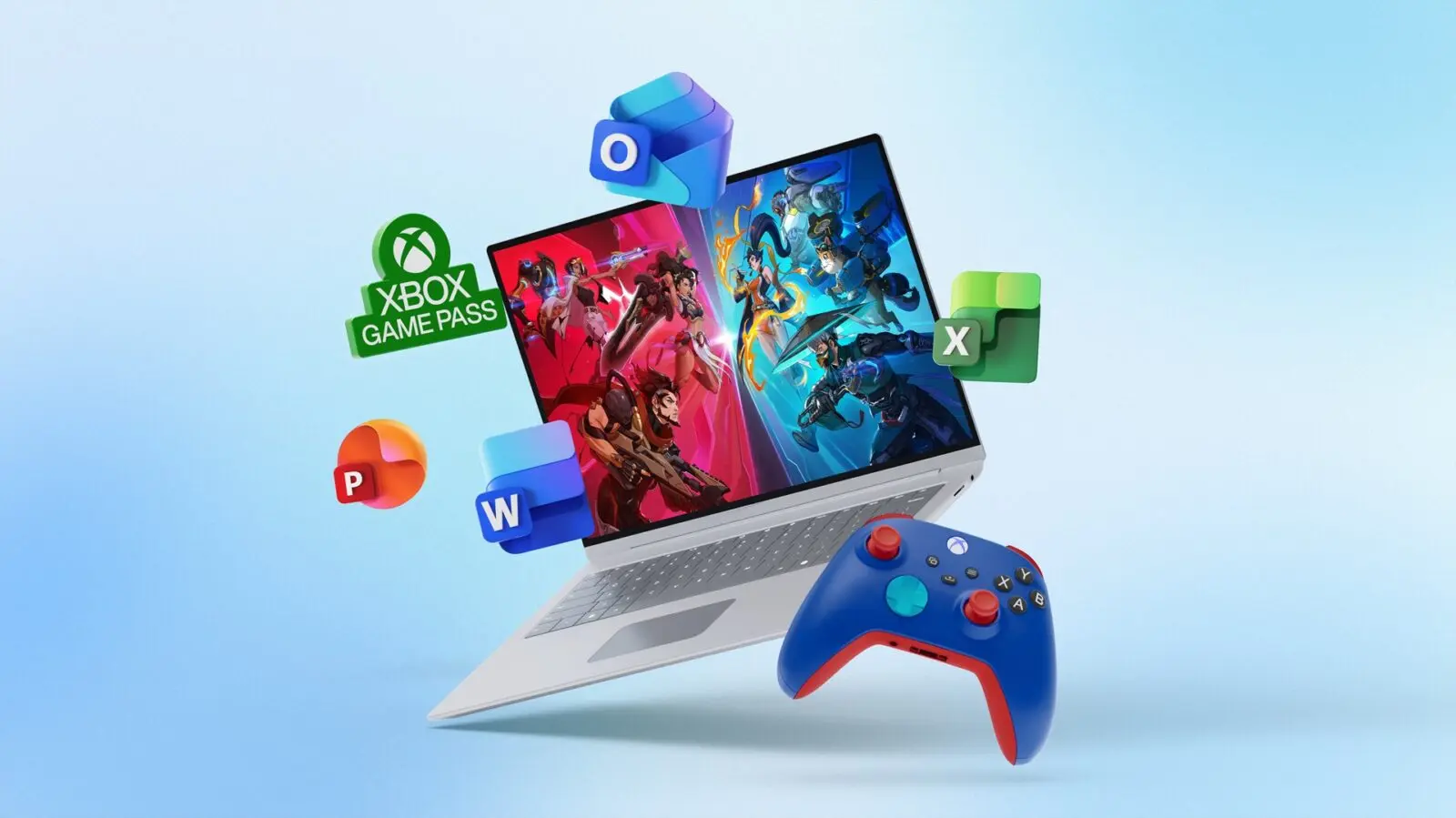
If you are a US-based student who is looking to buy a new laptop, Microsoft has a tempting offer for you. This week, the company announced a new promo, which gives you one year of Microsoft 365 Premium, one year of Xbox Game Pass Ultimate, and even an Xbox Wireless Controller from Xbox Design Lab, all for free, plus a discount on select PCs (just please do not buy the MacBook Neo, says Microsoft). The promotion is now live, and you can check it out here.
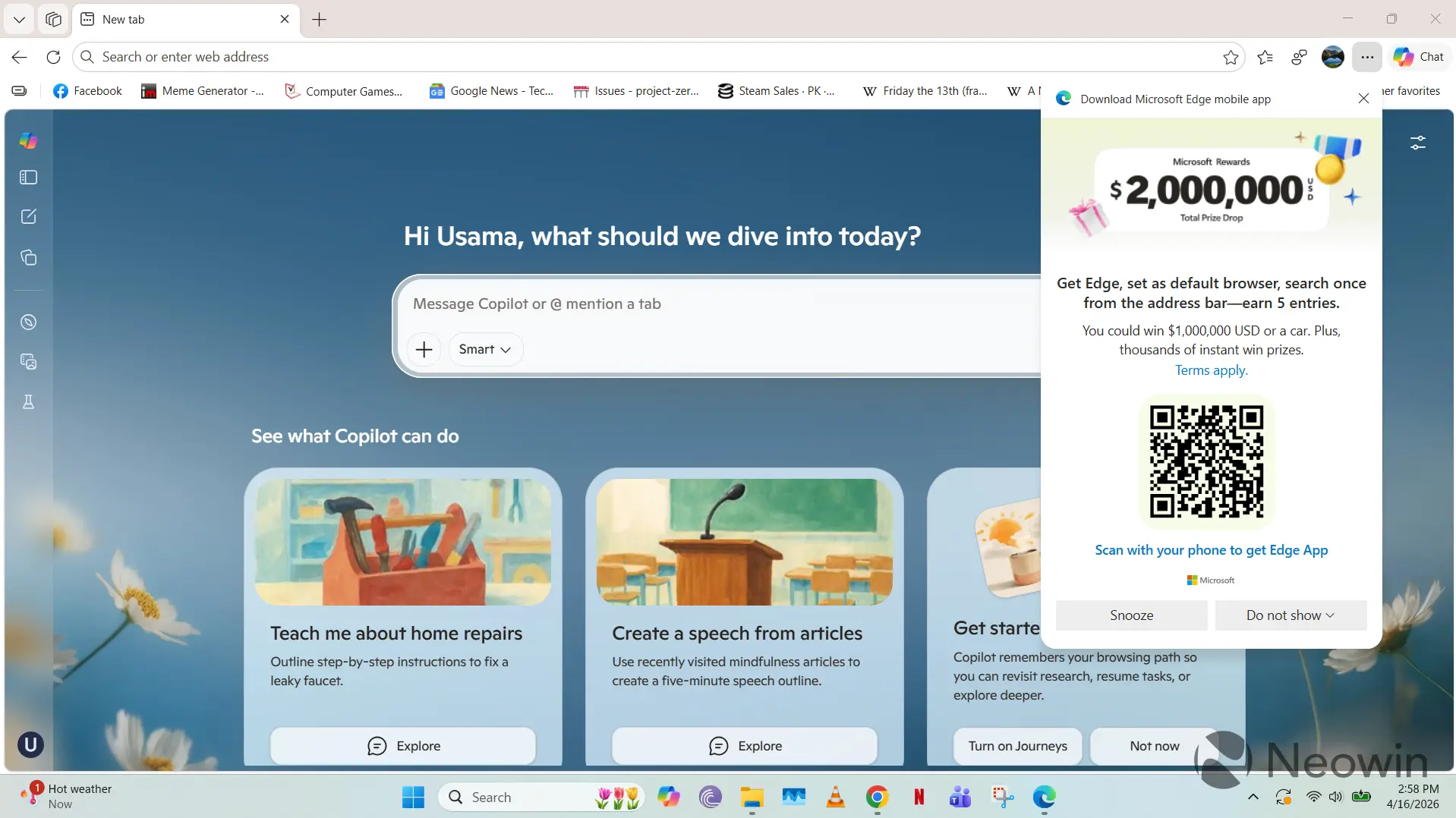
A new Microsoft 365 Roadmap entry revealed Microsoft's plan to allow IT admins to restrict "shadow AI" in the Microsoft Edge browser. Soon, administrators will be able to redirect users to Copilot in Microsoft Edge for "safer, policy-controlled usage." In addition to that, Microsoft is running some wild promos in the browser (with some very user-hostile patterns), offering users a chance to win $1 million or a car if they switch to Microsoft Edge.
Here are other updates and releases you may find interesting:
- Microsoft kicks off phase 2 of the paid ESU program for some legacy software.
-
Microsoft supercharges Visual Studio Code 1.116 with native AI and deep agent debugging.
-
Microsoft reveals job interview scam being used to hack macOS users.
-
Microsoft locks in final death date for Outlook Lite on Android.
-
Microsoft details Windows 11 KB5083769 Remote Desktop changes.
-
Microsoft explains why it killed the official way to activate Windows 11/10 in offline mode.
-
Microsoft is making one of its best AI models faster and cheaper.
Here are the latest drivers and firmware updates released this week:
- NVIDIA 596.21 WHQL with optimizations for PRAGMATA and two more games, plus a single bug fix.
Reviews are in
Here is the hardware and software we reviewed this week
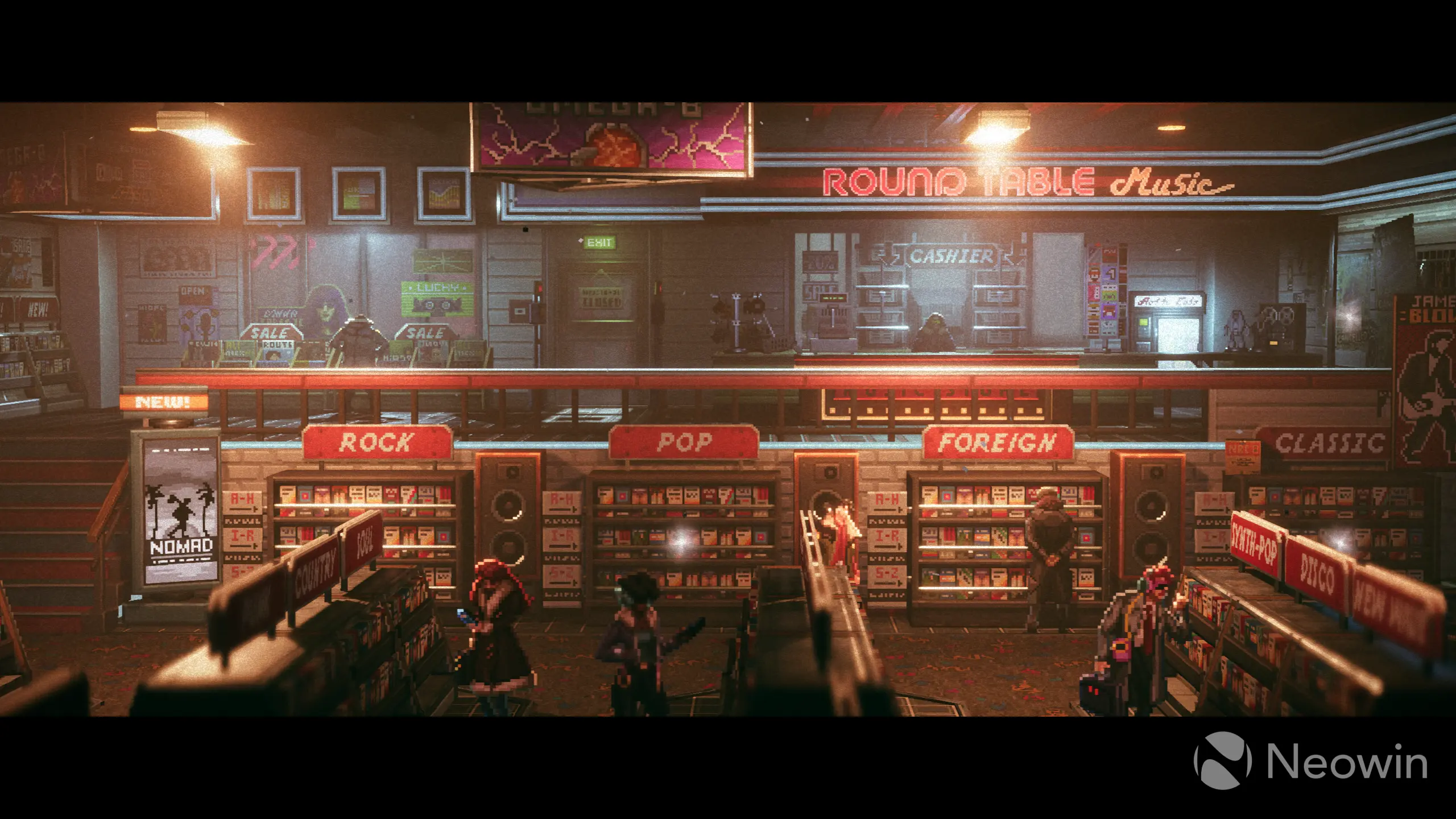
This week, Pulasthi Ariyasinghe reviewed REPLACED, a cyberpunk thriller and a cinematic masterpiece with a gorgeous setting, nice animations, great attention to detail, and an affordable price tag. A few glitches are here and there, and the lack of side stories is disappointing, but overall, the game earned a nearly-perfect score from Neowin.
On the gaming side
Learn about upcoming game releases, Xbox rumors, new hardware, software updates, freebies, deals, discounts, and more.
NVIDIA GeForce NOW has been launched in India. In addition to a new region, NVIDIA introduced new games for the service, including the just-launched PRAGMATA, REPLACED, Windrose, Cthulhu: The Cosmic Abyss, and more.
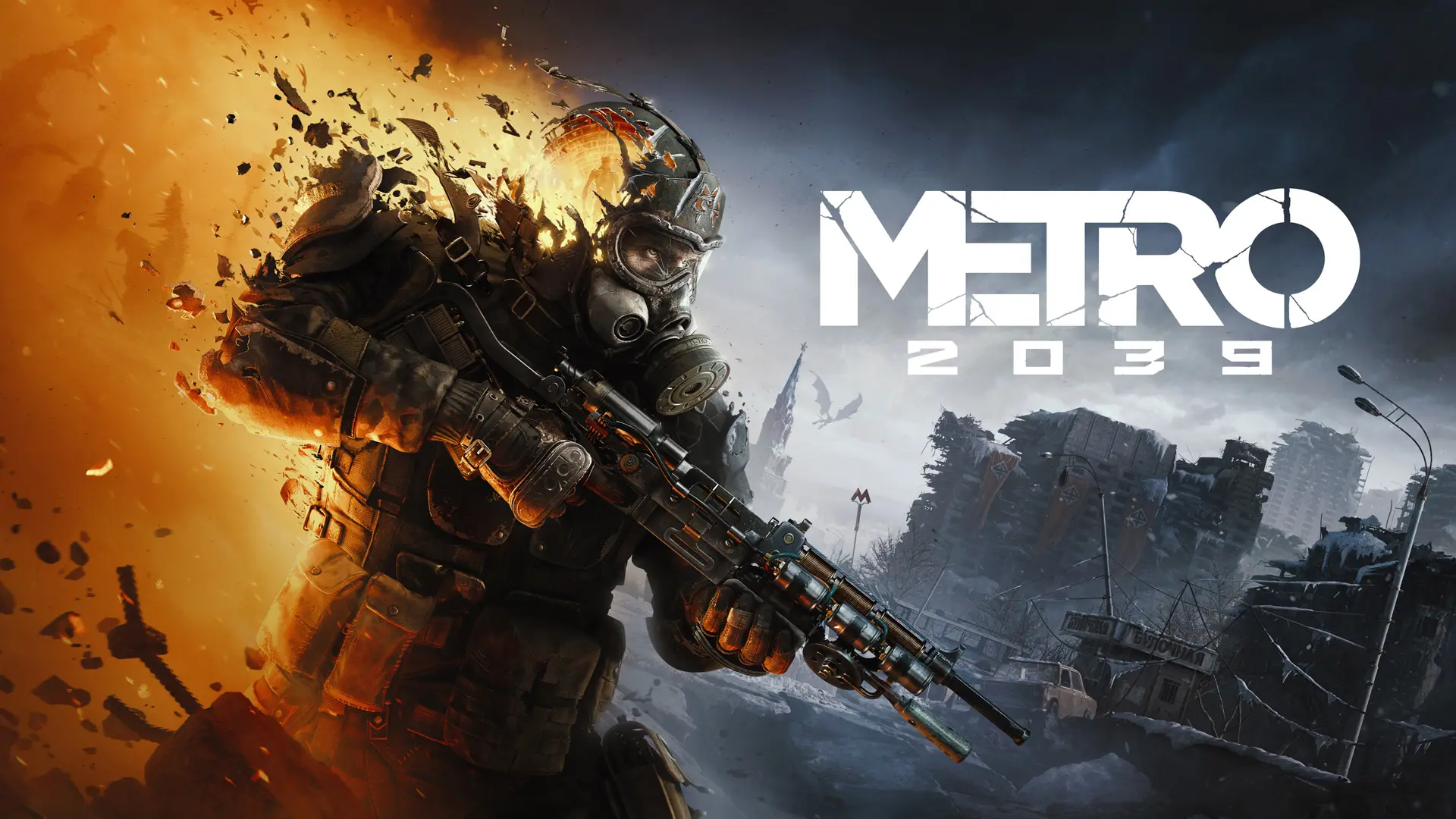
4A Games, a Ukrainian game developer, announced Metro 2039, the latest installment in the famous post-nuclear war series. Metro 2039 features a new, fully-voiced protagonist who will explore the "darkest chapter in the Metro saga yet."
Finally, here is this week's Weekend PC Game Deals article full of discounts and freebies, including the latest giveaway from the Epic Games Store.
Hope you enjoyed this news post. Feedback welcome.
Posted Sunday 19 April 2026 at 7:44 am AEST (my time).
News posts: 2023 5,800+ | 2024 5,700+ | 2025 5,700+ | 2026 (to end of March) 1,297
Recommended Comments
There are no comments to display.
Join the conversation
You can post now and register later. If you have an account, sign in now to post with your account.
Note: Your post will require moderator approval before it will be visible.