


3175x175(CURRENT).thumb.jpg.b05acc060982b36f5891ba728e6d953c.jpg)
Recent high-profile cloud data loss stories should serve as a reminder to properly back up your files and folders.
Cloud storage is a convenient and quick way to store your data. It allows you to access your files from any device with an internet connection, it doesn't take up space in your PC or office, and there's a certain level of security to keep your data (mostly) safe.
However, the cloud — whether it be in the form of Dropbox, OneDrive, iCloud, Google Drive, AWS, or any other popular service — should never be your only form of data storage.
Proper data storage is a topic I've been covering since at least 2017, and the perils have not changed in the past eight years. That's despite cloud storage becoming more popular than ever.
According to Threadgold Consulting, personal cloud storage hit an estimated 2.3 billion users in 2025, up from approximately 1.1 billion users in 2014.
That's a big jump, and I'm sure that some of those 1.2 billion new users don't have a secondary backup in place. Relying solely on the cloud for your important data is a bad practice. Here's why, and what you can do to change it.
The risks of cloud storage — Lessons from recent data deletion stories
OneDrive has received heat recently for locking and deleting user data.
(Image credit: Getty Images | NurPhoto)
There have been several high-profile stories in recent weeks regarding data loss resulting from cloud storage providers, serving as a sober reminder to not rely solely on the cloud for your important data.
In June, a OneDrive user was locked out of a trove of photos and work built up over 30 years. They received no help from Microsoft support. According to the user:
"Microsoft suspended my account without warning, reason, or any legitimate recourse. I've submitted the compliance form 18 times—eighteen—and each time I get an automated response that leads nowhere. No human contact. No actual help. Just canned emails and radio silence."
Then came the story that a member of the LibreOffice — a free alternative to Microsoft Office — development team received a similar OneDrive ban that locked data. Microsoft's support was woeful, according to Kaganski, but the data was eventually restored.
"I won’t use some of their services anymore; and I definitely won’t claim their technical expertise as a matter of fact."
Mike Kaganski, LibreOffice
OneDrive isn't the only cloud service that's received negative attention lately. On August 2, software engineer Abdelkader Boudih (aka Seuros) published a lengthy blog post detailing "a catastrophic internal mistake at AWS MENA" that locked up years of important data.
In an update, Boudih was finally able to retrieve their data "because one human being inside AWS decided to give a damn." Nevertheless, the community outpouring Boudih received — with countless AWS community members claiming they'd received similar treatment — didn't go unheard.
As Boudih states, "I'm continuing with my gem releases and projects. The difference? Double and triple backups." Although you might not be dealing with developer tools and complex projects, the risk of data loss when you rely solely on the cloud doesn't change.
While these stories have mainly touched on faulty suspensions and miserable customer support, your data could disappear for any number of reasons, including technical failures, breaches or other security failures, and accidental deletions.
How to safeguard your data — Best practices for cloud storage users

Why trust your only data backups in the cloud when you can employ alternative storage methods elsewhere?
(Image credit: Getty Images | Erik Isakson)
You wouldn't want an unknown entity controlling your PC's hard drive, so why do the same with the cloud? Yes, cloud storage is super convenient; I'm not saying it shouldn't be used. However, it shouldn't be treated as the end-all solution for PC storage.
First and foremost, you should have strong authentication enabled on your cloud service account. Multifactor authentication is a given, but you can go further with biometrics and authenticators. If your cloud service isn't providing strong encryption for your data, it's probably time to look for a different provider.
Let's assume that you already have your data stored securely in a cloud provider's vault. Nothing has gone wrong so far, but that doesn't mean you shouldn't be proactive in setting up safeguards against data loss.
The 3-2-1 backup rule has been around for decades, and it remains a solid foundation for proper data retention.
The rule suggests that you have three copies of your data at any one time. These three copies should be stored on two different types of media or devices (like a hard drive, external SSD, or cloud service). And one copy of the data should be stored off-site.
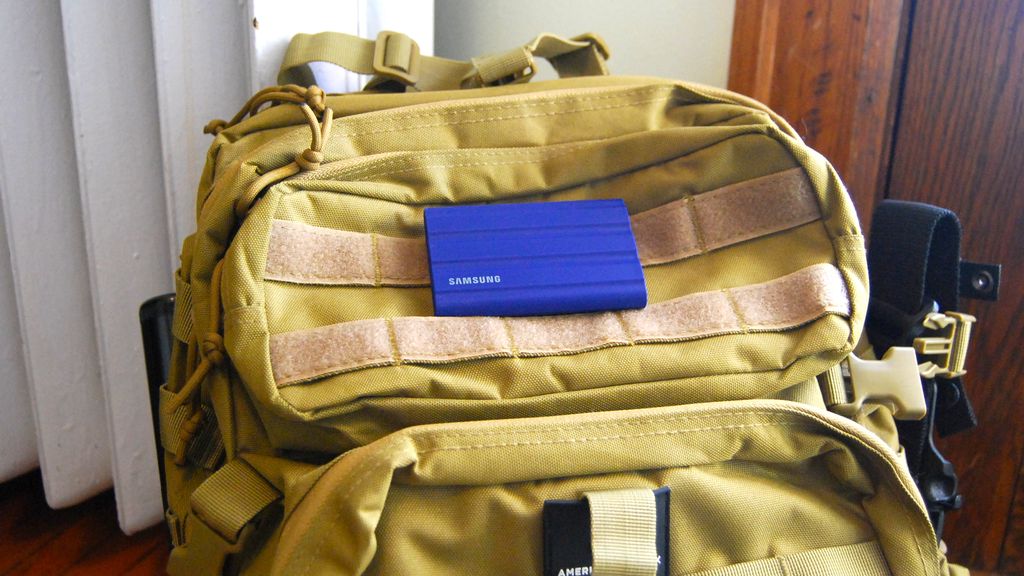
I have A LOT of important files saved on external SSDs and stored in different locations.
(Image credit: Future)
If you're using Windows 10 or Windows 11, you can back up your PC's data automatically with relative ease using the built-in Backup and Restore tool. This feature makes regular and full backups of your PC's drive to an external hard drive, allowing for easy restores should something go wrong.
If you'd rather save specific files and folders rather than your entire PC, Windows 11's File History tool is a solid option that allows for automatic backups to an external SSD. With external storage backups handled, you can configure something like Microsoft's OneDrive to make the same backups in the cloud. Our guide on how to get started with the Windows 11 Backup app has a lot more information.
That hits the 3-2-1 rule's suggestion: you have a copy of your data on your PC, on an external drive, and in the cloud. It's on two different devices, and one of them (the cloud) is off-site. Adding extra redundancies, setting up your own NAS storage system, and storing data in additional off-site locations might be required to achieve peace of mind.
You can, of course, go a lot further than the 3-2-1 rule, especially if you're dealing with particularly sensitive data. The 3-2-1-1-0 rule has gained traction in the era of ransomware, adding an extra copy that's stored immutably (disconnected from any network) and with zero errors in the data.
Hope you enjoyed this news post. Feedback welcome.
Posted Tuesday 19 August 2025 at 2:58 am AEST (my time).
News posts... 2023: 5,800+ | 2024: 5,700+ | 2025 (till end of July): 3,458
Recommended Comments
There are no comments to display.
Join the conversation
You can post now and register later. If you have an account, sign in now to post with your account.
Note: Your post will require moderator approval before it will be visible.