

3175x175(CURRENT).thumb.jpg.b05acc060982b36f5891ba728e6d953c.jpg)
Zorin OS 18.1 expands its Windows app detector by 40%, brings back the Lite edition with XFCE 4.20, and adds fingerprint support.
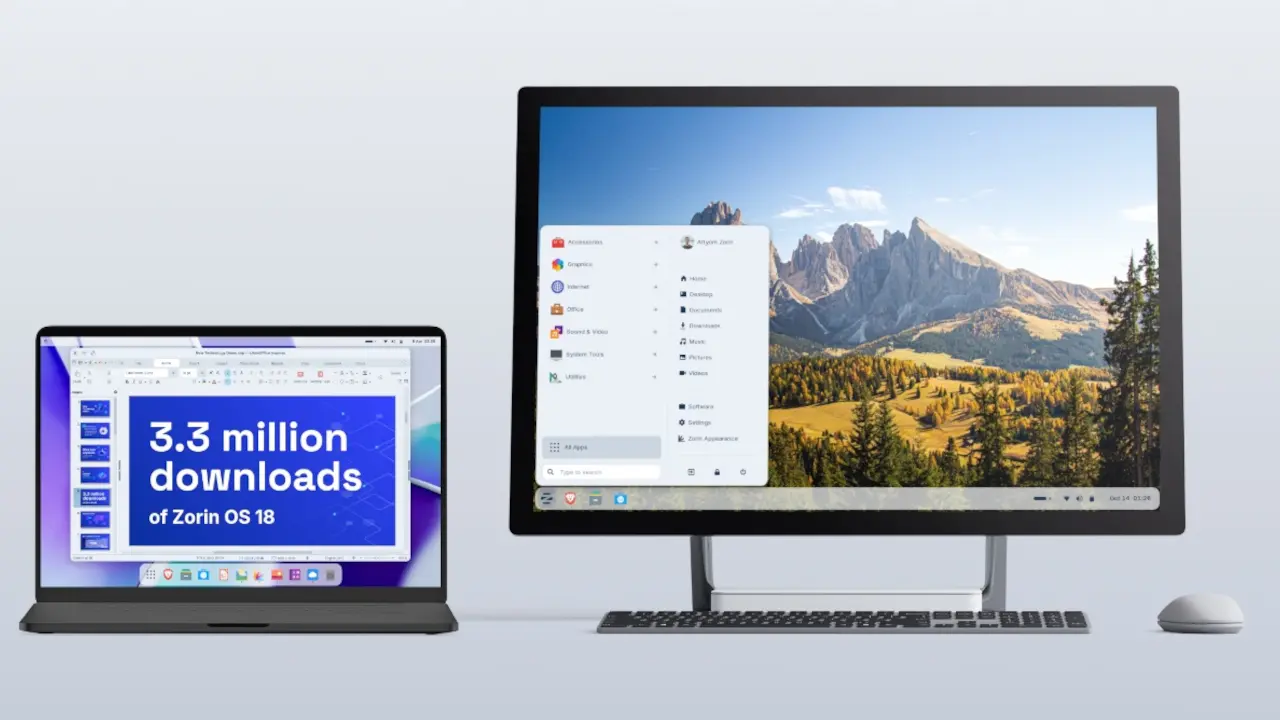
The team behind Zorin OS has just released Zorin OS 18.1, just six months after Zorin OS 18 was launched. According to the team, Zorin OS 18 has already clocked up 3.3 million downloads. With this new update, there’s more polish, new features, and better hardware support, making it an even better choice if you’re switching from Windows.
As this distribution really does try to go hard after Windows users, one of the most interesting changes is the expansion of its built-in database to detect installer files for popular Windows apps by more than 40%. It now supports over 240 apps that users can use instead of attempting to install their original Windows EXEs.
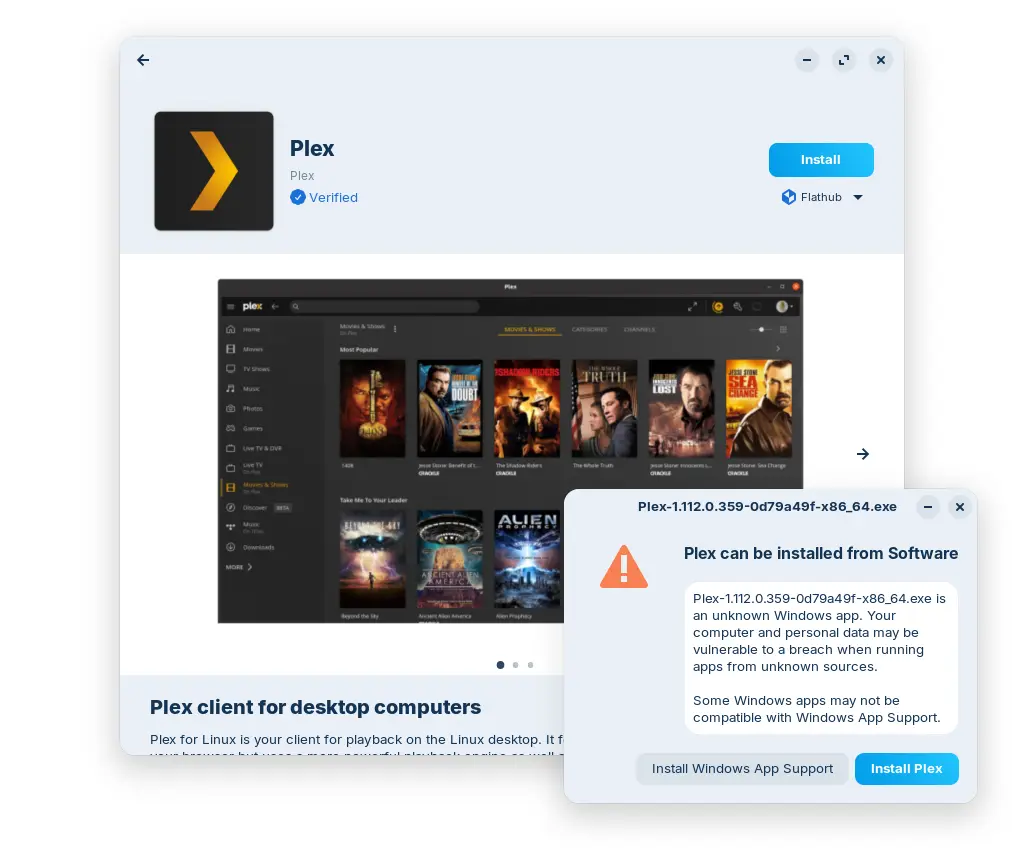
The detector is quite flexible, for example, if you try to install the Plex EXE then Zorin OS will direct you to the Software store as this is the best way to install the app. If you attempt to install a Windows-only app, then you’ll be directed to the closest native alternatives, for example, if you try to install Microsoft Outlook, you will be directed to Evolution Mail.
Another big change in this update is that Zorin OS Lite is finally back. We haven’t seen it since Zorin OS 17.3 Lite, but now its back with a bunch of updates, here they are:
- Based on the XFCE 4.20 desktop environment. Take advantage of the major features and improvements introduced in the newer version of the upstream desktop environment.
- Redesigned File Manager app. The default interface has been streamlined to display its most useful features in a more sleek and compact way, making it better for smaller displays.
- Fingerprint reader support. If your computer has a fingerprint reader, you can now enroll your fingerprints for authentication using the new “Fingerprints” section in the Settings app.
- Updated desktop themes. The default theme has been tastefully refreshed with a more rounded appearance, giving it a sleek and inviting feel. Selected elements make use of a lighter colour palette, while backgrounds and sidebars have an increased tint, making it more comfortable on the eyes. You can also select from two new theme colours in Zorin Appearance: Yellow and Brown.
- Seamless integration with Web Apps. Turn any website into a desktop app through an easily accessible interface. Your web apps will appear in the start menu and can be used just like native applications.
Zorin OS 18.1 is available now to download from the Zorin OS website. If you are on Zorin OS 18, then you can upgrade by just applying the latest updates from the Software Updater today. If you’re on Zorin OS 17, then you can directly upgrade to 18.1 using this guide.
This version will continue to get software updates and security patches until June 2029. This should be plenty of time for most people.
Hope you enjoyed this news post. Feedback welcome.
Posted Thursday 16 April 2026 at 5:55 pm AEST (my time).
News posts: 2023 5,800+ | 2024 5,700+ | 2025 5,700+ | 2026 (to end of March) 1,297
Recommended Comments
There are no comments to display.
Join the conversation
You can post now and register later. If you have an account, sign in now to post with your account.
Note: Your post will require moderator approval before it will be visible.