

3175x175(CURRENT).thumb.jpg.b05acc060982b36f5891ba728e6d953c.jpg)
The first Experimental Preview build lands as Microsoft reorganizes the Insider Program.
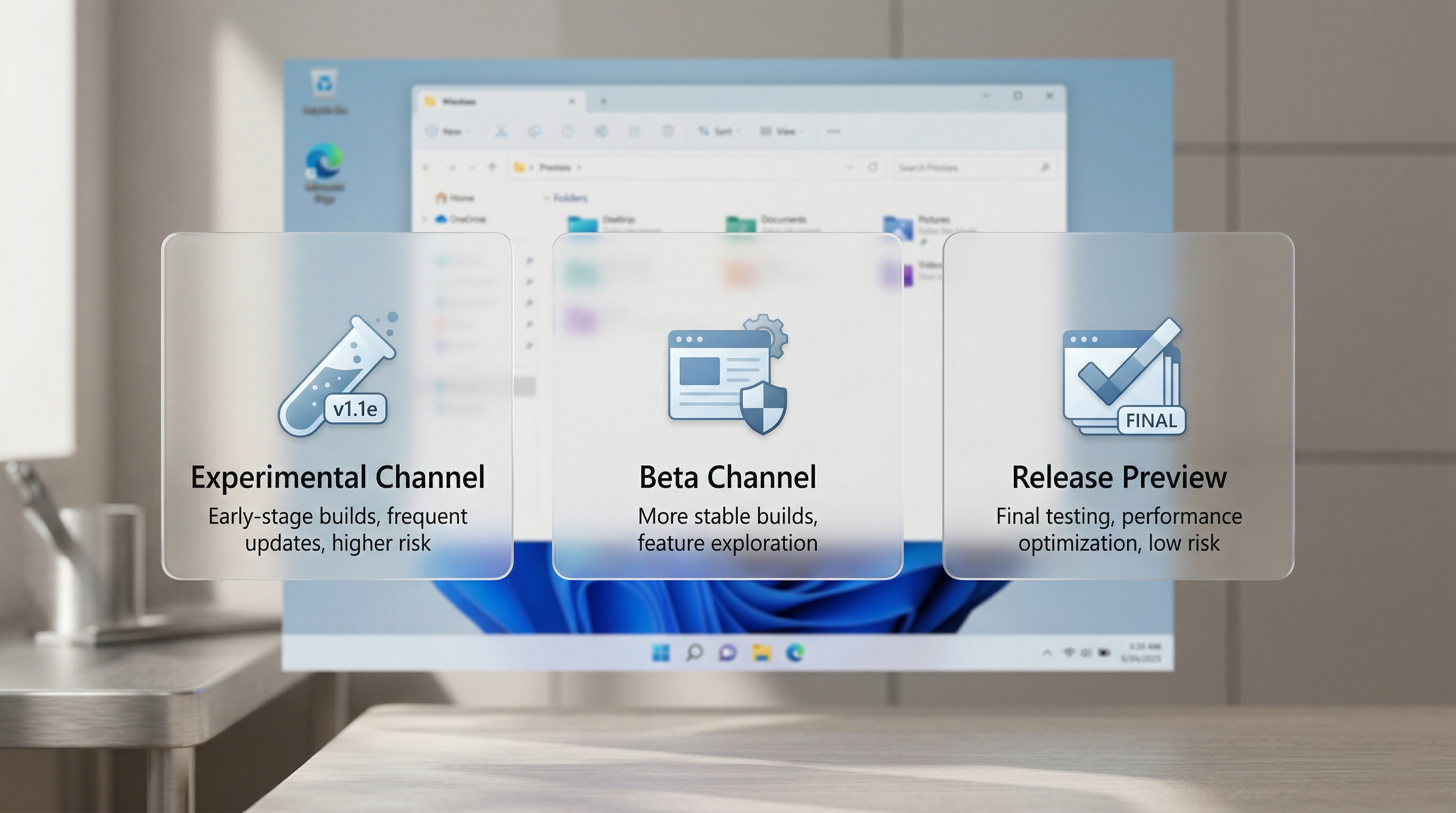
Starting today, Windows Insiders are being shifted to the newly formed Experimental Channel and the revamped Beta Channel. Most Insiders in the Dev Channel will be placed in the Experimental Channel, while those in the Beta Channel will be in the updated Beta Channel.
Windows Insiders in the Canary Channel will be transitioned to either the Experimental (26H1) Channel or the Experimental (Future Platforms) depending on the Canary build their PC is on, but that transition will happen over the coming weeks.
- Beta (Including Beta Channel): Build 26220.8283
- Experimental (Including Dev Channel): Build 26300.8289
- Experimental (26H1) – Including Canary 28000 series: Build 28020.1873
- Experimental (Future Platforms) – Including Canary 29500 series: Build 29576.1000
Windows 11 Insider Experimental Preview Build 26300.8289
Windows Insider Program channel movement
As announced in the Windows Insider Blog, we will begin moving users in the Dev Channel to the new Experimental channel. This will be a phased rollout and Insiders who do not see the new experience on their device but want to, can enable the experience under Settings > Windows Update > Windows Insider Program > Feature flags.
Windows Update
We’re introducing new capabilities to enhance security and improve user control over the Windows update experience. This includes:
- Ability to skip updates immediately during the out of box experience (OOBE)
- Extend update pauses as many times as you need
- Always available options to shutdown and restart with updating
- More insight on available updates to make more informed installation decisions
Print Drivers
The Internet Protocol Print driver (prnms012) has new hardware IDs (HWIDs) in preparation for upcoming changes in printer driver ranking order. See our third-party driver deprecation timeline: End of Servicing Plan for Third-Party Printer Drivers on Windows - Windows drivers | Microsoft Learn..
Start menu
Improved detection of clicks at the leftmost edge of the taskbar to invoke start menu when the taskbar icons are set to left aligned.
Other
- Removed unexpected error that was showing when opening Group Policy Editor in the last couple Insider flights.
- We’re updated Times New Roman to improve support for combining diacritical marks across the Greek and Cyrillic Unicode ranges. If you notice any positioning issues with these diacritical marks, please let us know by filing feedback under Desktop Environment > Font Installation and Preview in the Feedback Hub – preferably with details about the specific Unicode character, and a screenshot highlighting the expected position.
The biggest change is the ability to skip updates during the out of box experience. We knew this was on the way, and it's nice to see it hit the next phase of testing.
Before this change, users setting up a PC for the first time needed to sit through an entire update process, which could take up to half an hour. While it's important to keep systems up to date, having the option to skip those updates while setting up a PC is lovely.
Hope you enjoyed this news post. Feedback welcome.
Posted Saturday 25 April 2026 at 8:01 am AEST (my time).
News posts: 2023 5,800+ | 2024 5,700+ | 2025 5,700+ | 2026 (to end of March) 1,297
Recommended Comments
There are no comments to display.
Join the conversation
You can post now and register later. If you have an account, sign in now to post with your account.
Note: Your post will require moderator approval before it will be visible.