

3175x175(CURRENT).thumb.jpg.b05acc060982b36f5891ba728e6d953c.jpg)
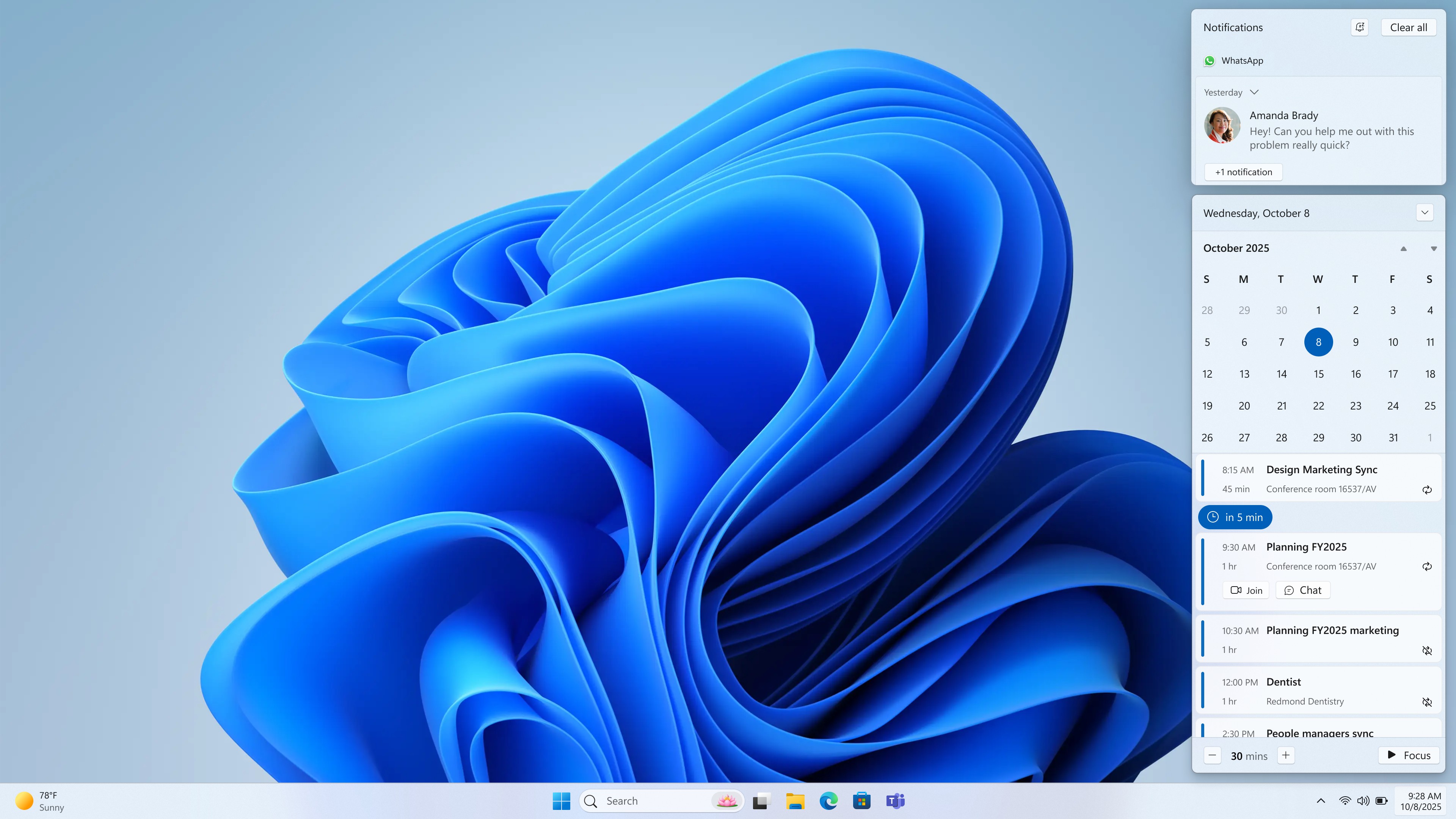
After stripping out Windows 10’s perfectly functional Agenda view, Microsoft is bringing it back to Windows 11… only to replace it with a heavy WebView2 shell.
Windows 11 will finally add an Agenda view to the Notification Center. Similar functionality existed in Windows 10 and worked well for years, but it did not make its way to Windows 11. Unfortunately, a small detail about the new version of the feature will upset some users.
Since Agenda view is in preview, it did not work for Windows Latest. But attempting to use it loaded details from Outlook within a WebView2 shell. As a result, CPU and memory usage went up, seemingly as a result of the Windows Shell Experience Host process running to power the experience.
It's normal for the startup process of an app to cause a spike in computing demand that ends quickly. During their testing, Windows Latest saw "GPU Process" and "Utility" end after closing the Notification Center.
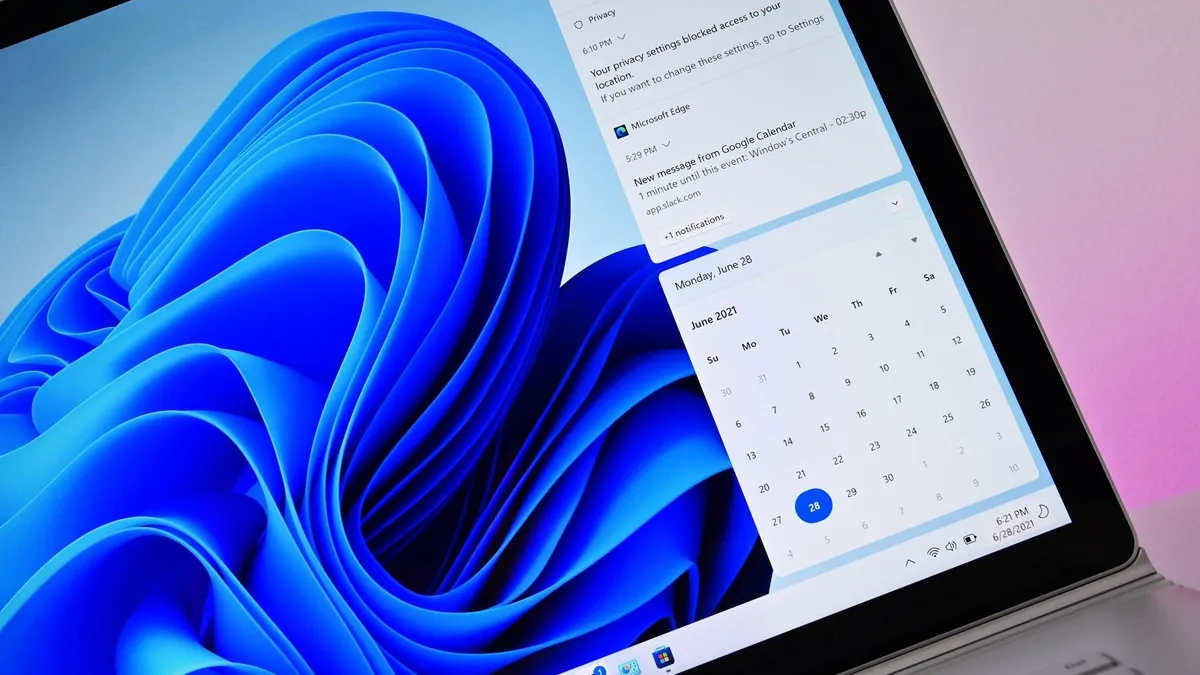
The current calendar within Windows 11's Notification Center can only be used to look at dates, not show events.
(Image credit: Future)
The fact that Agenda view is powered by the web could mean more system resources need to be allocated to it when compared to a native experience, even if the spike in CPU and memory usage is short lived.
Additionally, WebView2 components do not feel native on Windows 11. The font and other UI elements in WebView2 make features using the technology look like parts of the web living on your PC.
Many, including myself, have been frustrated by the fact that a useful Windows 10 feature was lost in the transition to Windows 11. At one point, I even paid for an app to add a functional calendar flyout to Windows 11. Hopefully, that will not be necessary once Agenda view ships to the operating system.
Recommended Comments
There are no comments to display.
Join the conversation
You can post now and register later. If you have an account, sign in now to post with your account.
Note: Your post will require moderator approval before it will be visible.