

3175x175(CURRENT).thumb.jpg.b05acc060982b36f5891ba728e6d953c.jpg)
Your recommendation now is to uninstall the latest update to mitigate bugs. What's going on with the quality control for updates, Microsoft?
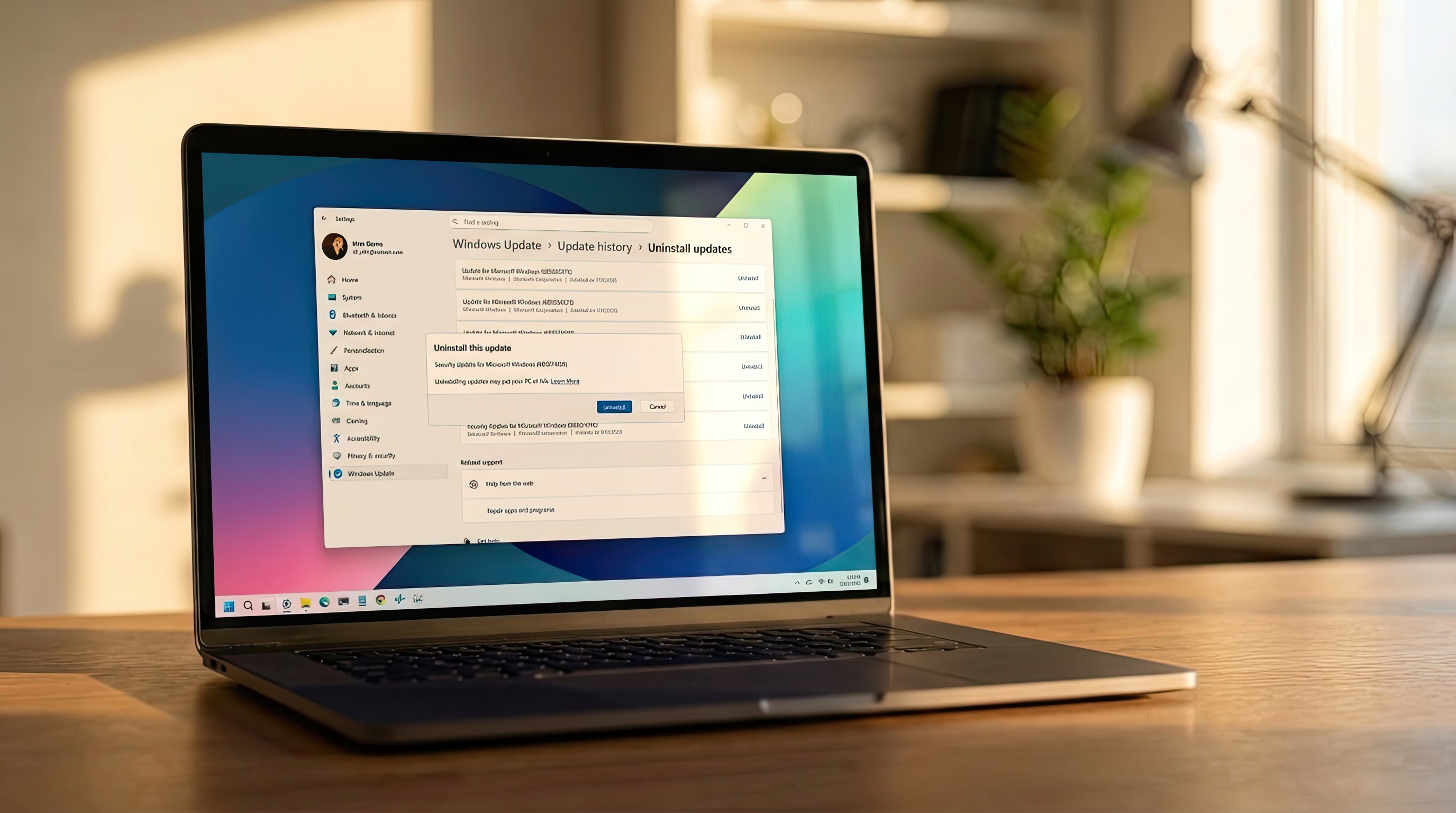
Windows 11 users are dealing with yet another update headache, and this time, Microsoft is openly telling people to uninstall the problematic patch. Update KB5074109 has triggered a wave of bug reports ranging from performance issues to broken features, and the company has now published guidance urging affected users to roll it back. It’s the latest chapter in the ongoing saga of Windows updates causing more problems than they solve.
On January 13, 2026, Microsoft started the rollout of the 2026-01 Security Update (KB5074109) (26200.7623) for Windows 11 version 25H2 and 24H2, but shortly after, a number of reports from users started to emerge with different complaints.
How to uninstall update KB5074109 from Windows 11
To uninstall the January 2026 Security Update from your computer, use these steps:
- Open Settings.
- Click on Windows Update.
- Click the "Pause for 1 week" button to prevent the system from reinstalling the update.
- Quick tip: You can also use these instructions to permanently disable Windows Update.
- Click the Update history page on the right side.

(Image credit: Mauro Huculak)
- Click the Uninstall updates setting under the "Related settings" section.

(Image credit: Mauro Huculak)
- Click the Uninstall option to remove the update KB5074109 from Windows 11.

(Image credit: Mauro Huculak)
- Click the Uninstall button one more time.
- Click the Restart now button.
Once you complete the steps, the cumulative update will be uninstalled from your computer, thus restoring the system to the time it was working correctly.
Whether this is another isolated misfire or a sign of deeper quality‑control issues inside Microsoft, the frustration is real — especially for users who rely on Windows 11 for work. For now, uninstalling KB5074109 seems to be the safest move until a fixed build arrives. But it raises the same question our audience asks every time: why does Windows Update feel like a gamble in 2026?
Have you come across any issues with the January 2026 Security Update? Let me know in the comments.
Hope you enjoyed this news post. Feedback welcome.
Posted Friday 23 January 2026 at 4:23 am AEST (my time).
News posts... 2023: 5,800+ | 2024: 5,700+ | 2025: 5,700+



Recommended Comments
Join the conversation
You can post now and register later. If you have an account, sign in now to post with your account.
Note: Your post will require moderator approval before it will be visible.