

3175x175(CURRENT).thumb.jpg.b05acc060982b36f5891ba728e6d953c.jpg)
If your modem suddenly stopped working after installing Windows 11 update KB5074109, you might assume it’s another classic Windows Update disaster. But this time, Microsoft says it’s not a bug at all.
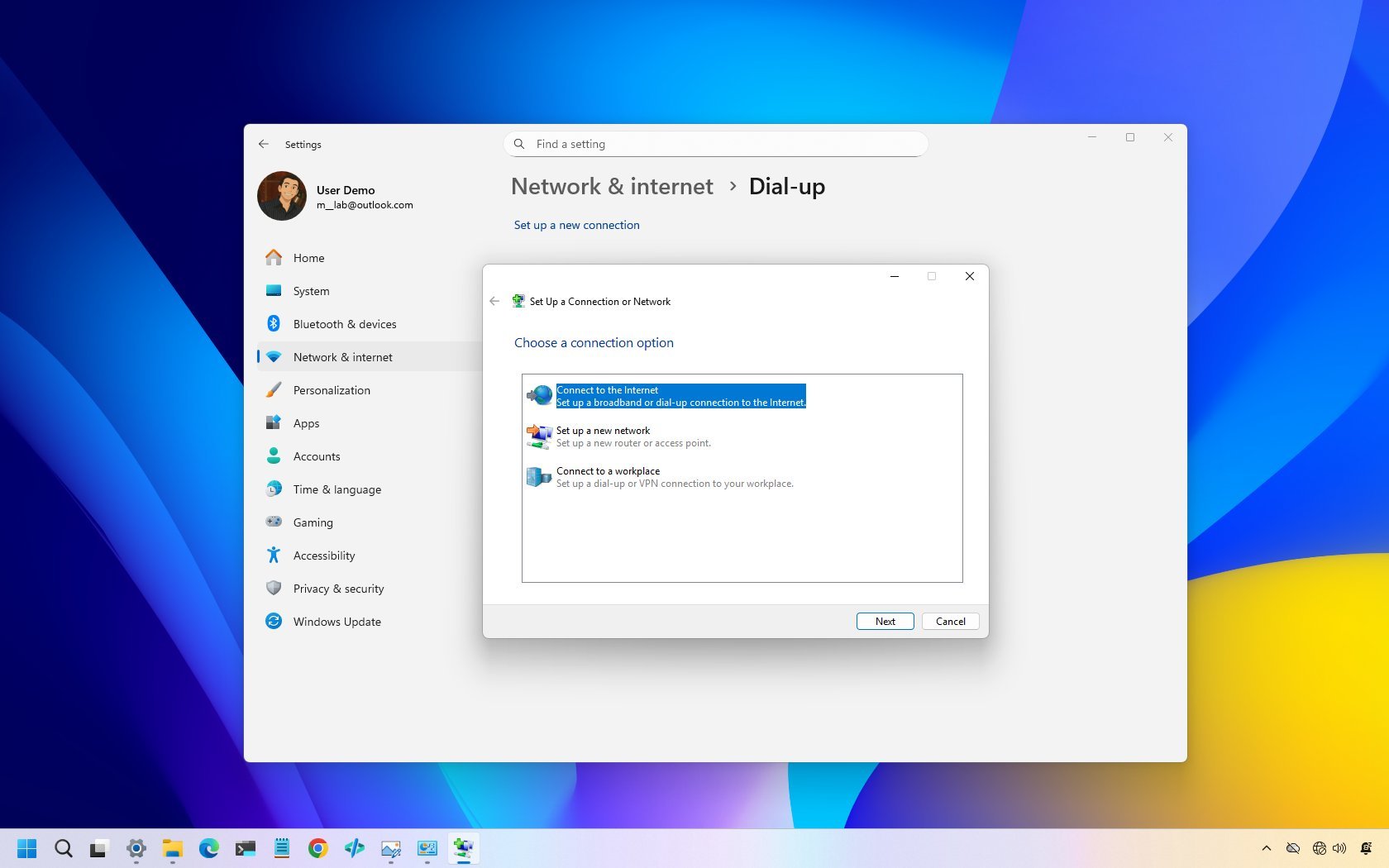
If your modem (yes, some people still use these things) stopped working after installing the January 2026 Security Update for Windows 11, you are not alone. A growing number of users have reported that installing update KB5074109 rendered their modems unusable. At first glance, it looks like yet another bug added to what has already been a rough Patch Tuesday for .
The KB5074109 update has already been linked to NVIDIA GPU issues, causing black screens and performance drops, app crashes, boot failures, and even errors when attempting to uninstall the update. With everything going on, the modem issue just became part of the larger story of releasing yet another buggy update.

(Image credit: Mauro Huculak)
In the official release notes for the "2026-01 Security Update (KB5074109) (Build 26200.7623)," Microsoft explicitly states that the update removes several legacy modem drivers: "agrsm64.sys (x64), agrsm.sys (x86), smserl64.sys (x64) and smserial.sys (x86)."
As a result, modems that depend on these specific drivers no longer work in the operating system. However, because this change was mentioned only in the update notes, many people didn't see it coming.
The confusion is now more evident in user reports across Microsoft's own forums and third-party communities.
On Microsoft Q&A, a user known as Imsai8080 reported that a newly purchased "modem that stated it was 'Windows 11 compatible" it also did not work. After removing the update, both the new modem and my old modem are working fine."
The user also highlighted a broader issue, noting that "sadly, many existing phone answering/logging systems depended on these modems and drivers for their operation."
After contacting the hardware manufacturer, the user was told that support staff were being overwhelmed with similar complaints.
Similar frustrations surfaced on the Tom's Hardware forums. One user, ohs77, reported, "Unfortunately, my 6-month-old modem requires agrsm64.sys as a driver. So it just quit working. But Microsoft has a solution: Remove modems that don't work."
According to the user, the modem manufacturer had no updated driver available and was unlikely to release one.
The change has caused some problems, but Microsoft did it for security reasons. These modem drivers are old and contain unpatched vulnerabilities. So, from the company's perspective, removing these drivers helps improve the operating system's overall security.

(Image credit: Mauro Huculak)
If you have a device that depends on these drivers, you can extend their functionality for a little longer by uninstalling the update KB5074109 and pausing or . However, remember that it's not recommended to operate an unpatched operating system, but you can use this as a temporary fix until you find a more permanent solution.
It’s not often that Windows Update breaks something and Microsoft says, “That’s exactly what we meant to do,” but here we are. If you’re still using older modem hardware, this might be the sign you didn’t want but probably needed.
Has your device been impacted by these driver changes on Windows 11? Let me know in the comments!
Hope you enjoyed this news post. Feedback welcome.
Posted Tuesday 27 January 2026 at 1:46 pm AEST (my time).
News posts... 2023: 5,800+ | 2024: 5,700+ | 2025: 5,700+



Recommended Comments
Join the conversation
You can post now and register later. If you have an account, sign in now to post with your account.
Note: Your post will require moderator approval before it will be visible.