


3175x175(CURRENT).thumb.jpg.b05acc060982b36f5891ba728e6d953c.jpg)
Microsoft is supercharging its operating system with a handful of new AI-powered features. Those with compatible computers (mostly Copilot+ PCs) can download a new Windows 11 update that introduces new AI experiences.
One of the biggest updates is the Settings app, which now features agentic search to understand complaints about your computer. You can click the search box and tell Windows what is wrong. For example, "my mouse cursor is too small." Windows will then process your request and suggest taking action on your behalf. You can also ask for specific changes like, "change my screen resolution to 1920x1080." The Settings agent is now available for users with Snapdragon-powered Copilot+ PCs. It is coming soon to Intel and AMD-based Copilot+ PCs.
Click to Do has received several new actions:
- Practice in Reading Coach helps improve reading skills by giving feedback and offering suggestions on how to improve.
- Read with Immersive Reader displays text in a distraction-free environment with the ability to adjust text size, spacing, font and background theme, have text read aloud, break words into syllables and highlight parts of speech. The picture dictionary shows images for unfamiliar words.
- Draft with Copilot in Word turns a portion of text into a full draft.
- Actions in Microsoft Teams let you click an email to send a message or schedule a meeting.
More AI is available in the Photos app. After a couple of months in testing, the Relight feature is now rolling out, allowing users to adjust lights with AI. You can place three light sources or use built-in presets to edit your photos. Like with the Settings app, this feature is currently available to Snapdragon-powered devices only.
Paint now has a sticker generator and a new object select tool that uses AI to isolate the object and edit individual elements, even if they are part of one layer. Snipping Tool has received the "Perfect Screenshot" feature to help you select parts of the screen for a proper cropped screenshot, and a new Color Picker to read colors on the screen in different formats (available on all PCs, not only Copilot+ PCs).
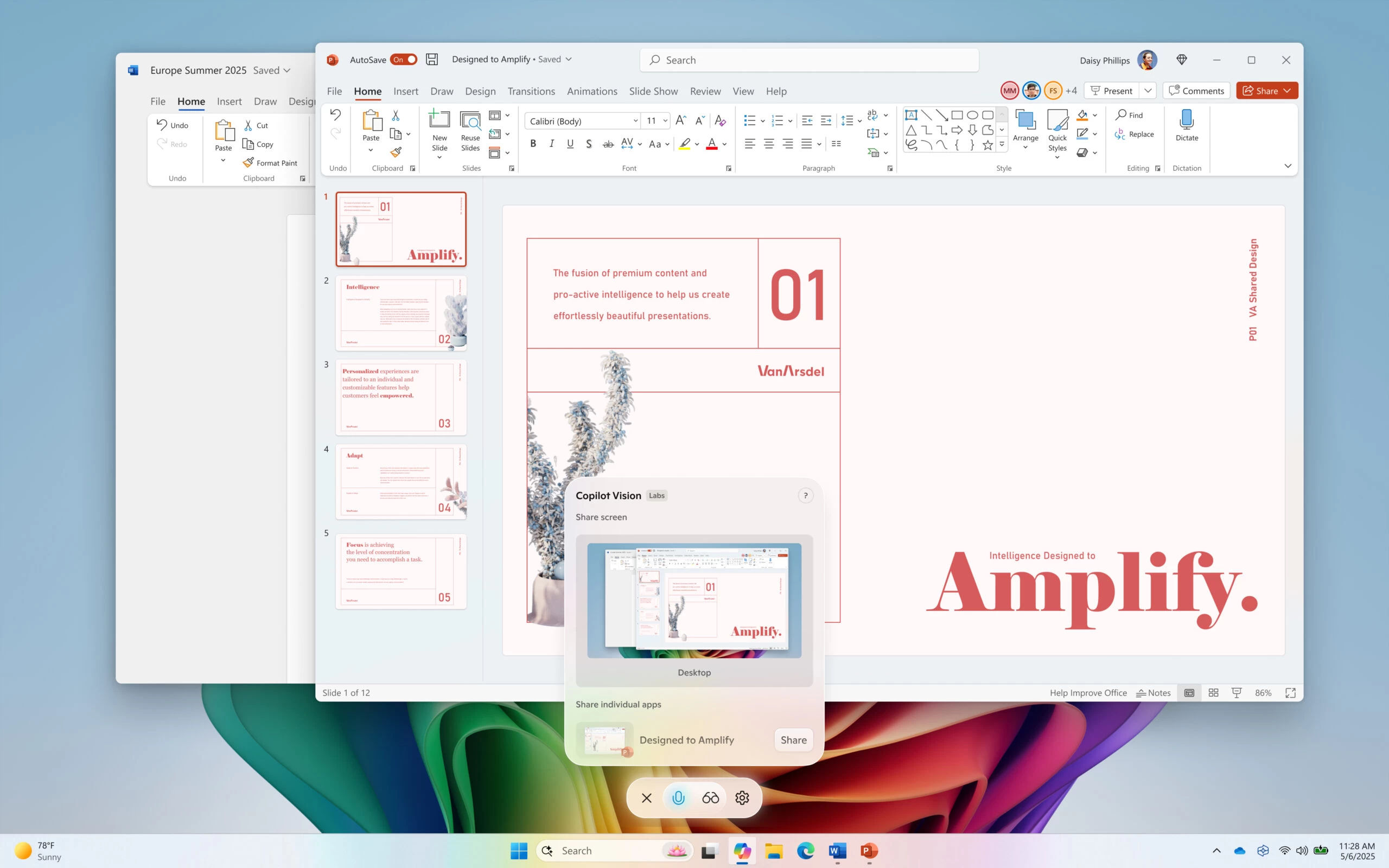
Finally, the Copilot app now supports Highlights, a new feature that enables Copilot to show you how to perform specific tasks in the current app on the entire desktop.
Today's updates are not just about AI and sticker generation. Microsoft is also improving the performance and security of its system with a redesigned blue screen of death and the new Quick Machine Recovery system. You can read more about those changes here.
If you want to get all these updates today, download the latest non-security update for Windows 11 version 24H2, which is now available.
Hope you enjoyed this news post.
Posted Wednesday 23 July 2025 at 1:18 pm AEST (my time).
News posts... 2023: 5,800+ | 2024: 5,700+ | 2025 (till end of June): 2,864
RIP Matrix | Farewell my friend
Recommended Comments
There are no comments to display.
Join the conversation
You can post now and register later. If you have an account, sign in now to post with your account.
Note: Your post will require moderator approval before it will be visible.