

3175x175(CURRENT).thumb.jpg.b05acc060982b36f5891ba728e6d953c.jpg)
No new Windows preview builds today, except for a couple of small updates "that addresse some issues" with the previously released Windows 10 and 11 builds. However, Microsoft has a new feature update for the Copilot app and its Vision feature, which now can look at the entire desktop, not just one or two apps.
Starting with version 1.25071.125, which is now available to all Windows Insiders across all channels, users can share the entire desktop with Copilot Vision. As such, the AI can essentially see what you see and give you the necessary information about whatever happens on your screen. You can ask Copilot for tips, improvements, insights, guidance, or any other information about the currently open apps.
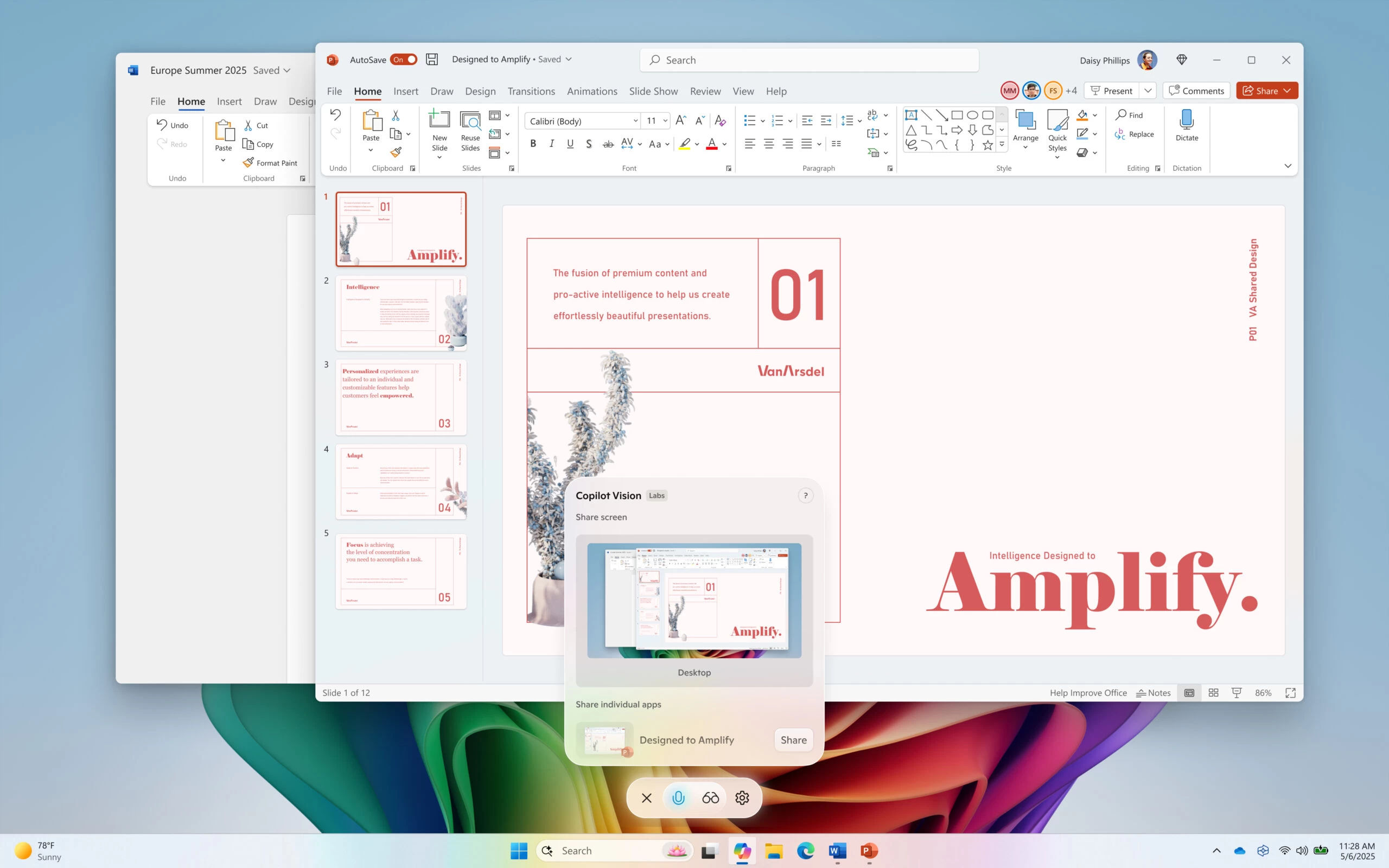
You can launch Copilot Vision by opening the Copilot app and clicking the glasses button in the composer. After that, select your desktop and start asking Copilot anything you like.
That, however, is not the only way to trigger Copilot Vision. From now on, Windows 11 users can launch Copilot Vision during their voice conversation with the AI. Microsoft says that the glasses icon is now available whenever you are talking with Copilot using your voice, which makes it a little more convenient to launch Copilot Vision.
It is worth noting that even though Copilot Vision updates are rolling out to all insiders across all four channels, those improvements are only available in countries where Copilot Vision is enabled. Also, the rollout is gradual, so give Microsoft a few more days to deliver those features if you do not have them after updating the Copilot app to version 1.25071.125 or newer.
You can find the announcement post on the official Windows Blogs website.
Hope you enjoyed this news post.
Posted Wednesday 16 July 2025 at 1:50 pm AEST (my time).
News posts... 2023: 5,800+ | 2024: 5,700+ | 2025 (till end of June): 2,864
RIP Matrix | Farewell my friend
Recommended Comments
There are no comments to display.
Join the conversation
You can post now and register later. If you have an account, sign in now to post with your account.
Note: Your post will require moderator approval before it will be visible.