

3175x175(CURRENT).thumb.jpg.b05acc060982b36f5891ba728e6d953c.jpg)
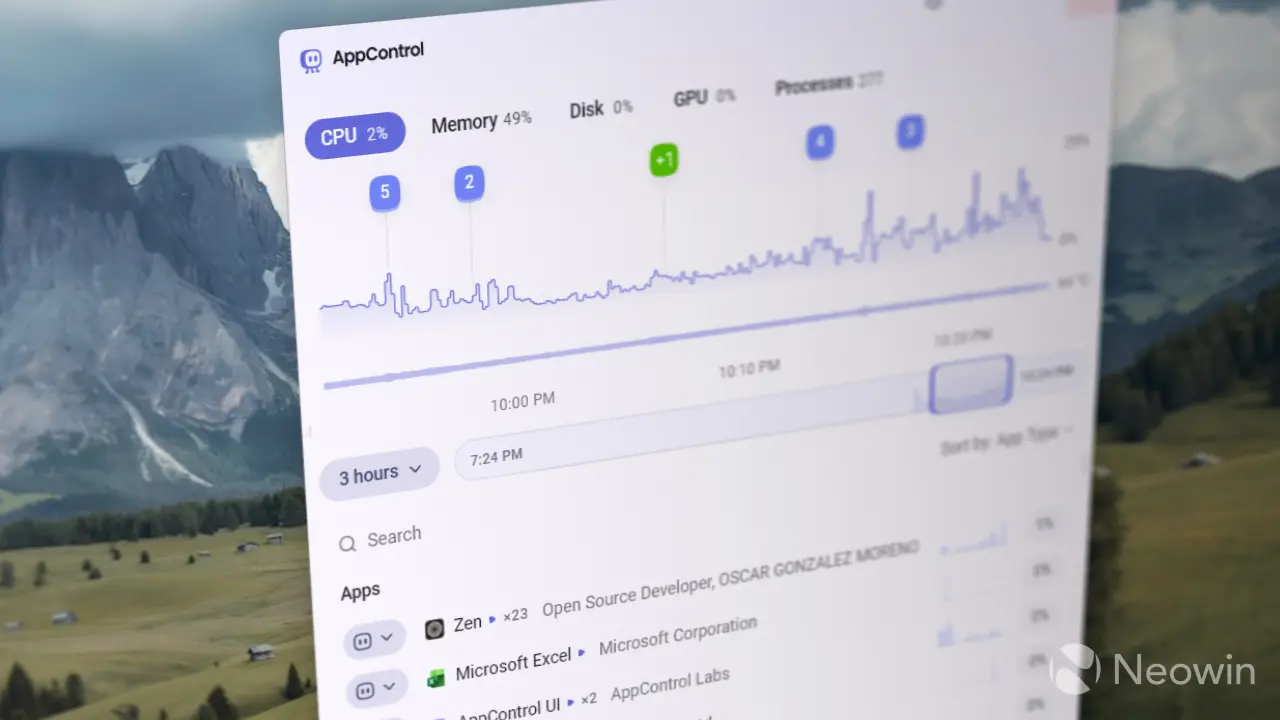
Windows 11's stock Task Manager is fine, but it lacks more advanced features, and the increased instabilities, coupled with some odd bugs, make the overall experience worse. If you feel like Microsoft can do a better job, there is now a new app that offers much better app control in Windows 11. It is also aptly named: AppControl.
AppControl is a new program designed as a better alternative to Task Manager. Its key feature is detailed history: you can see performance in real time and track app launches, resource strain, and other vital data over time. It lets you pinpoint which app and when it started to eat your memory, strain the processor, and load the drive. AppControl stores up to three days of activity history, allowing you to rewind the timeline to better understand your computer's behavior.
Every time you open an app, AppControl puts it on the timeline. Also, AppControl detects apps that were never launched before, making it easier to detect unwanted or suspicious apps. Plus, you can click on each running process and get a brief explanation of it, see who "spawned" the app, check its publisher, location, and more. Each running app has its own performance history, providing you with a useful overview of its behavior. Like the stock Task Manager, you can terminate apps and processes using App Control.
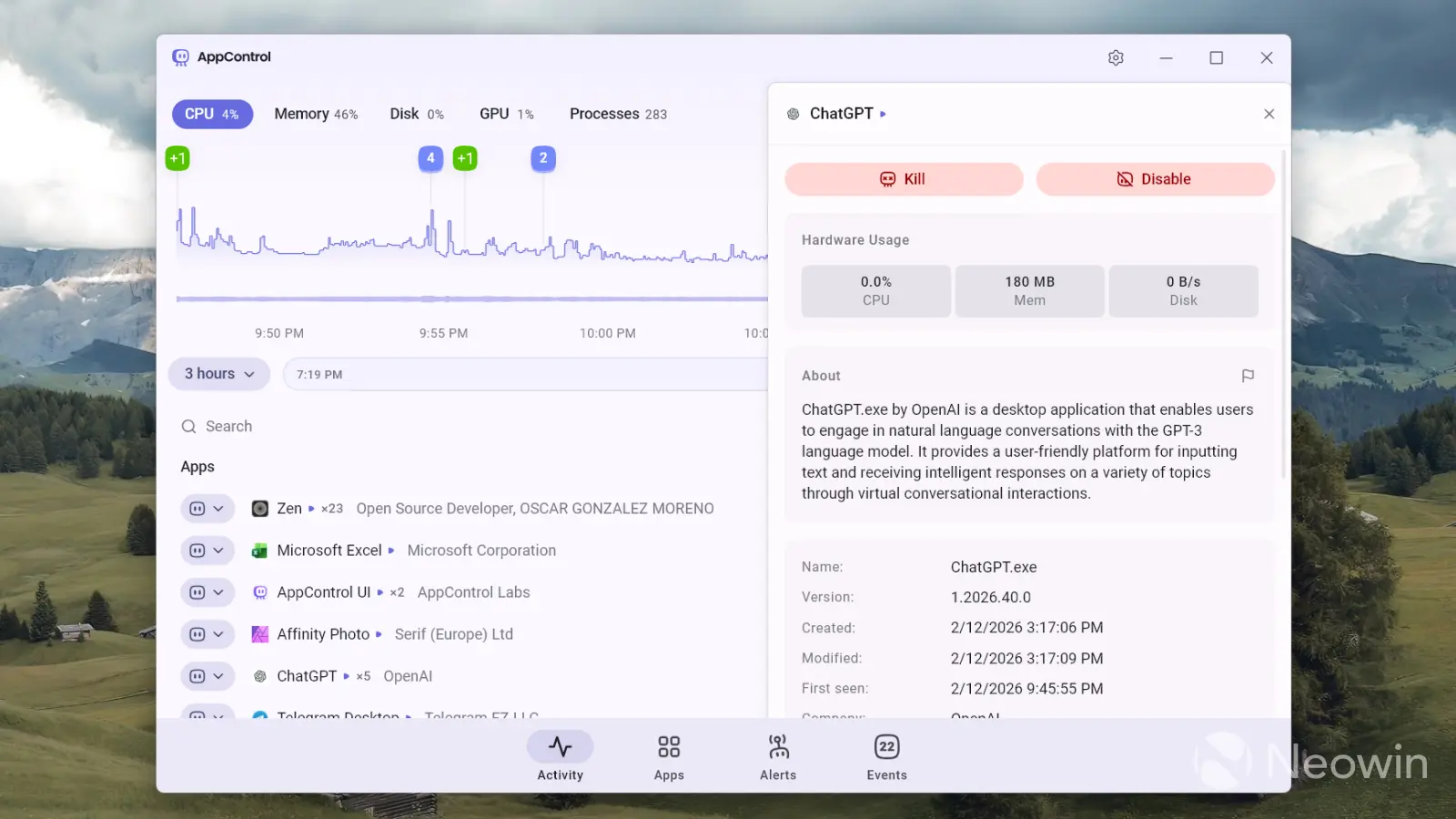
What I also like about AppControl is its event alert feature. It can send you notifications when important events happen, like when an app accesses your microphone or webcam or when an unsigned application is running. You can also create rules to block certain publishers, disable problematic apps, and more.
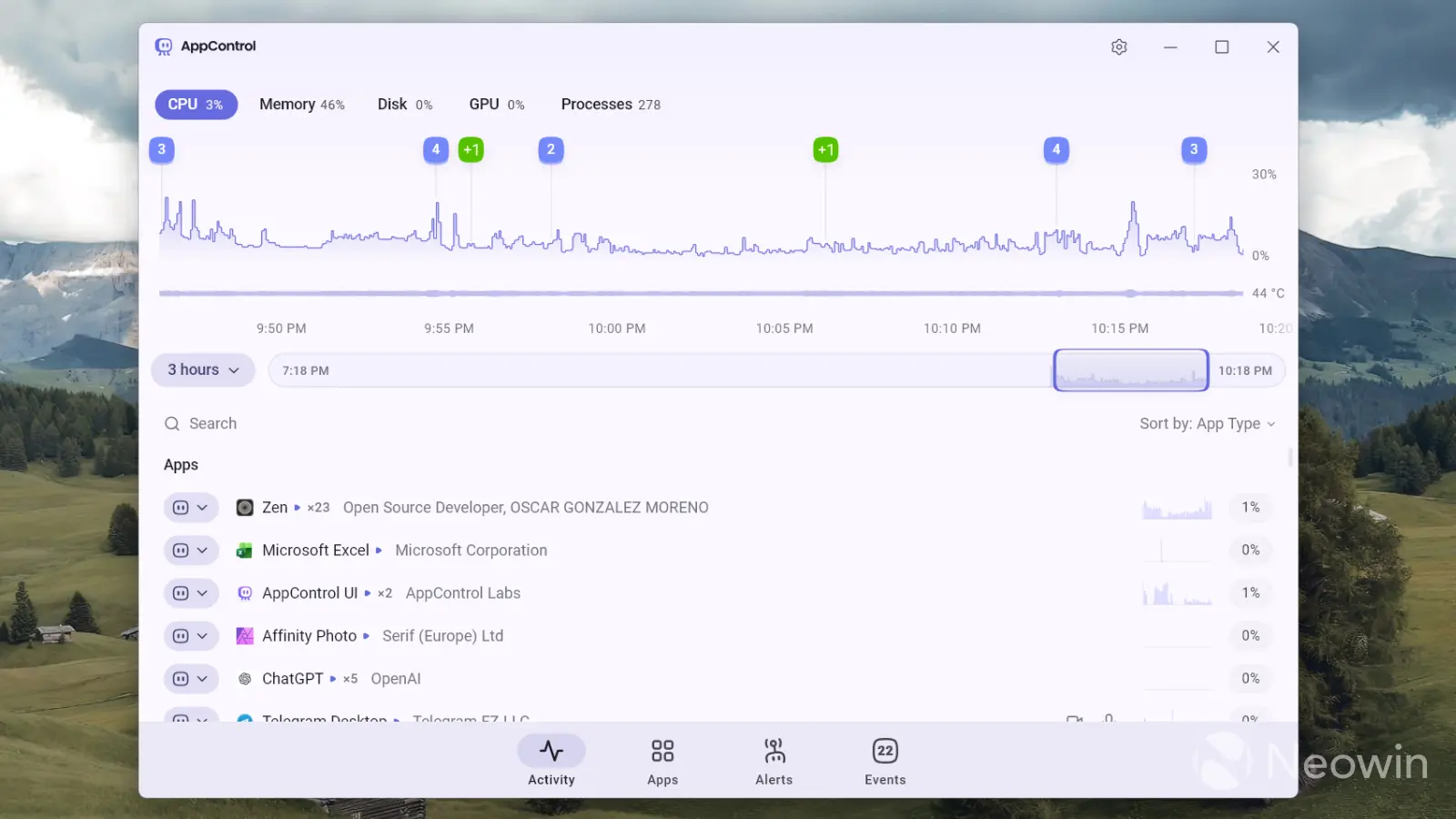
On top of that, AppControl tracks your CPU and GPU temperature in real time, something that Task Manager still cannot do for the CPU (GPU temperature was added several years ago, but without activity history). Perhaps the only thing I do not like about AppControl so far is its mobile-like UI. It looks like something straight from Android, and I wish the developers were using WinUI to make it feel more like a modern Windows app.
AppControl is available for free from the official website. The developers say that they built it because they were tired of the stock Task Manager and its lackluster features. As of right now, AppControl is completely free, but the developers say some premium features may show up in future updates if "others enjoy AppControl."
Hope you enjoyed this news post. Feedback welcome.
Posted Friday 13 February 2026 at 1:05 pm AEST (my time).
News posts: 2023 5,800+ | 2024 5,700+ | 2025 5,700+ | 2026 (to end of January) 461
- l0veruski
-
 1
1
Recommended Comments
There are no comments to display.
Join the conversation
You can post now and register later. If you have an account, sign in now to post with your account.
Note: Your post will require moderator approval before it will be visible.