

3175x175(CURRENT).thumb.jpg.b05acc060982b36f5891ba728e6d953c.jpg)
Going forward, updates that appear in Windows Update will utilize a simplified naming scheme designed to make it clearer to end users what is actually being downloaded.
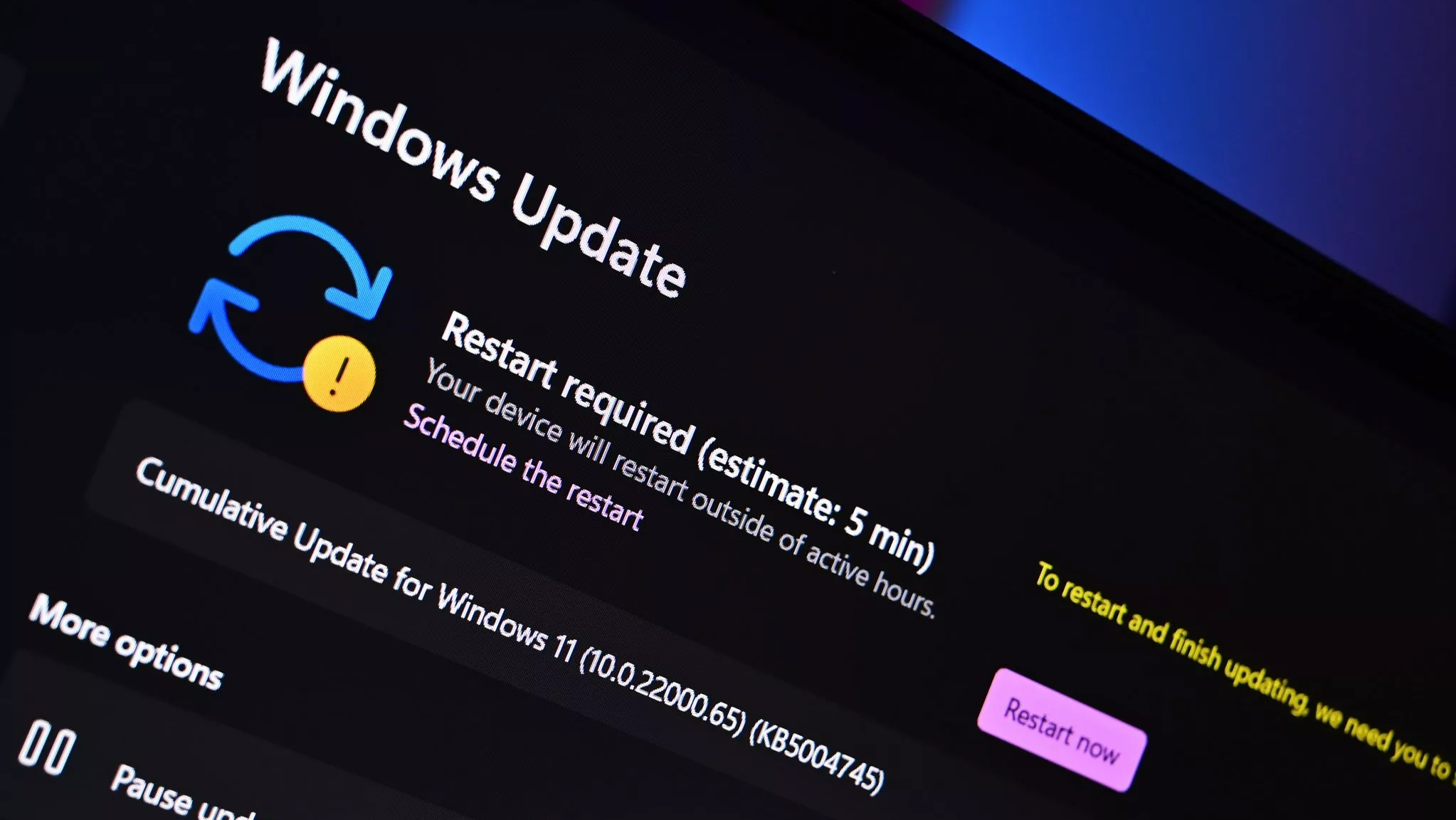
Microsoft has announced that it's updating and simplifying the way Windows updates are named on Windows 11. The new naming scheme is designed to standardize updates across Windows platforms, and make it clearer to end users what Windows Update is actually downloading.
Going forward, each type of Windows update will be distinctly identified during the download and install process. Monthly security patches will be denoted as "Security Update," and driver updates will be denoted as "Driver Update" for example.
|
Update Type
|
Simplified Title
|
|---|---|
|
Monthly security updates |
Security Update (KB5034123) (26100.4747) |
|
Monthly preview non-security updates |
Preview Update (KB5062660) (26100.4770) |
|
.NET Framework security updates |
.NET Framework Security Update (KB5056579) |
|
.NET Framework non-security updates |
.NET Framework Preview Update (KB5056579) |
|
Driver updates |
Logitech Driver Update (123.331.1.0) |
Previously, update titles in Windows updates were littered with unnecessary information such as platform architecture, OS edition, and more. "The updated titles follow a clear and predictable structure across multiple update types. Each title now refers to the update by a more user-friendly name" Microsoft explains. "It also includes just the most relevant identifiers, such as KB number and build or version. What we omit are the unnecessary technical details like platform architecture or date prefixes."
The new naming scheme for Windows updates is already available, and you'll see it when the next driver, .NET, or security update begins rolling out on your PC. The new names apply to the following types of updates pushed through Windows Update:
- Windows OS quality updates (monthly security and non-security preview updates)
- .NET Framework updates
- Driver updates
- AI component updates
- Visual Studio updates
Unfortunately, the new simplified naming scheme only applies to OS servicing updates and drivers. Feature updates and new versions of Windows will continue to use the "version 2XHX" naming strategy.
Where will the new naming scheme for Windows updates appear?
The new naming scheme for Windows updates, will appear in Windows Update and the Windows Update history page. It does not show up in the Microsoft Update Catalog website or Windows Server Update Services.
Can I turn off the new Windows update naming scheme?
No, the new naming scheme is a change made server side and cannot be changed by the end user.
- funkyy
-
 1
1
Recommended Comments
Join the conversation
You can post now and register later. If you have an account, sign in now to post with your account.
Note: Your post will require moderator approval before it will be visible.