

3175x175(CURRENT).thumb.jpg.b05acc060982b36f5891ba728e6d953c.jpg)
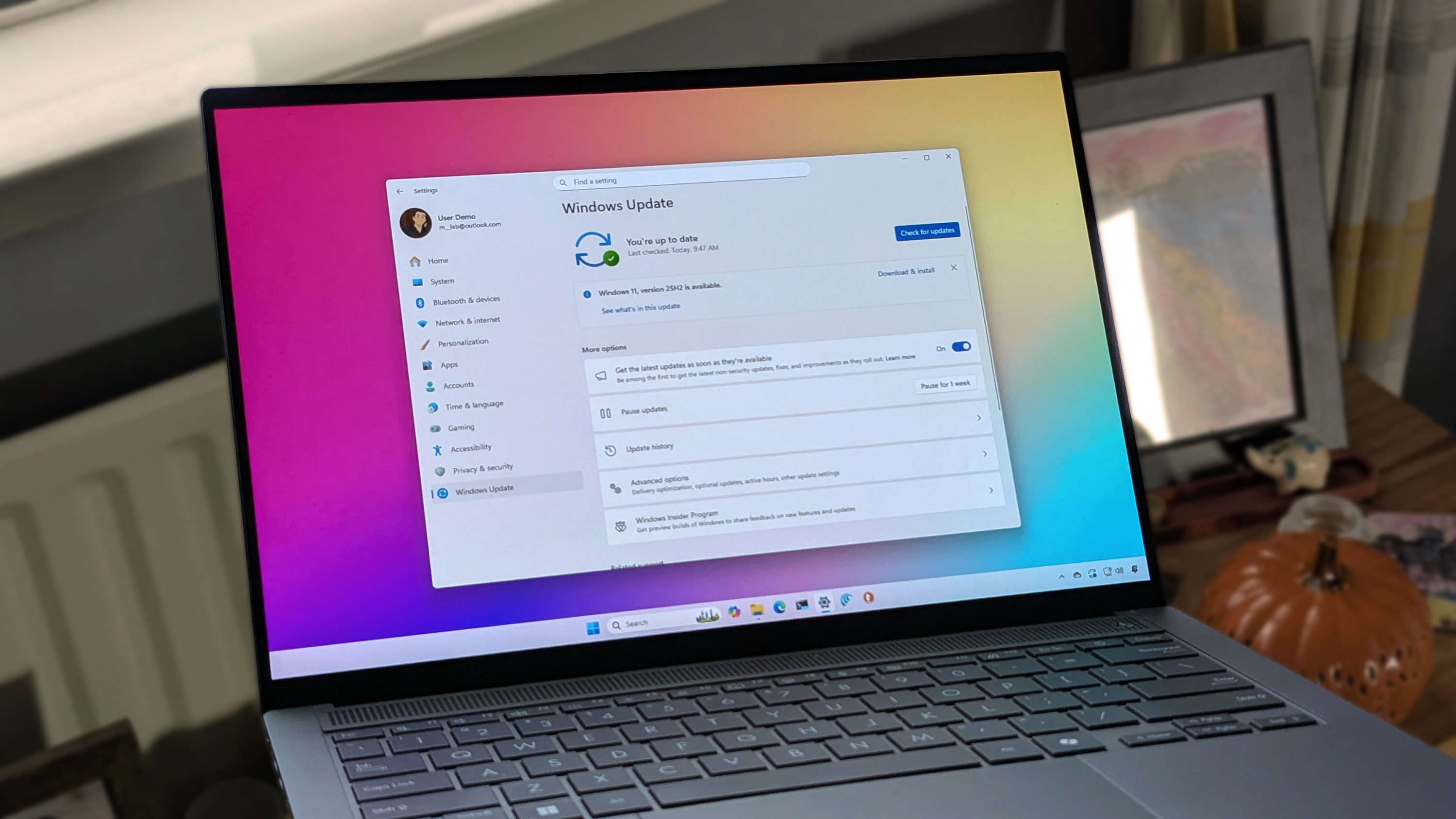
Windows finally fixes a shutdown bug that had users second-guessing themselves for years. And now update and shut down works the way it always should have.
As reported on and discovered by WindowsLatest. If you’ve ever hit update and shut down on your PC, walked away feeling productive, and then later found your system still sitting at the login screen like nothing happened, you’re not alone. It turns out this wasn’t user error or a misclick. It was a real Windows issue that has been lingering for years across both Windows 10 and Windows 11.
In the latest Windows 11 25H2 Build 26200.7019, or 26100.7019 on 24H2 and newer updates, Microsoft has finally fixed it. For me, it goes all the way back to Windows 10, where I’d head out after hitting update and shut down, only to come home to a PC humming away hours later. It always left me questioning whether I pressed the wrong option.
Good news: we weren’t losing our minds. Microsoft has acknowledged the problem and corrected it. From here on out, update and shut down should actually shut down, just like it always should have.
What caused the “Update and shut down” bug
As WindowsLatest haven't had confirmation on what was happening from Microsoft, they do have their own theory as to what could of happened.
Typically Windows updates normally happen in a couple of stages. First, the OS installs anything it can while you are still logged in. Then it needs to reboot into a special update mode to replace the files that Windows cannot touch while it is running. That is the phase where your screen shows progress messages and your PC feels briefly out of your hands.
Once that internal housekeeping finishes, Windows is supposed to act on whatever choice you made. If you selected update and shut down, it should close everything down and power off. Instead, Windows sometimes treated that request as a normal restart and brought you back to the login screen. For years, many people assumed they mis-clicked or imagined it, but it turns out the system simply was not holding onto the shutdown instruction correctly.
Microsoft has now corrected the behavior in the latest Windows 11 builds. The fix first appeared in the optional KB5067036 update for version 24H2 and 25H2, and it is included for everyone in the November Patch Tuesday release. After installing the update, update and shut down finally behaves like a true shutdown rather than a clever disguise for restart.
- scarabou
-
 1
1
Recommended Comments
There are no comments to display.
Join the conversation
You can post now and register later. If you have an account, sign in now to post with your account.
Note: Your post will require moderator approval before it will be visible.