If your Windows 11 PC kept flipping between light and dark mode, Microsoft says it wasn’t intentional — a PowerToys bug was behind the unexpected theme changes.
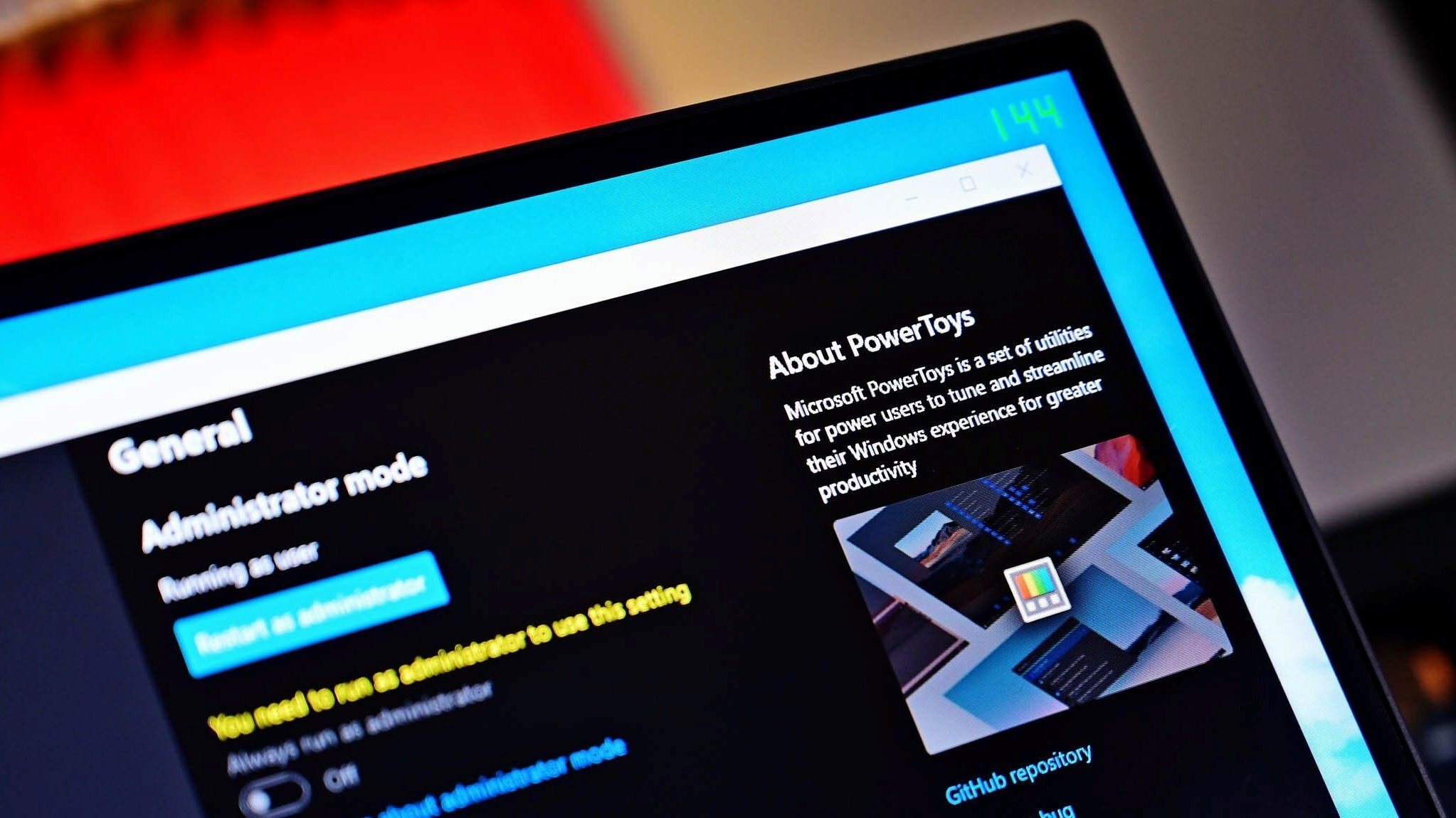
Earlier this month, Microsoft released a new update for PowerToys, bumping it to version 0.95. The update shipped with a couple of new features and a host of improvements and fixes.
The most notable addition was the long-anticipated Light Switch feature, which lets Windows 11 users automatically switch between light and dark modes based on a schedule or when the sunrise and sunset times.
It's no secret that users have been blatantly asking for a more consistent dark mode in Windows 11, making the new Light Switch feature in Microsoft PowerToys a much-welcomed addition.
However, the hype around the feature was seemingly short-lived as it quickly drew up confusion among users, predominantly because it was enabled by default when it shipped.
The dramatic change between light and dark mode made Windows 11's user experience for most users, because the feature changed between both modes as the day progressed from day to night. Many users lamented that such a feature shouldn't be enabled by default.
Consequently, Microsoft has released a new update for PowerToys, bumping it to version 0.95.1 with multiple fixes and improvements. Perhaps more interestingly, the tech giant admitted that it never intended to ship the feature as enabled by default, further indicating that this was a bug (via Beta News).
As highlighted by Jaylyn from the PowerToys team:
"We never intended to have Light Switch be turned on by default - this is actually a bug, and we are working on a fix rolling out ASAP.
Thanks for reporting, and sorry for any confusion this may have caused!
UPDATE: Hotfix is currently in review: #42434"
With the release of PowerToys 0.95.1, the issue impacting the Light Switch has been fixed. "If you encountered issues with light/dark theme switching before this update, try turning Light Switch off and back on to reset it," Microsoft added.
PowerToys 0.95.1: Fixes
Light Switch
-
#42434: Fixed bug where Light Switch was enabled by default
-
#42434: Fixed bug where Manual time schedule was being overridden by sunset calculations
-
#42434: Renamed "Manual" mode to "Fixed Hours" for clarity
-
#42434: Created a new "Off" mode that disables the schedule but still allows the shortcut to be used
-
#42434: Fixed a bug which allowed the taskbar to be the accent color in light mode (this should only be allowed in dark mode)
-
#42774: Fixed a bug where light/dark times where not updating when switch between modes (Specifically manual back to Sunset to Sunrise mode).
CmdPal
-
#42467: Fixed crashes on pages using filters (e.g., Windows Terminal profiles, Windows Services) when built with trimming or AOT by removing runtime bindings from the FiltersDropDown control.
-
#42405: Fixed an issue where window style changes (such as WS_EX_TOOLWINDOW) were not properly applied by ensuring cached window data is refreshed.
Find my mouse
-
#42774: Fixed bug that would cause the window to lose focus
-
#42774: Fixed bug that would cause the mouse to go busy (hourglass)
Installer
-
#41975: Removed WiX v3 infrastructure and migrate exclusively to WiX v5, cutting build times.
Bug report
-
#42399: Improvements to the bug report system
This news comes as Microsoft doubles down on its efforts to deliver a more consistent and intuitive dark mode user experience in Windows 11, promising a major upgrade across the File Explorer, Run prompt window, and more.
FAQ
What happened with Windows 11’s light/dark mode?
Some users reported their PCs were unexpectedly switching between light and dark themes without input.
What caused the bug?
The issue was traced back to PowerToys, Microsoft’s open‑source utility suite. A bug in its code triggered the theme changes.
Has it been fixed?
Yes. Updates to PowerToys have addressed the bug, and users are encouraged to install the latest version.
What should users do if they still see the issue?
Update PowerToys to the latest release, or temporarily disable it until patched.
Why does this matter?
It highlights how third‑party utilities, even official ones like PowerToys, can impact user experience — and why transparency in communication is key when bugs surface.
This collection of utilities includes a large library of features to enhance the Windows experience. PowerToys is designed with power users in mind, but it has handy features for people who just use their PC for everyday computing too.
Source
Hope you enjoyed this news post. Feedback welcome.
Posted Tuesday 28 October 2025 at 3:41 am AEST (my time).
News posts... 2023: 5,800+ | 2024: 5,700+ | 2025 (till end of September): 4,533
RIP Matrix


3175x175(CURRENT).thumb.jpg.b05acc060982b36f5891ba728e6d953c.jpg)

Recommended Comments
There are no comments to display.
Join the conversation
You can post now and register later. If you have an account, sign in now to post with your account.
Note: Your post will require moderator approval before it will be visible.