

3175x175(CURRENT).thumb.jpg.b05acc060982b36f5891ba728e6d953c.jpg)
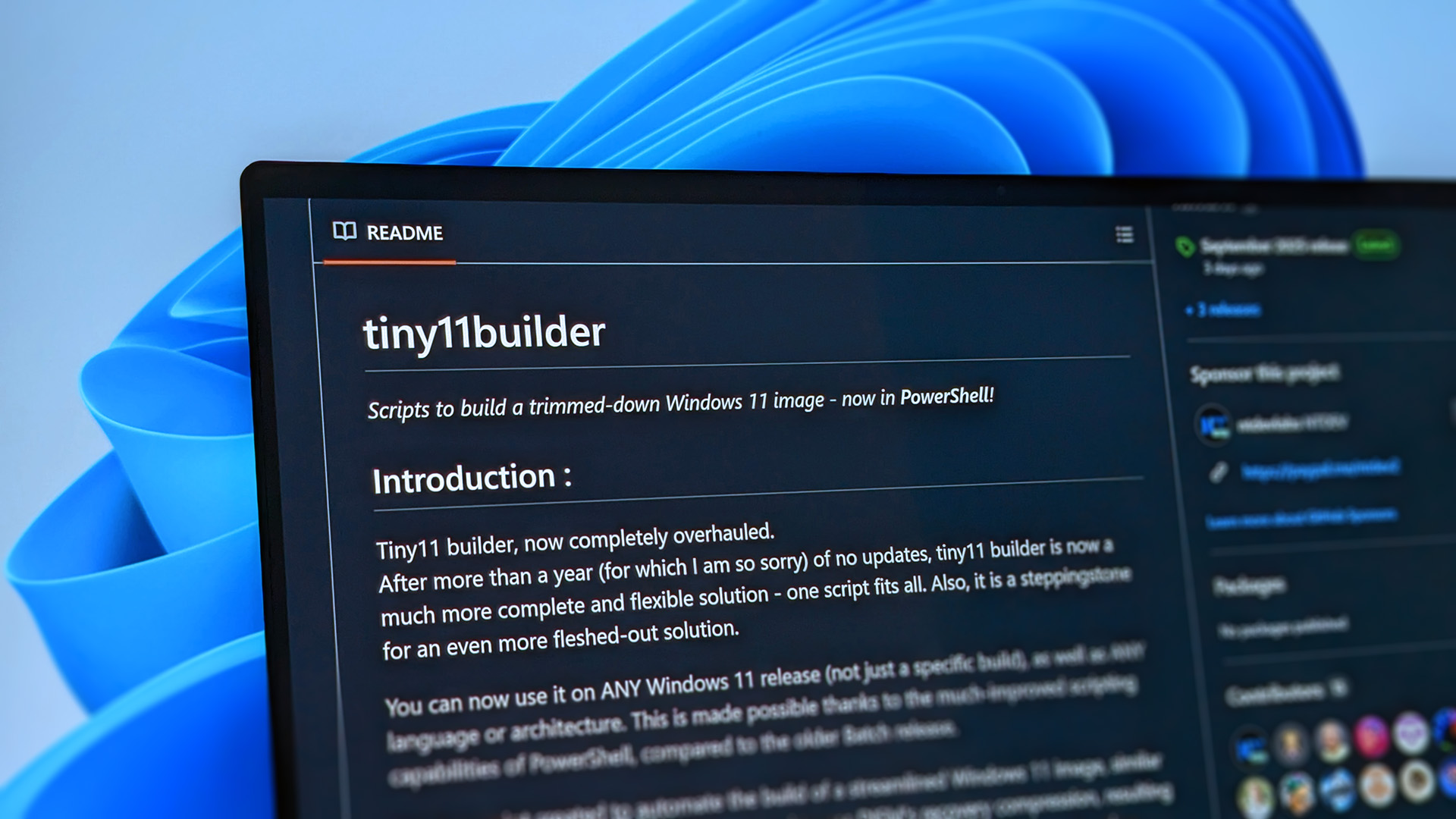
NTDEV's latest Tiny11 update allows Windows 11 version 25H2 installs on unsupported PCs and removes Microsoft apps.
The inevitable Windows 10 end-of-life date is just around the corner, as Microsoft is expected to cut support for the operating system on October 14, 2025. However, the software giant has provided multiple ways for users to continue receiving security updates after Windows 10's imminent death through its Extended Security Updates (ESU) program.
Windows 10 users can sync their PC settings to the cloud via a Microsoft account, redeem 1,000 Microsoft Reward points, or pay $30 for extended security updates (ESU), which now supports up to 10 devices.
However, Microsoft clearly prefers these users to upgrade to Windows 11, and has been making bold statements like "Windows 11 PCs are up to 2.3x faster than Windows 10 PCs" to push Copilot+ PCs sales. Still, that's a bit of a stretch since many modern devices still ship with full Windows 10 compatibility, making it difficult to compare old hardware against modern-day AI PCs.
With Windows 10's death fast approaching, Windows 11 has been gaining traction and broad adoption and is now the world's most dominant desktop operating system. However, users have blatantly expressed their reluctance to upgrade to Windows 11, citing flawed design elements and strict minimum system requirements.
But perhaps more interestingly, there seems to be a surge of software apps that allow Windows 10 users to upgrade to Windows 11 on unsupported hardware. For instance, Tiny11. It's a tool that can create a lightweight version of Windows 11, designed to run on older PCs that don't meet Windows 11's strict system requirements, developed by NTDEV.
The industrious developer has released multiple updates to improve the platform's functionality and user experience by shrinking its size by removing bloatware and pre-installed apps that might be deemed unnecessary, at least by some users.
NTDEV recently shipped a new update for Tiny11, which removes a sizeable list of apps from Windows 11 (via Tom's Hardware😞
What does Tiny11 remove?
- Alarms
- Mail and Calendar
- Feedback Hub
- Maps
- Sound Recorder
- Your Phone
- Media Player
- QuickAssist
- Tablet PC Math
- Edge
- OneDrive
- Copilot
- New Outlook Client
- Clipchamp
- News
- Weather
- Xbox (although Xbox Identity provider is still here, so it should be possible to be reinstalled)
- GetHelp
- GetStarted
- Office Hub
- Solitaire
- PeopleApp
- PowerAutomate
- ToDo
What's more, NTDEV says Tiny11 Builder supports Windows 11 25H2. Microsoft is expected to ship Windows 11 version 25H2 between September and October to broad availability, but it won't ship with any new features.
It's also worth noting there's a more powerful iteration of the Tiny11 Builder called Tiny11 Core Builder, which is already available alongside the September 2025 release.
However, the developer has flagged Tiny11 Core Builder strictly for testing purposes and "a quick and dirty development testbed." For instance, it can make Windows 11 images much smaller but at the hefty cost of some serviceability features.
Windows 11 won't be Windows 10's default replacement
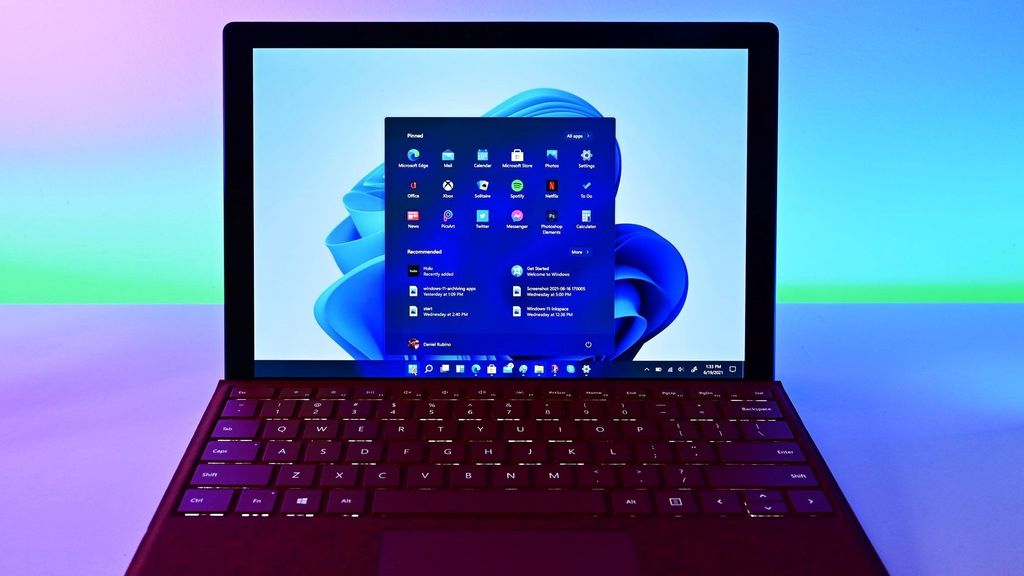
Despite Windows 10's imminent death, Windows 11 is increasingly starting to seem like the last option for users.
(Image credit: Future)
Is it just me, or is the list of alternatives to Windows 10 growing as its end-of-life approaches, pushing Windows 11 far from being the preferred or default upgrade? WINUX is probably the most recent example, which is basically a Linux distro that's been heavily inspired by Windows design elements.
While Microsoft has extended support for Windows 10 users beyond its official end-of-support date, the Public Interest Research Group (PIRG) has petitioned the company’s decision, warning it could trigger the largest surge in discarded computers to date.
The group claimed Microsoft's ESU program feels like a last-minute snooze button, merely a band-aid on a bleeding system. Elsewhere, The Restart Project, co-developer of the End of 10 Toolkit (designed to support Windows 10 users after Microsoft ends official support), echoed PIRG's concerns, suggesting that the extended security updates program is not a viable solution. "It's obvious users are frustrated and feel yanked around," the group added.
Another group called End of 10 has been advocating for users to completely ditch Microsoft's ecosystem for Linux after Windows 10's end-of-support, citing a lack of ads and telemetry tracking as the main incentives for the huge jump.
A separate report suggested that Microsoft is poised to pocket up to $7 billion through its ESU program from enterprise clients by charging $61 per device. This has prompted multiple users to claim that Microsoft ending support for Windows 10 feels like "programmed obsolescence" designed to bolster Copilot+ PC sales and Windows 11 upgrades. At least we have a few other options now.
Hope you enjoyed this news post. Feedback welcome.
Posted Tuesday 9 September 2025 at 3:25 am AEST (my time).
News posts... 2023: 5,800+ | 2024: 5,700+ | 2025 (till end of August): 4,048
Recommended Comments
There are no comments to display.
Join the conversation
You can post now and register later. If you have an account, sign in now to post with your account.
Note: Your post will require moderator approval before it will be visible.