

3175x175(CURRENT).thumb.jpg.b05acc060982b36f5891ba728e6d953c.jpg)
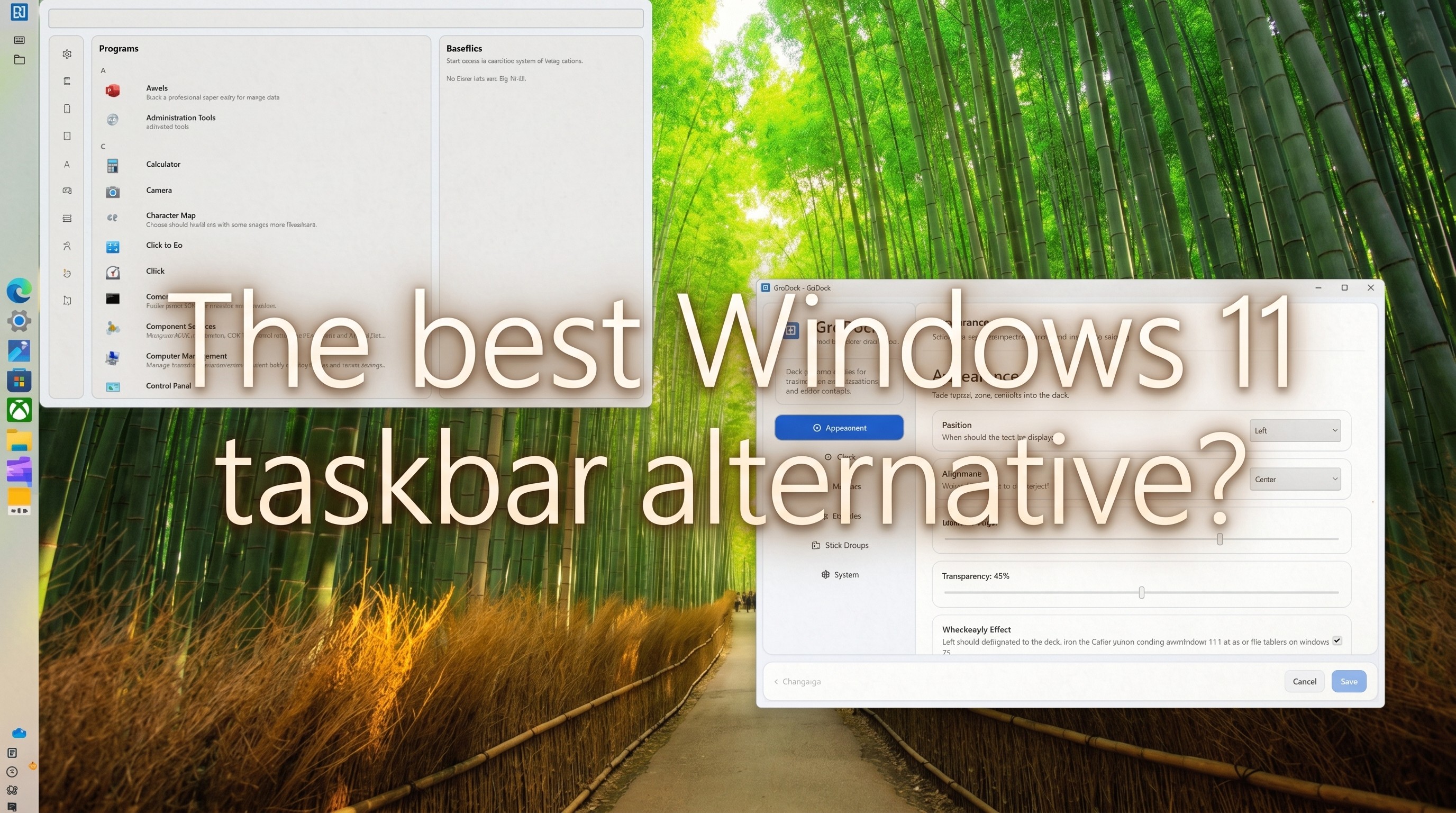
Sick of the stock Windows 11 taskbar? There are plenty of alternatives, but GroDock is my new favorite. Here's why.
Windows 11 might be regaining its movable taskbar after plenty of outcry from the Windows community, but that doesn't mean it's perfect for all users.
Personally, I don't mind the regular Windows 11 taskbar, although I have tweaked it in the past with ExplorerPatcher. However, while traveling around the web, I came across GroDock, and it finally made me realize what I've been missing.
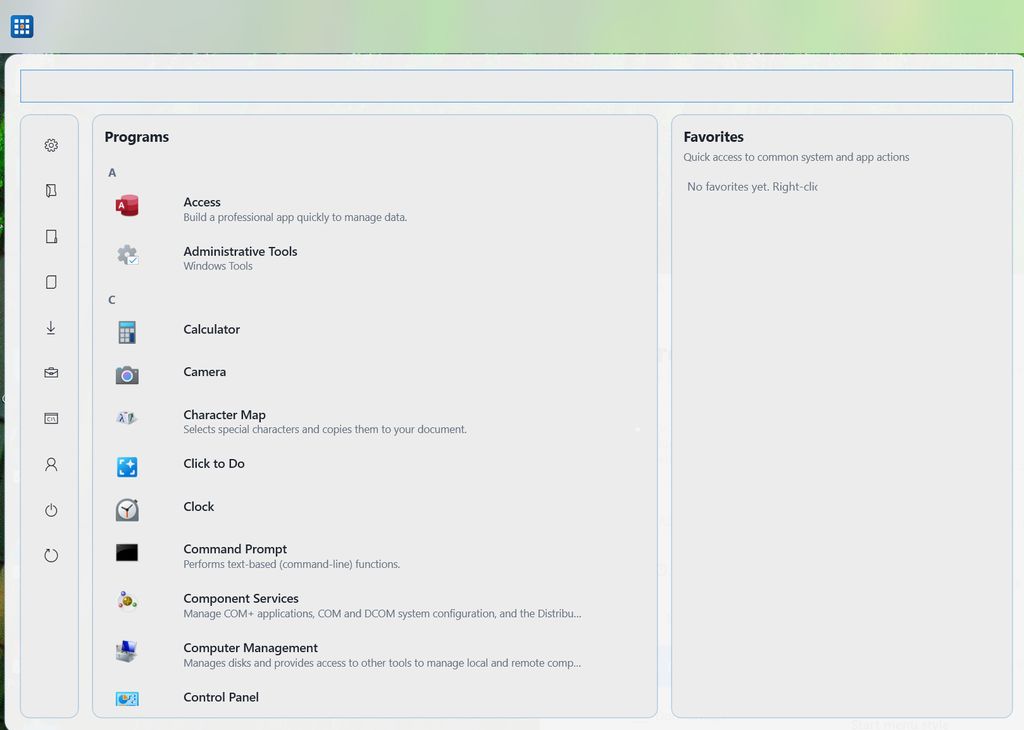
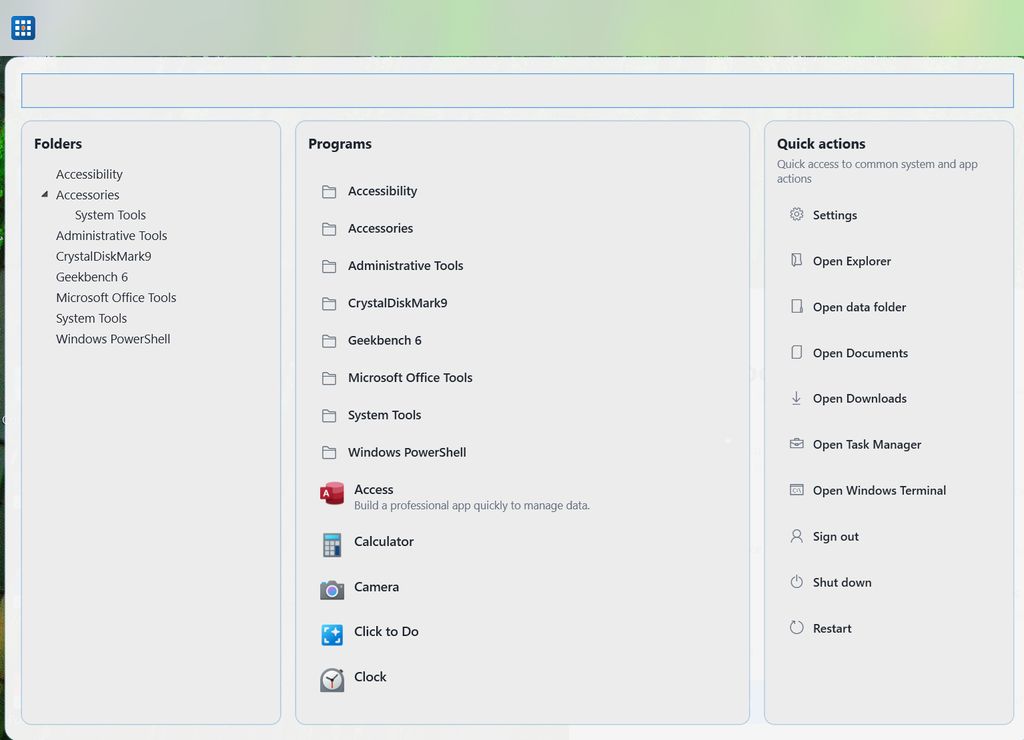
GroDock is a customizable Windows 11 taskbar alternative with additional docking capabilities for apps. It's like a productivity hub that I never knew I needed.
While it doesn't completely override the native taskbar, it has certainly proven to be capable enough for me to hide the Windows version entirely.
GroDock comes from a solo hobby developer known as "Groad," and their collection of custom apps encompasses Windows, macOS, iOS, Android, and more. GroDock is available for free for 7 days as an introductory trial; after that, it . Here's why that one-time cost might be worth it for you.
What can GroDock do that the Windows 11 taskbar cannot?

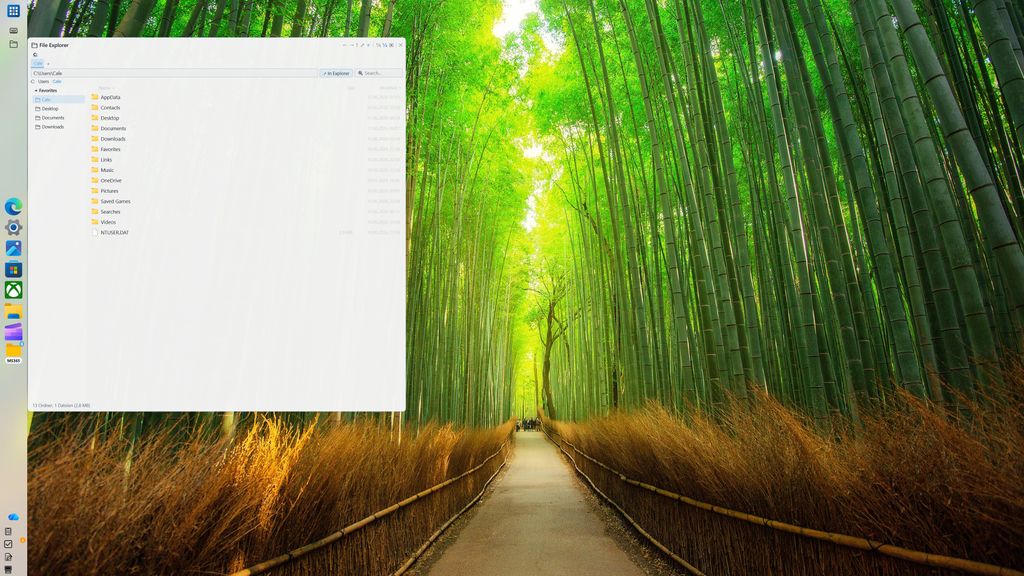
GroDock in action on my Windows 11 desktop PC.
(Image credit: Future)
Let me start by highlighting some of GroDock's more enticing customization options.
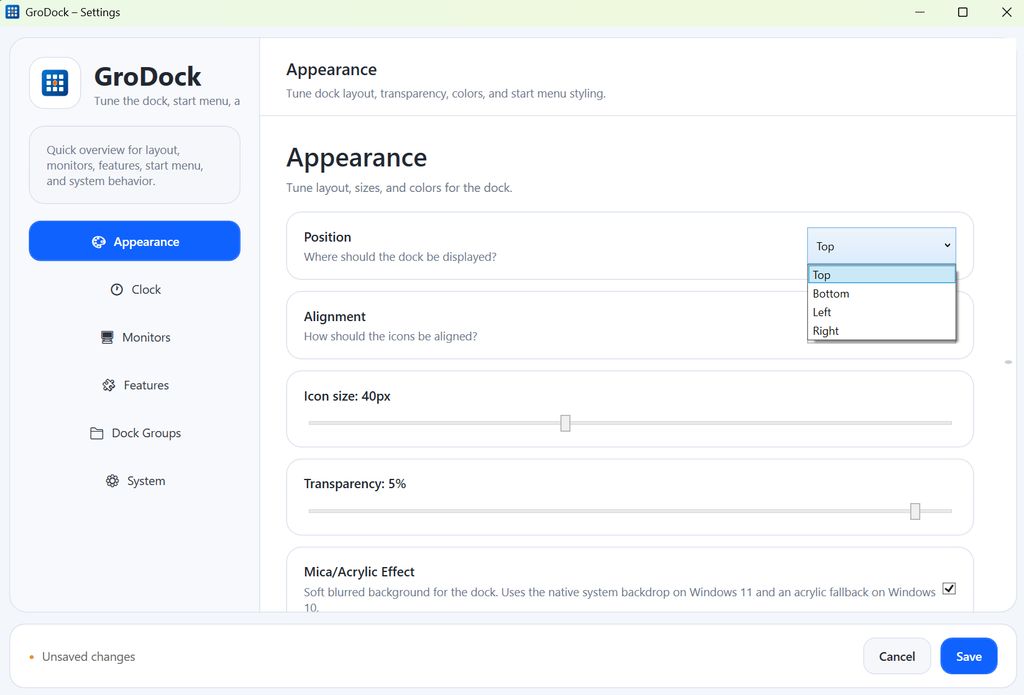
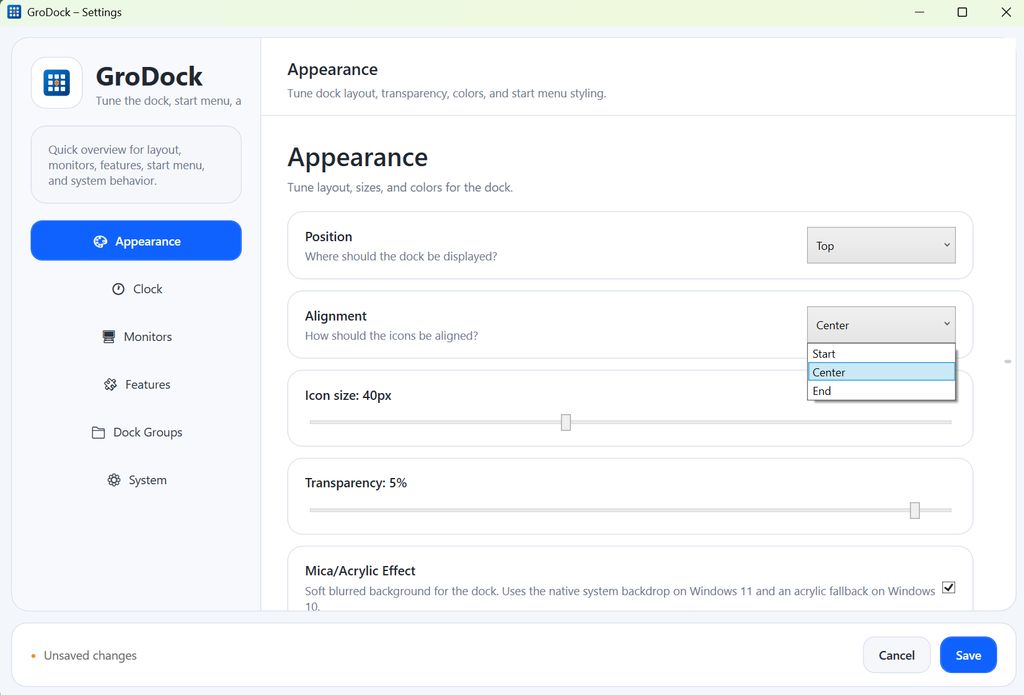
You can position the bar along the top, bottom, left, or right side of your screen, and you can also choose icon alignment to be centered or off to the left or right of the bar.
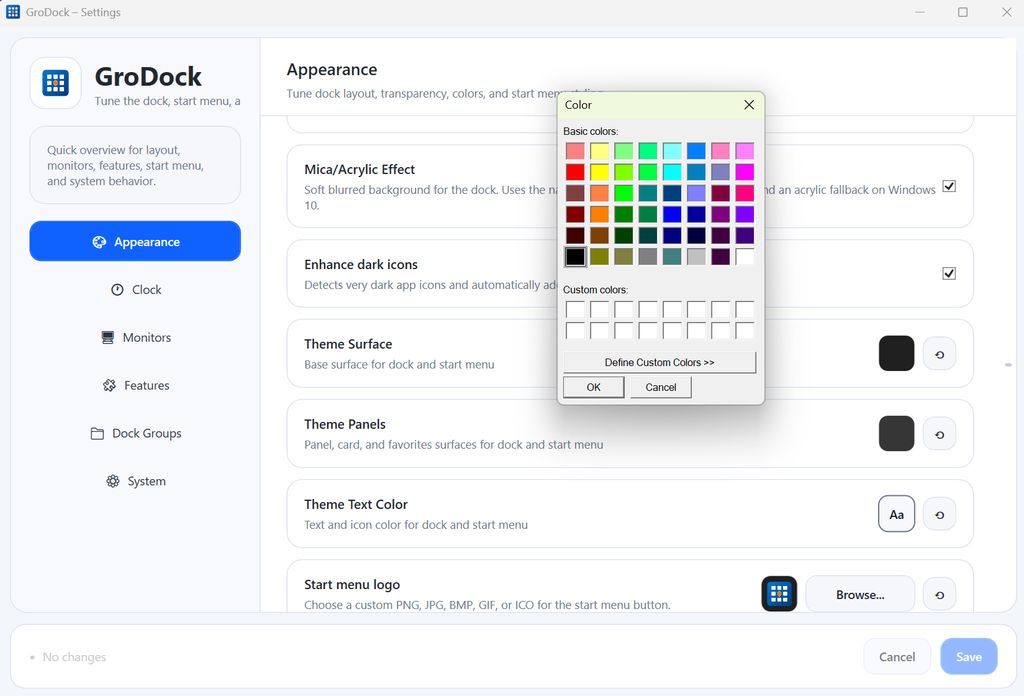
Icon sizes, taskbar transparency, mica effects, theme colors, text colors, Start button logo, and hex colors can all be tweaked to your liking.
The clock is fully customizable, and in the most recent update, a calendar was added with a per-day agenda feature.
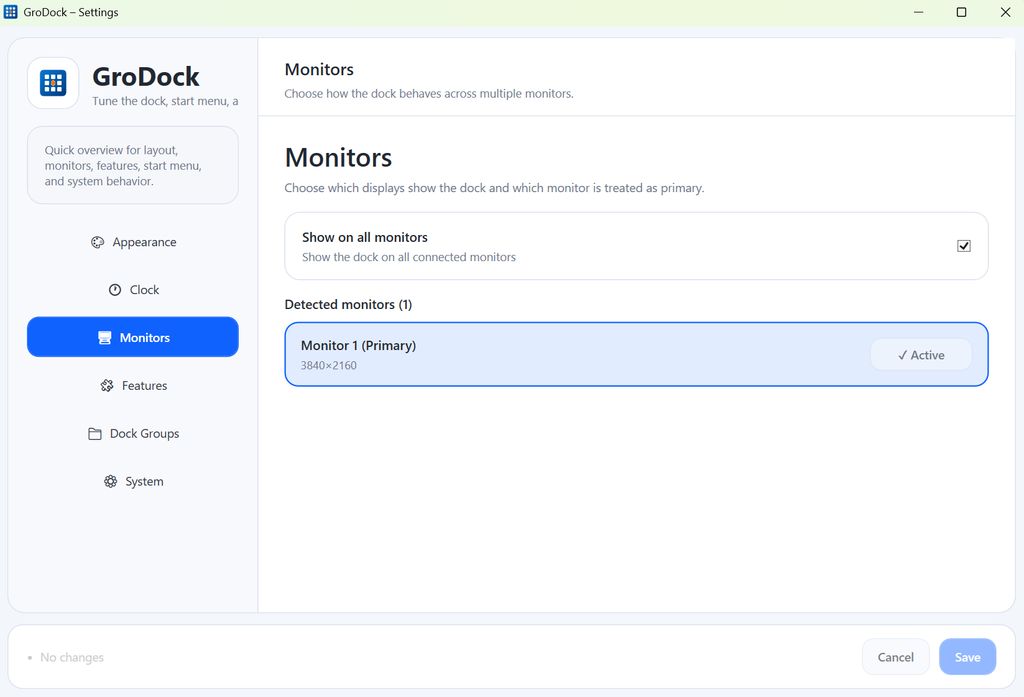
Did I mention GroDock supports multi-monitor setups? Yes, you can choose which monitors the custom taskbar shows up on.
(Image credit: Future)


Recommended Comments
There are no comments to display.
Join the conversation
You can post now and register later. If you have an account, sign in now to post with your account.
Note: Your post will require moderator approval before it will be visible.