

3175x175(CURRENT).thumb.jpg.b05acc060982b36f5891ba728e6d953c.jpg)
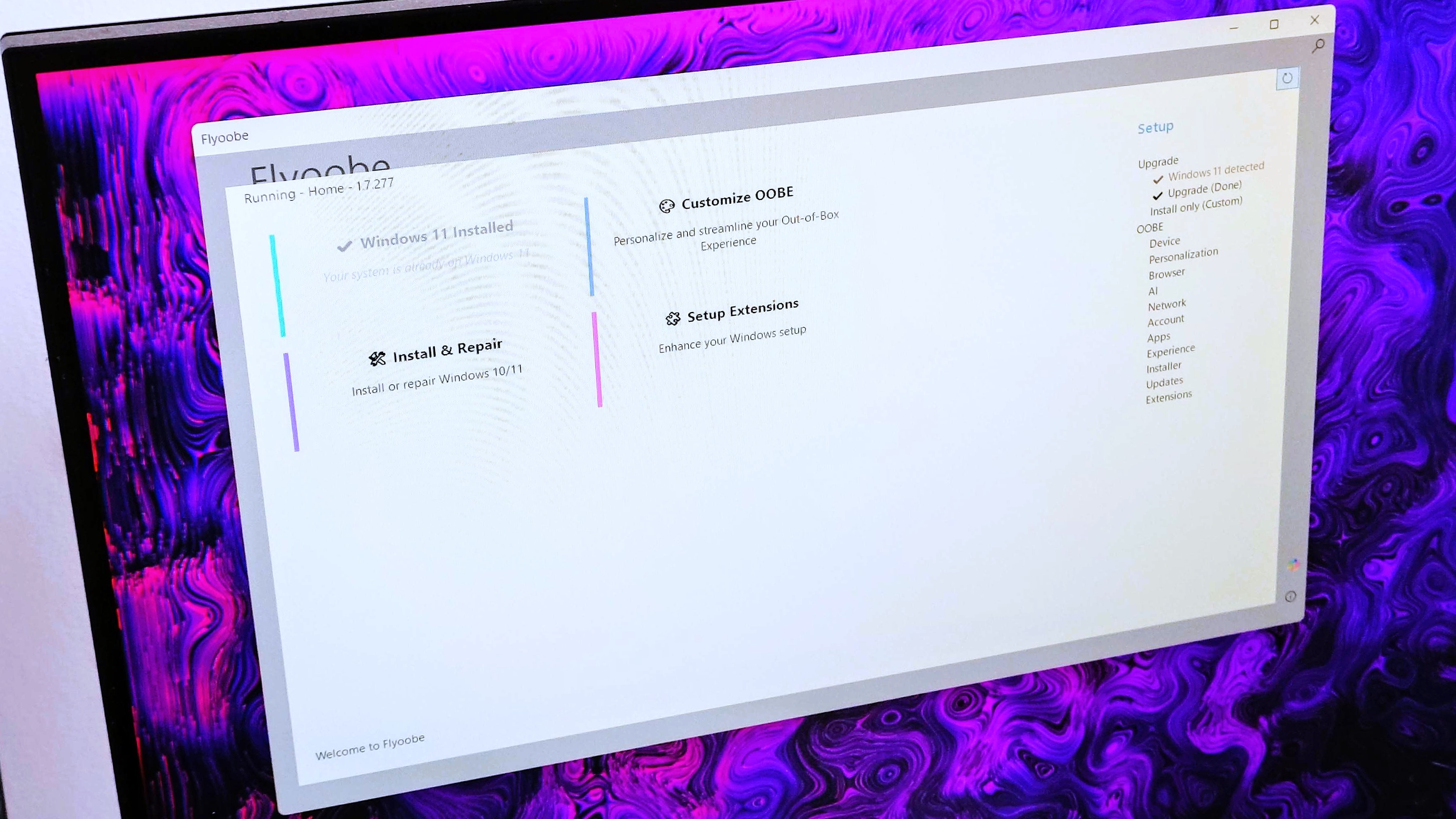
Flyoobe lets you install Windows 11 in old Windows 10 PCs, minus Microsoft's bureaucracies and fluff.
As Windows 10's end-of-life edges closer, it seems like all hope isn't lost. An estimated 400 million PCs are still running the operating system despite its imminent, leading to the single biggest jump in junked computers and e-waste.
But thanks to a neat app called Flyoobe (formerly Flyby11) Windows 10 users can bypass Microsoft's stringent hardware requirements, including the 4GB RAM, TPM 2.0, UEFI with Secure Boot, and more, making it easier to install Windows 11 in dated PCs.
It is worth noting that running unsupported third-party apps could brick your device since it circumvents critical security measures required to ensure the operating system runs smoothly. Proceed with caution!
Admittedly, there's a lot going on in the Windows 11 and Windows 10 front, making it difficult to keep tabs on everything, which is why the latest update for Flyoobe wasn't on my radar.
Before we get into the new features and improvements that ship with the app's latest update, it's worth noting that it also provides users with more control over the Windows Out-of-Box Experience (OOBE).
It does this by getting rid of "unwanted/unnecessary" experiences designed to introduce you to Microsoft's ecosystem while installing the operating system on your device for the very first time, including setup screens, tutorials, and pre-installed apps.
As described in Flyoobe's website, the experience lets users:
"Skip the fluff, remove the junk, and take full control from first boot."
The new update bumps Flyoobe to version 1.6 and ships with the following features and improvements:
- New Home/Start View: A fresh entry screen presenting the 4 core options of the app (also accessible via Setup)
- Install Only OOBE View (introduced in v1.5) has been expanded with badges, full-text search, and one-click actions, plus dozens of small optimizations for clean installs and repairs
- Unified UI: All views got another visual refresh for a more consistent experience
- Smarter Bloatware Remover: Detects and removes unnecessary apps more reliably
- App Installer: Now includes a few more apps to choose from
- Experience OOBE View: Core functionality has been updated and improved
- Performance: Lower RAM usage and slightly faster startup (a few milliseconds shaved off)
- General polish: Minor optimizations and fixes throughout
- You can now try out Nightly (Dev) builds updated regularly with the latest features and fixes before they roll into the next stable release
- This release also sets the stage for renaming the repository from Flyby11 to Flyoobe in the coming weeks, so both projects will be unified in a single codebase.
Upgrading to Windows 11 feels like the last resort after Windows 10's death
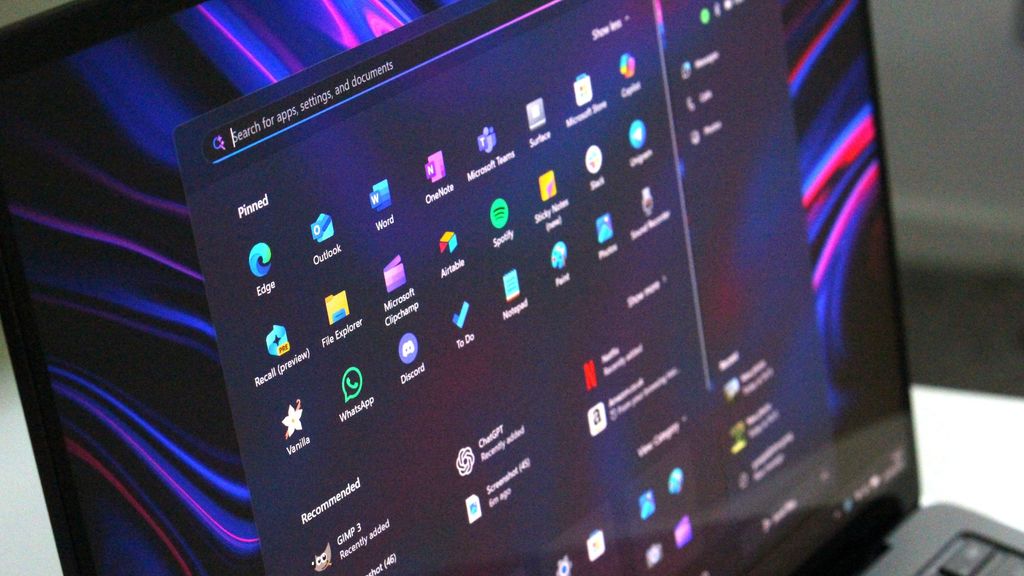
Microsoft's mission to get Windows 10 users to upgrade to Windows 11 using Copilot+ PCs might turn out to be a major flop.
(Image credit: Windows Central)
It's crystal-clear that Microsoft would prefer Windows 10 users to upgrade to Windows 11 once the operating system hits its end-of-life on October 14, 2025. But as it now seems, users aren't for that idea, with alternatives popping up every so often. Some critics have even suggested that the operating system's death feels like programmed obsolescence to push Copilot+ PC sales and Windows 11 upgrades.
For instance, I recently reported on WINUX, a Linux operating system heavily inspired by Microsoft's Windows 11 and Windows 10, minus the stringent system requirements, which makes it easy to install on Windows 10 devices while still maintaining your workflow setup and games.
Granted, Microsofr has provided multiple alternative for Windows 10 users to continue receiving security updates via its Extended Securty Updates (ESU) program even after it pulls the plug on the OS, including syncing your PC settings to the cloud via a Microsoft account, redeeming 1,000 Microsoft Reward points or paying $30 for extended security updates (ESU), which now supports up to 10 devices.
However, The Restart Project group says Microsoft's ESU program only delays the imminent outcome by 12 months, further suggesting that it feels like a last-minute snooze button, which only acts as a band-aid on a bleeding system. The group help co-develop the "End of 10" toolkit to support Windows 10 users who can't upgrade to Windows 11, including offering practical advice on how to adapt repair events and more.
Elsewhere, a group called End of 10 has been advocating for Windows 10 users to ditch Microsoft's ecosystem entirely for Linux, using a lack of ads and telemetry tracking as the key selling points to get users to make the transition.
Hope you enjoyed this news post. Feedback welcome.
Posted Friday 5 September 2025 at 3:38 am AEST (my time).
News posts... 2023: 5,800+ | 2024: 5,700+ | 2025 (till end of August): 4,048
- Kaos and Matt
-
 2
2
Recommended Comments
Join the conversation
You can post now and register later. If you have an account, sign in now to post with your account.
Note: Your post will require moderator approval before it will be visible.