

3175x175(CURRENT).thumb.jpg.b05acc060982b36f5891ba728e6d953c.jpg)
Turn hidden network activity into an easy-to-read map of your digital world, now with advanced insights and monitoring tools
Today, Stardock announced the release of Connection Explorer 1.0, an application designed to advance data transparency by adding a visual layer to the data connections your Windows PC creates. Building on its initial beta, Connection Explorer now includes new features like an activity timeline, per-application bandwidth monitoring, and enhanced visibility into active processes that make it easier than ever to understand where your data is going.
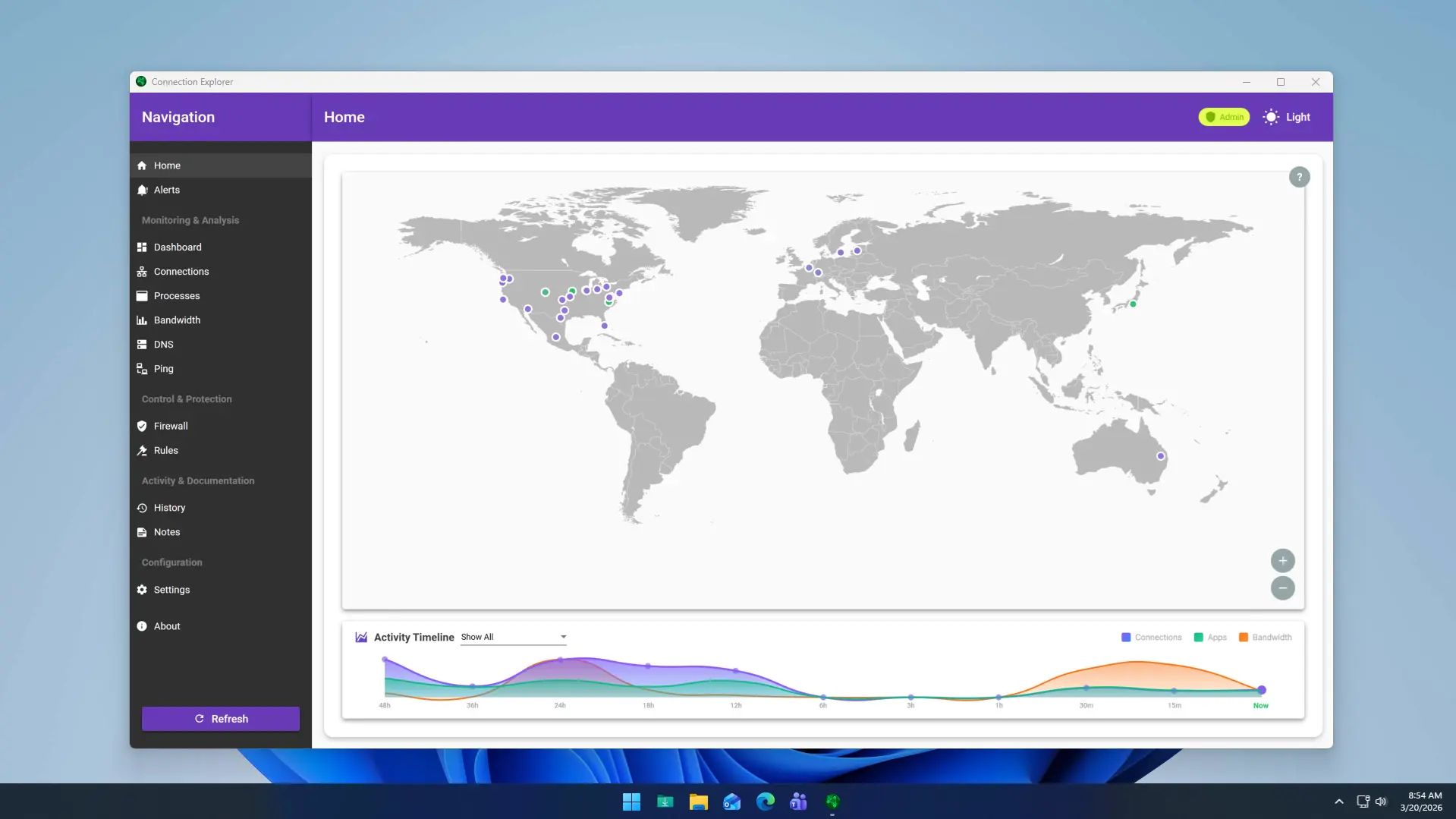
Every day, your PC creates hundreds of connections, but seeing this activity is a convoluted and opaque process. Connection Explorer was built from the ground up for one thing: to create a window of clarity into these connections to allow you to see what is happening on your device.
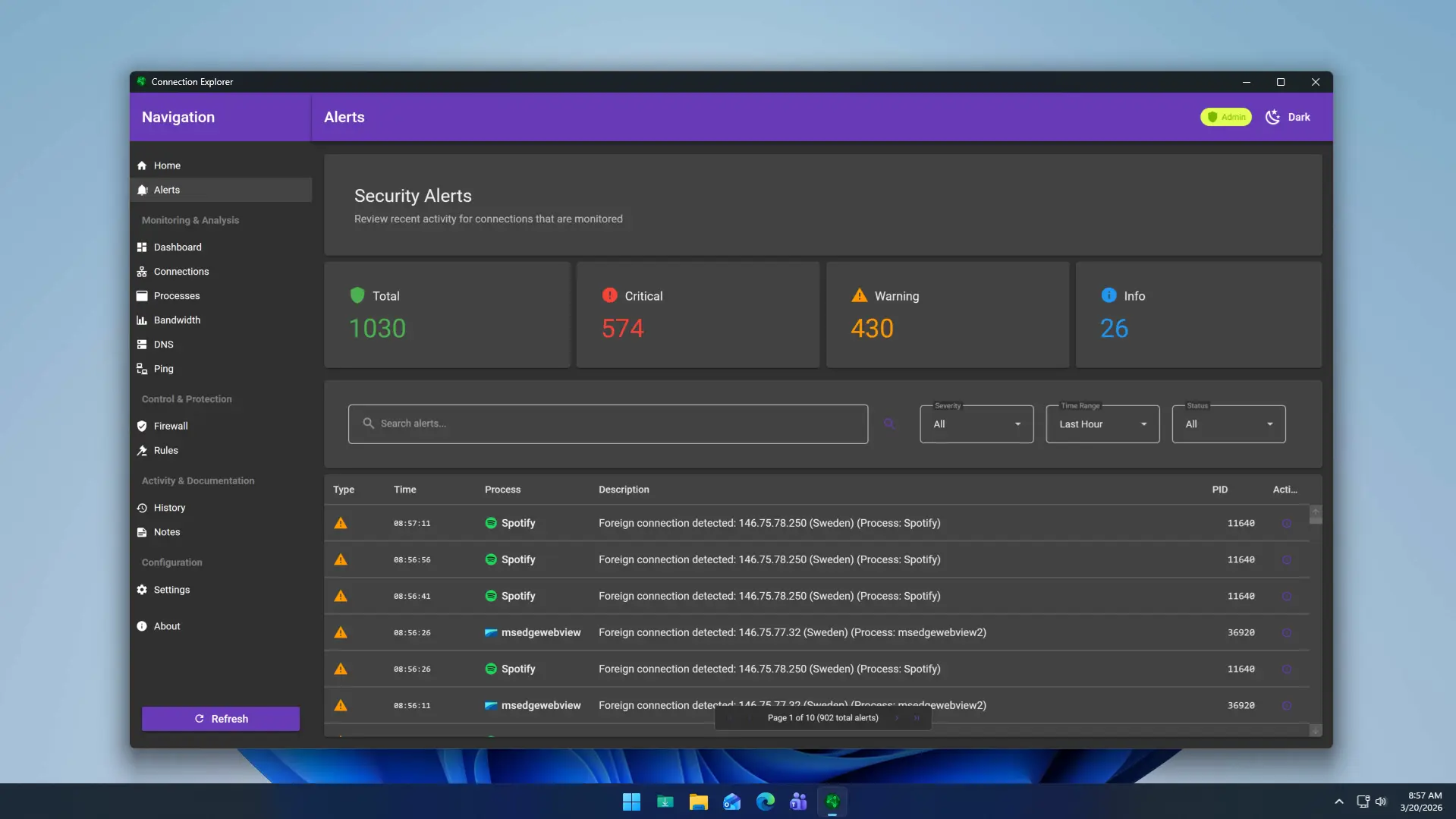
With the 1.0 release, Connection Explorer expands on this vision with an all-new activity timeline that provides a historical view of connections, bandwidth usage, and the number of applications actively communicating. Combined with per-application bandwidth monitoring, users can now quickly identify which apps are consuming resources and how their network activity changes over time.
Packed with features that allow you to create intelligent alerts for activities, easily block unwanted processes, explore all your historical connection information, and add notes to DNS entries, Connection Explorer keeps you informed about what your device is doing and when it does it.
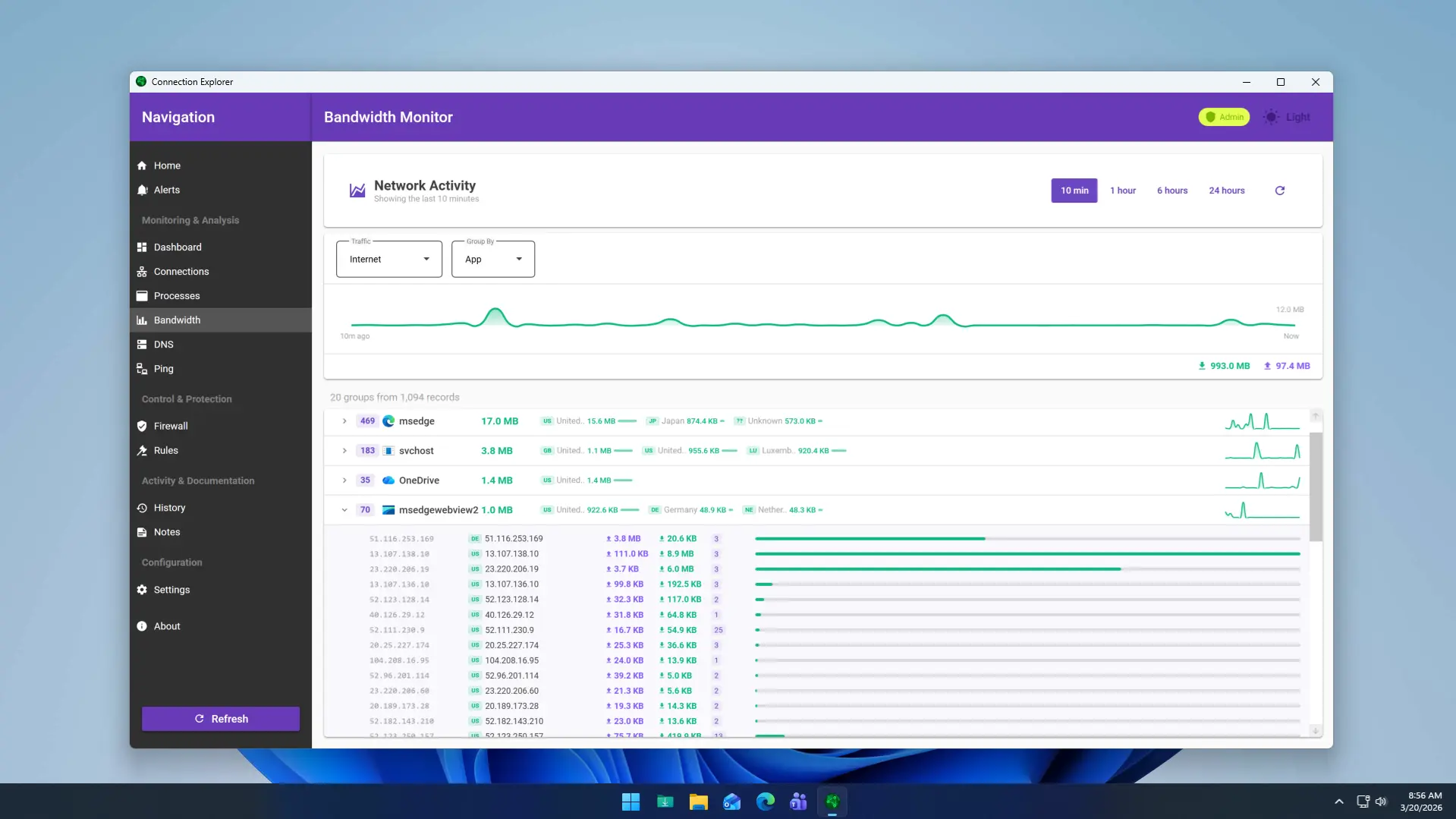
Stardock knows that you can’t always watch your connections for all hours of the day, which is why Connection Explorer makes it easy to set up alerts with an easy-to-use interface. Creating alerts for connections from unwanted locations, IP addresses, or ports is easily configured and deployed in seconds.
“The modern desktop is a highly connected device that is uploading and downloading data all day long, our goal was to create an application that allowed you to see what is happening with your desktop” said Brad Sams, General Manager, Stardock Software. “With Connection Explorer 1.0, you now have the ability to see what is happening and better understand what your connected footprint looks like as you use your PC”.
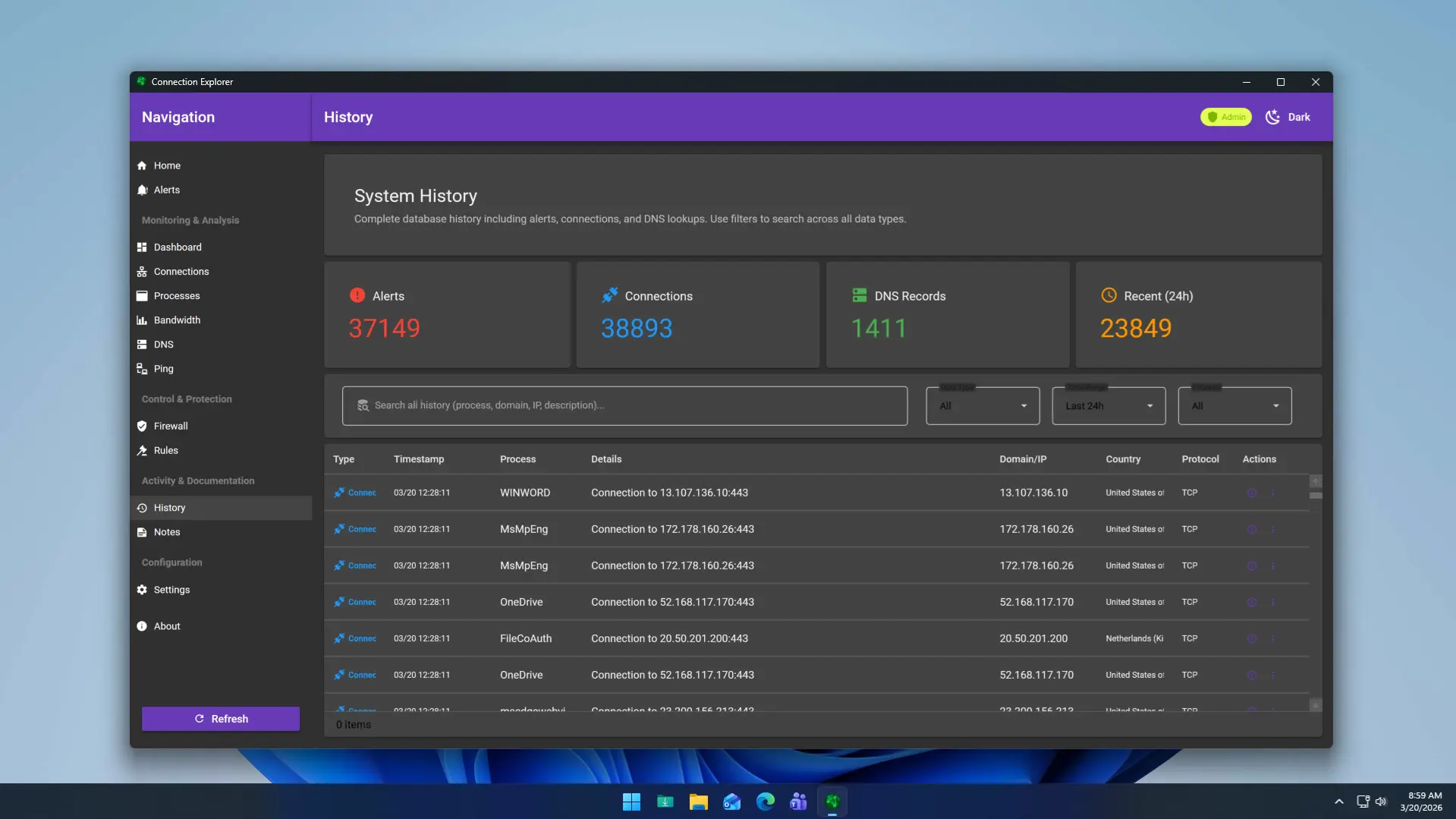
Connection Explorer is designed for Windows 11 and supports light/dark mode. For a limited time, it is available at a 20% launch discount and is available today as part of Object Desktop. You can learn more about Connection Explorer on its app page, here
You can also download the entire Object Desktop package. Object Desktop includes programs such as Fences, Start11, Groupy, SoundPackager, DeskScapes and Multiplicity.
Disclaimer: Neowin's relationship to Stardock
Hope you enjoyed this news post. Feedback welcome.
Posted Wednesday 15 April 2026 at 7:36 am AEST (my time).
News posts: 2023 5,800+ | 2024 5,700+ | 2025 5,700+ | 2026 (to end of March) 1,297
Recommended Comments
There are no comments to display.
Join the conversation
You can post now and register later. If you have an account, sign in now to post with your account.
Note: Your post will require moderator approval before it will be visible.