

3175x175(CURRENT).thumb.jpg.b05acc060982b36f5891ba728e6d953c.jpg)
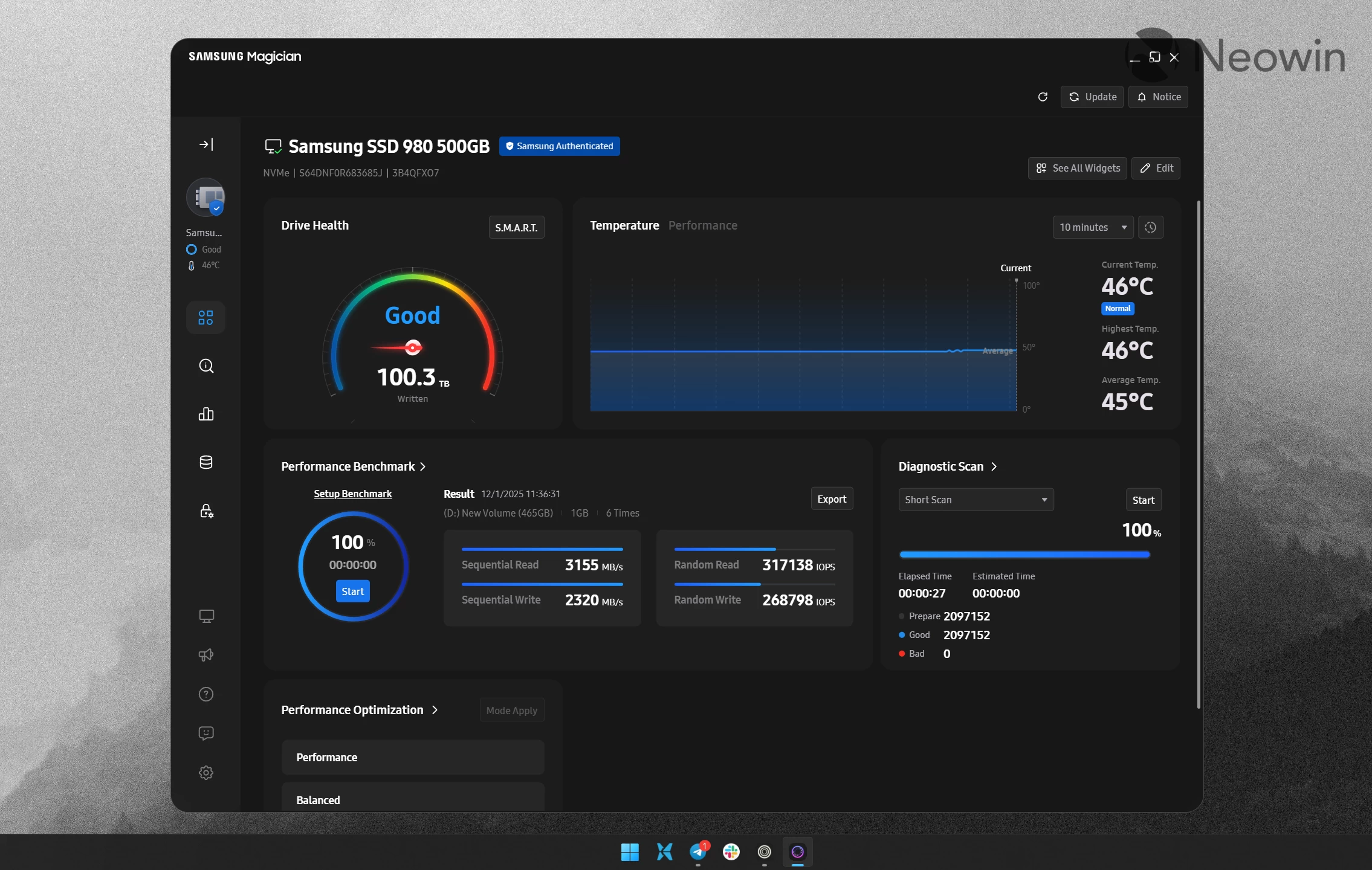
If you have a Samsung SSD on a Windows PC or Mac, you probably know about the Samsung Magician app. This program lets you monitor your drive, customize its features, update firmware, and do more. There is now a big new update available for download under version 9.0, which brings a reworked user interface, widget improvements, and more.
Starting with version 9.0, Samsung increased the minimum system requirement for the Magician app. While Windows 10 is still supported, Mac users have to update to macOS Catalina or newer to run the latest release. Windows 10 will eventually be left out, but it is too early to leave the operating system out, especially given that Windows 11's adoption is slower than expected.
Next, Samsung redesigned the app with a new user interface. The overall look remains similar to version 8, but it is now more modern, and the iconic blue color has been swapped for a simpler dark gray background. Another welcome addition is that banner ads have been removed from the home screen. While ads are still there (you can find them in the side menu and deep inside the app), the home screen is now cleaner and less distracting.
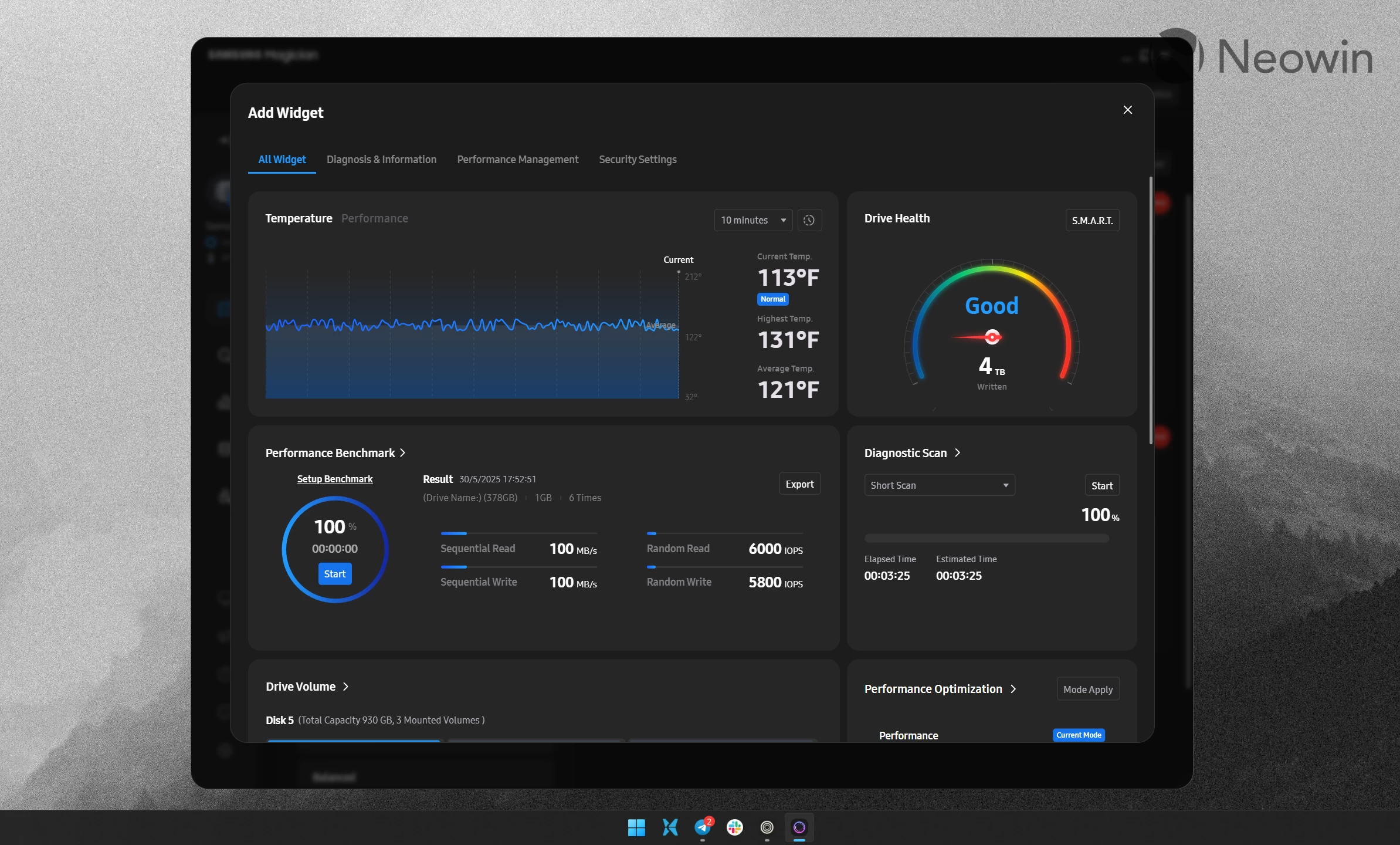
Another big change is that you can now customize what widgets appear on the home screen. You can move widgets around, remove ones that you do not need, and add extra widgets to create a dashboard that suits your needs best.
As for compatibility, there are no new devices added. The app remains compatible with most of Samsung's latest and older solid-state drives and memory cards. You can find the complete list of supported devices in the official documentation.
Samsung Magician is available for download from the official website. The app works on macOS 10.15 Catalina (and newer) and Windows 10 (and newer). Linux is not supported.
Hope you enjoyed this news post. Feedback welcome.
Posted Tuesday 2 December 2025 at 4:08 am AEST (my time).
News posts... 2023: 5,800+ | 2024: 5,700+ | 2025 (till end of November): 5,412


Recommended Comments
Join the conversation
You can post now and register later. If you have an account, sign in now to post with your account.
Note: Your post will require moderator approval before it will be visible.