


3175x175(CURRENT).thumb.jpg.b05acc060982b36f5891ba728e6d953c.jpg)
PowerToys 0.98 is out, and this massive update adds a new tool, a big redesign for another module, and plenty of new features.
The March 2026 update for PowerToys is here, and it is a big one. Version 0.98 is now available, and it packs a brand-new taskbar-like tool, a redesigned user interface for Keyboard Manager, more new features for existing tools, and other changes.
Starting with new tools, we have Command Palette Dock, a new module that Microsoft announced a couple of months ago. Command Palette Dock is an extension to Command Palette, a universal launcher for Windows 10 and 11. The dock lets you pin favorite commands and extensions to have them always accessible.
Command Palette Dock has a bunch of built-in modules, including a resource monitor widget that shows CPU, GPU, network, and memory usage. Plus, you can customize the looks, change the position, and more. Command Palette Dock has its own APIs, so that developers can integrate their modules with the launcher.
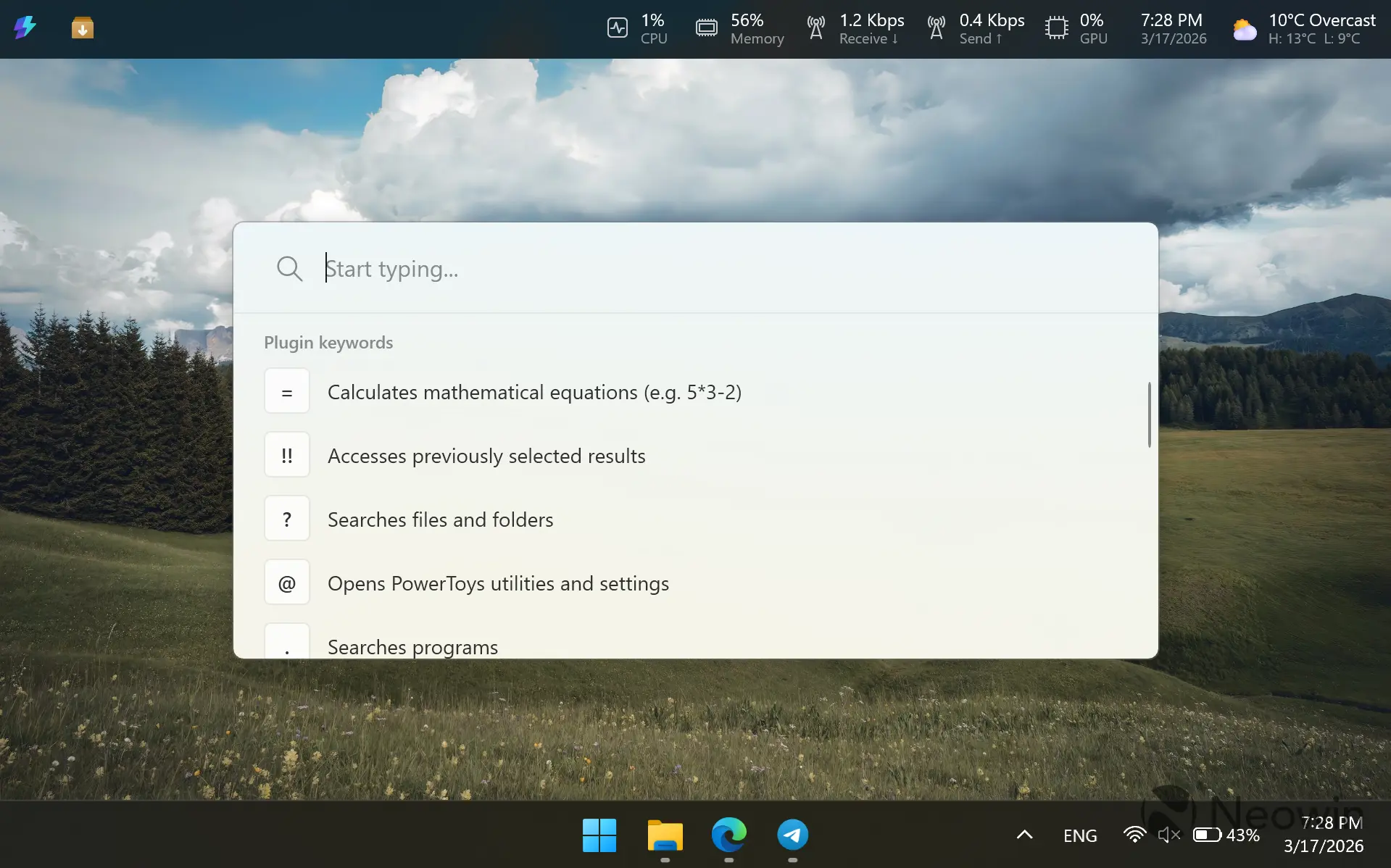
The dock is not the only update to Command Palette. The launcher is now significantly faster, it received transparency support, and a few extra features, such as text preservation between launches and the ability to hide non-app results.
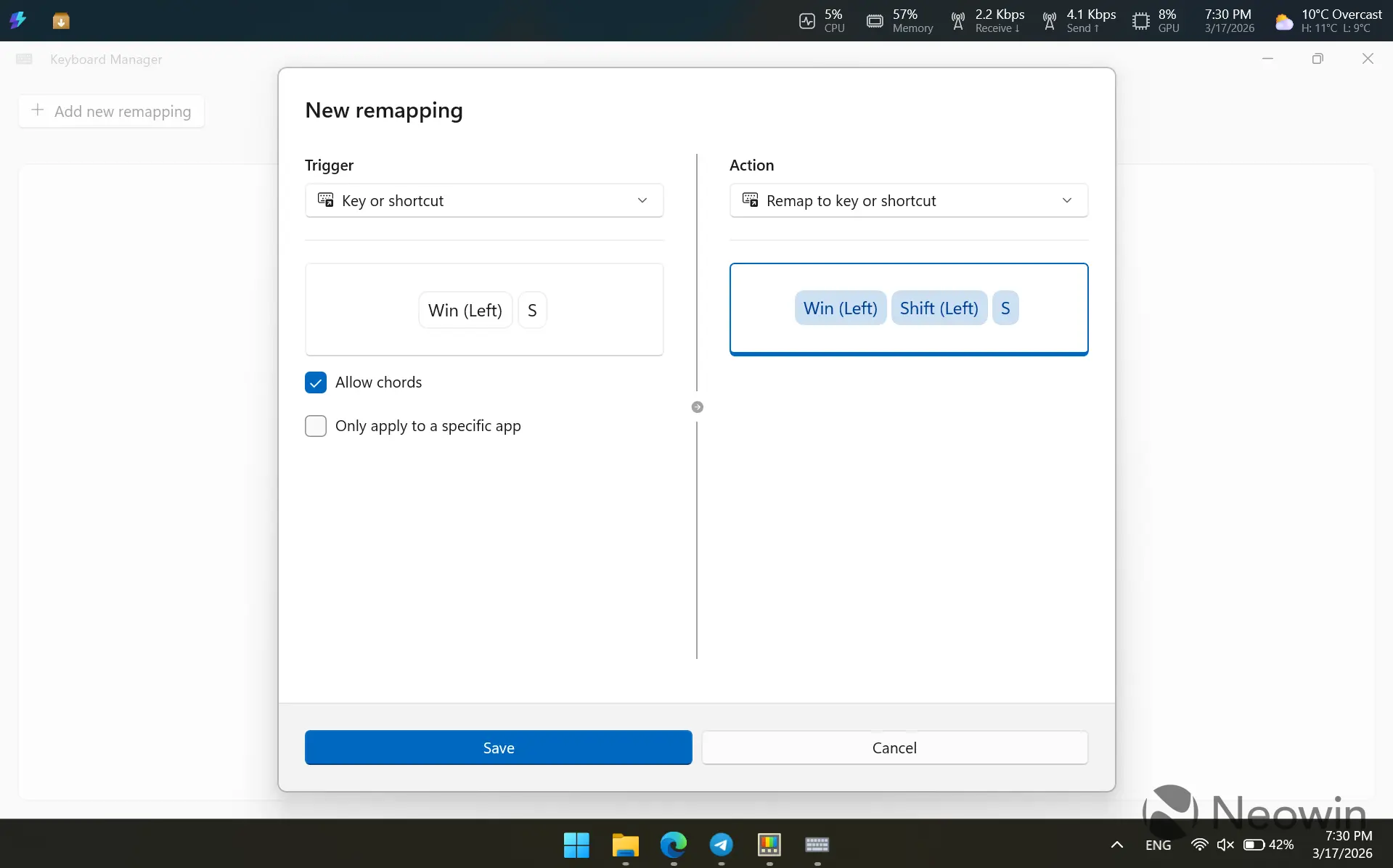
PowerToys Keyboard Manager, a handy tool that lets you remap keys and shortcuts, received a brand-new editor. It features more modern looks, a unified editor for shortcuts and keys, and the much-needed ability to toggle separate edits without deleting them. The new editor is in preview, and you must enable it before using.
CursorWrap, another recent addition to PowerToys, also received new features. Its behavior should now be more reliable on multi-monitor setups, and users can try new features, such as the ability to trigger it only when holding Ctrl or Shift and the module on single-monitor setups.
Always on Top, a handy tool that lets you pin a window on top of everything else, is now easier to activate. You can pin it by right-clicking the title bar, plus the new Ctrl + Shift + Plus/Minus key lets you adjust pinned window transparency.
Other improvements include a new video editor for ZoomIt for trimming screen recordings, the ability to hide Windows's stock "New" item in the context menu when New+ is enabled, and a new auto-copy hotkey for custom actions so that you can copy and execute them.
As usual, PowerToys 0.98 also packs a massive list of improvements and small fixes, which you can check out in the official documentation. You can download PowerToys 0.98 from GitHub or the Microsoft Store. If you already use PowerToys, go to Settings > General > Check for updates to get to the latest version.
Hope you enjoyed this news post. Feedback welcome.
Posted Wednesday 18 March 2026 at 6:43 am AEST (my time).
News posts: 2023 5,800+ | 2024 5,700+ | 2025 5,700+ | 2026 (to end of February) 854


Recommended Comments
There are no comments to display.
Join the conversation
You can post now and register later. If you have an account, sign in now to post with your account.
Note: Your post will require moderator approval before it will be visible.