


3175x175(CURRENT).thumb.jpg.b05acc060982b36f5891ba728e6d953c.jpg)
The new UniGetUI update redesigns UI, drops the WinGet CLI and more.
The open-source Windows package and software management tool called UniGetUI has released its newest version earlier today. The latest release builds on earlier 2026 updates, focusing on improving stability, refining the user interface, and more.
For anyone not familiar, UniGetUI brings a graphical user interface (GUI) to multiple command-line package managers all in one place and allows users to install, update, and remove software from sources such as WinGet, Chocolatey, Scoop, Pip, and NPM without needing to use terminal commands.
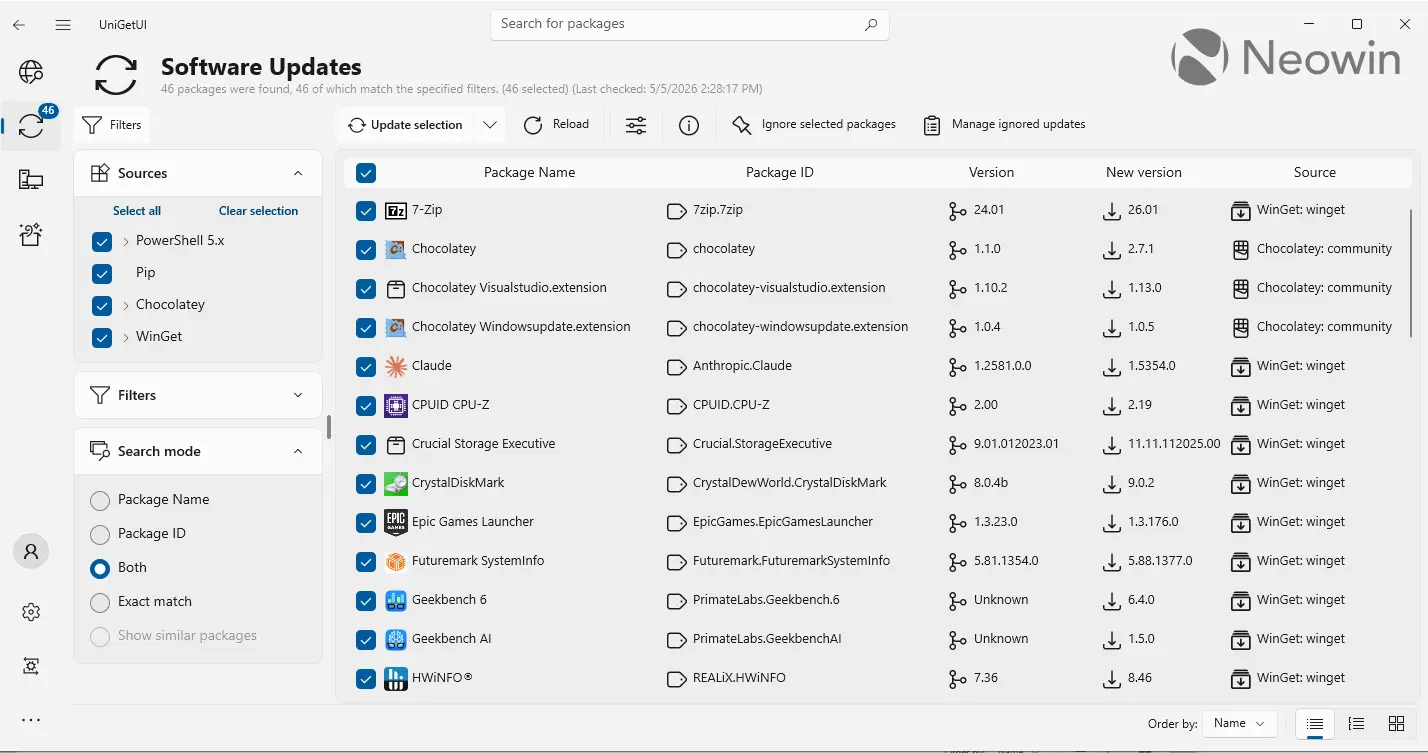
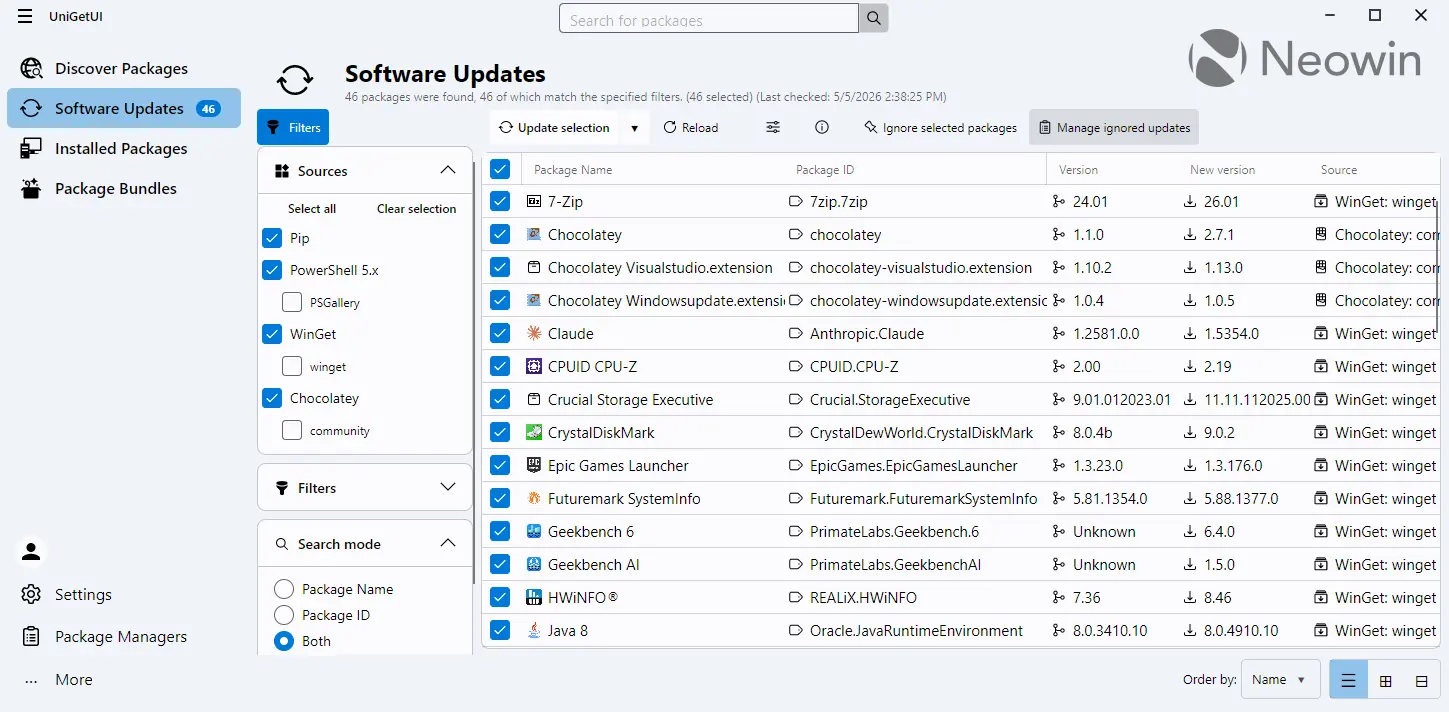
There are two major changes in this release; first, the bundled WinGet CLI has been removed in favor of Pinget, which is the app's portable Winget alternative. Second, the app has received a UI revamp based on Avalonia.
Avalonia is often compared to Microsoft’s WinUI, the latter of which is designed specifically for modern Windows apps. While WinUI is the native design language for Windows apps, it is limited to that platform. Avalonia, by contrast, offers a similar XAML-based development model but extends compatibility across multiple operating systems.
Here is the classic UI:
And here is the new UI:
The full changelog is given below:
- Remove bundled WinGet CLI
-
Integrate Pinget (portable WinGet) as fallback
- Automatic fallback to Pinget—our portable WinGet alternative—when the official WinGet is missing or unavailable.
-
Modern Avalonia UI for Windows
-
A fully featured modern Avalonia-based UI for Windows is now available!
Users can toggle between classic and modern UIs.
-
A fully featured modern Avalonia-based UI for Windows is now available!
Other Important Changes:
-
Flatpak integration
- Added Flatpak as a supported package manager.
-
UI/UX Improvements and Parity
- Avalonia/WinUI feature parity, maximization, and navigation improvements.
- Classic mode launcher added.
- Main window resizable on Linux.
-
Accessibility
- Many accessibility fixes for screen reader users and improved focus management.
-
Translations
- Synchronized and fixed various translation errors.
-
Branding and Documentation
- Updated Devolutions branding.
Fixes:
-
Fix RPM install failure on Fedora 38+
- Solved dependency problems with liblttng-ust.so.0.
- Fix Chocolatey installer validation
- Fix navigation bar accessibility for screen readers
You can download the app's new version, 2026.1.8, from Neowin software stories or this page on its official GitHub repo.
Hope you enjoyed this news post. Feedback welcome.
Posted Wednesday 6 May 2026 at 7:44 am AEST (my time).
News posts: 2023 5,800+ | 2024 5,700+ | 2025 5,700+ | 2026 (to end of April) 1,700
- flash13 and Fowler
-
 2
2
Recommended Comments
There are no comments to display.
Join the conversation
You can post now and register later. If you have an account, sign in now to post with your account.
Note: Your post will require moderator approval before it will be visible.