

3175x175(CURRENT).thumb.jpg.b05acc060982b36f5891ba728e6d953c.jpg)
Agentic companions for the Taskbar could be Windows 11's next big AI upgrade, but what form could this take and how would it be useful?
References to a feature called "agentic companions" for the Taskbar have been spotted in recent Windows 11 preview builds, suggesting the company is working on bringing AI companions to the Taskbar at some point in the near future.
The strings were spotted in Windows 11 Insider builds last month, though more recent builds have been updated to remove the mention of "agentic" capabilities, likely to draw attention away from such feature during development. Details around how this new companion feature will be implemented are currently unknown, but that means we can speculate a little.
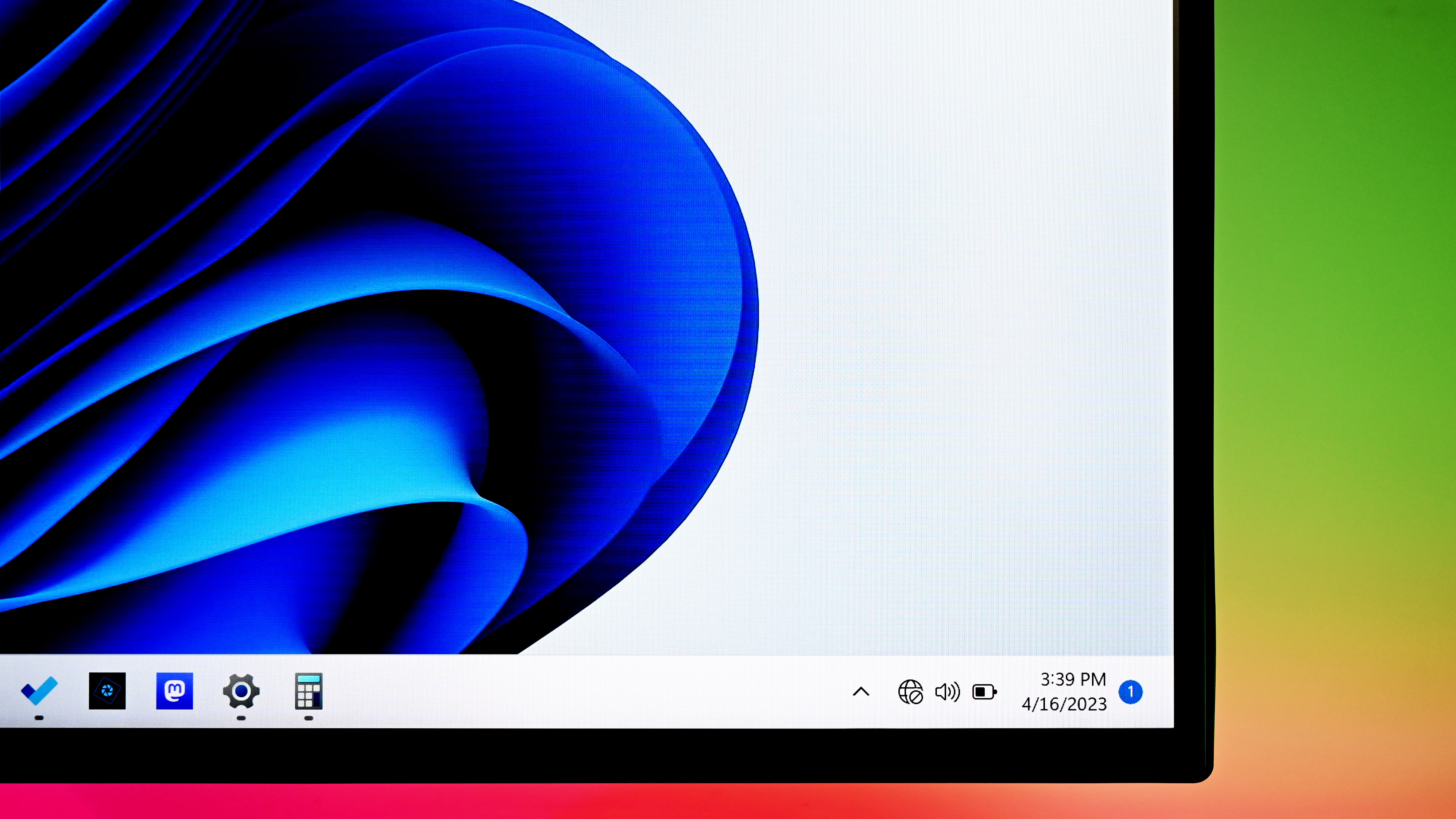
An AI companion that's accessible via the Taskbar could take the form of a dedicated system button that the user clicks on whenever they want an AI overlay or flyout to help out with a current task or activity that's on screen. The button could exist in a dedicated part of the Taskbar near the System Tray, being always available to the user should they choose to enable it.
The feature could be extensible, allowing users to select which AI companion they'd like quick access to via the Taskbar. That said, Microsoft is keen to get more people using Copilot over competitors. ChatGPT, Gemini, and others are all competing for the same userbase, and Microsoft would like most Windows users to choose Copilot if possible.
Microsoft has been working on a whole bunch of AI experiences for Windows 11 over the last year, most of which require new hardware under the Copilot+ umbrella to function. Just recently, Click To Do launched, delivering an AI overlay that you can access by pressing and holding the Windows key on your keyboard.
Click To Do is similar to Google's Circle To Search — An AI model that scans your screen to identify images and text, and provides contextual actions based on what it sees. It's super handy for extracting text from images, or learning more about a word or image you've seen pop up in an app.

The Copilot key is already present on modern Windows PCs.
(Image credit: Rebecca Spear / Windows Central)
The Taskbar companions feature could tap into Click To Do, offering an on-screen Taskbar button that the user can click to open the overlay at any time. Currently, the only way to access Click To Do is via the keyboard shortcut, or manually opening the Click To Do app in the Windows Start menu.
Recommended Comments
There are no comments to display.
Join the conversation
You can post now and register later. If you have an account, sign in now to post with your account.
Note: Your post will require moderator approval before it will be visible.