

3175x175(CURRENT).thumb.jpg.b05acc060982b36f5891ba728e6d953c.jpg)
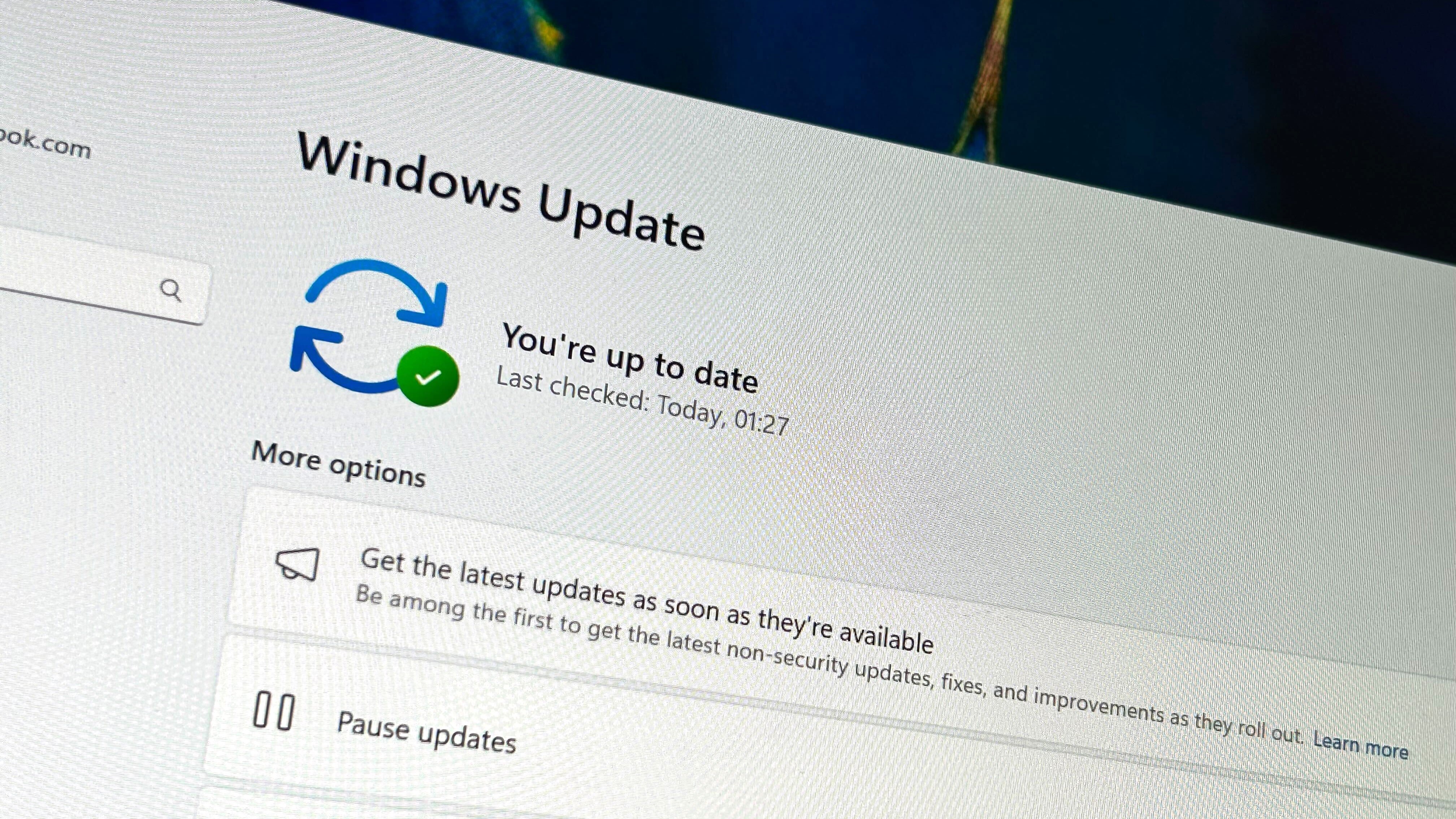
The Windows 11 December 2025 Security Update is now rolling out, and alongside it comes a number of new features and changes to round off the year.
Microsoft has just released its final security update (KB5072033) for Windows 11 in 2025, and with it comes a handful of new features and changes that cap off the year. The new features include improvements to File Explorer and file sharing, mobile device integration, quality of life improvements, and much more.

More dialogs now include dark mode.
(Image credit: Mauro Huculak)
You can learn more about the new features that are rolling out with today's update in our dedicated article that explains every new feature that's now available. Of course, as is always the case with Windows updates, many of these features are rolling out in waves, which means you might not see them all right away once you've installed today's update.
It also includes the following fixes:
- [Copilot] Fixed: This update addresses an issue where Ask Copilot didn’t activate the Click to Do window as expected. The window now appears in the foreground when you share data with Copilot.
- [File Explorer (known issue)] Fixed: This update addresses an issue where File Explorer briefly flashes white when you navigate between pages. This issue might occur after you install KB5070311.
- [Networking] Fixed: This update fixes an issue where external virtual switches lose their physical network adapter (NIC) bindings after a host reboot. When this happens, the switches revert to internal mode, resulting in loss of network connectivity for virtual machines and blocking normal server operations.
- [PowerShell 5.1] Invoke-WebRequest now includes a confirmation prompt with a security warning of script execution risk. You can choose to continue or cancel the request. For additional details, see CVE-2025-54100 and KB5074596: PowerShell 5.1: Preventing script execution from web content.
Alongside the new features, Microsoft has confirmed one known issue to be aware of: The password option on the login screen may appear invisible, though it's still there for you to click on if you want it. You'll just have to click in the empty space where the password option usually is.
Microsoft has shipped lots of new features and updates to Windows 11 in 2025, delivering a constant stream of features and changes on a monthly cadence, whether users have liked it or not. It will be interesting to see if Microsoft continues with this method of feature delivery into 2026. What are your thoughts?


Recommended Comments
There are no comments to display.
Join the conversation
You can post now and register later. If you have an account, sign in now to post with your account.
Note: Your post will require moderator approval before it will be visible.