

3175x175(CURRENT).thumb.jpg.b05acc060982b36f5891ba728e6d953c.jpg)
Microsoft has released PowerToys 0.95, prioritizing speed and reliability through performance boosts and quality-of-life improvements. The Command Palette received key improvements, such as a new fuzzy matcher and smarter fallbacks for faster, more relevant search results.
Real-world speed comparisons that were gathered by the development team show search time reductions for terms like “access” (633ms to 113ms) and “copilot” (257ms to 78ms) between versions 0.94 and 0.95.
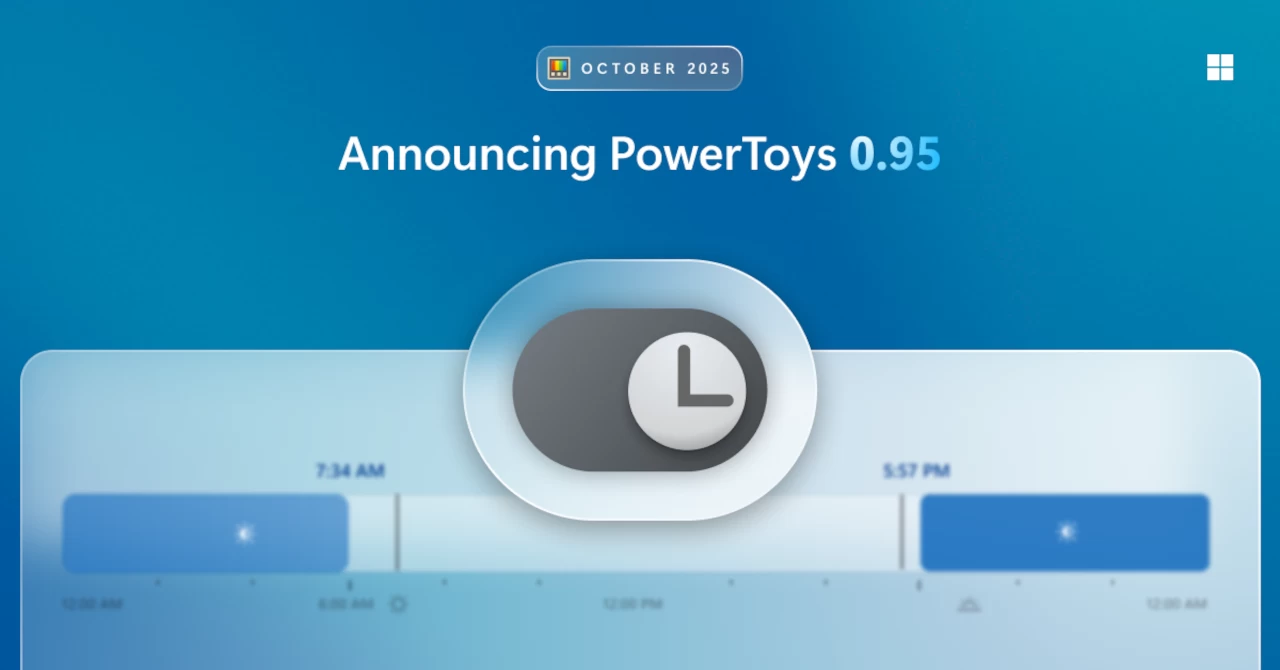
In addition, there is a brand-new utility called Light Switch that automatically switches your PC between light and dark mode. You can set custom start and end times or use the location-based sunrise and sunset times, with an offset available for customization.
Light Switch allows users to choose whether the shell, apps, or both should switch, and a keyboard shortcut can be configured for on-the-fly toggling. Light Switch has been a long-standing community request so many should like this feature.
PowerToys 0.95 also adds new options for shortcut management, including the ability to ignore specific shortcut conflicts directly from the conflict dialog. It is now possible to completely unassign shortcuts using the new Clear button in the configuration dialog.
The Find My Mouse utility now supports full transparency for the highlight, which is adjustable via a slider, allowing for a subtler effect. Additionally, Mouse Pointer Crosshairs can now be configured to show only the horizontal line, only the vertical line, or both.
Other notable non-utility changes include support for Desired State Configuration v3 and the addition of a Welsh layout for Quick Accent. The Gliding Cursor can now be canceled with the Esc key, and ZoomIt now supports smooth image zooming.
There are also upcoming plans for future releases including a revamped Keyboard Manager UI, custom endpoint and local model support for Advanced Paste, more Command Palette improvements, and a new Shortcut Guide experience.
Source: Microsoft
Hope you enjoyed this news post. Feedback welcome.
Posted Thursday 16 October 2025 at 6:21 pm AEST (my time).
News posts... 2023: 5,800+ | 2024: 5,700+ | 2025 (till end of September): 4,533
- flash13 and phen0men4
-
 2
2
Recommended Comments
There are no comments to display.
Join the conversation
You can post now and register later. If you have an account, sign in now to post with your account.
Note: Your post will require moderator approval before it will be visible.