

Jump to content
  • Microsoft quietly removes ability to permanently stop apps from automatically updating on Windows 11 — just like system updates


    Karlston

    • 5 comments
    • 832 views
    • 3 minutes
     Share


    • 5 comments
    • 832 views
    • 3 minutes

    A recent change to the Microsoft Store app has disabled the ability to turn off automatic updates. Now, you can only pause automatic updates for up to 5 weeks.

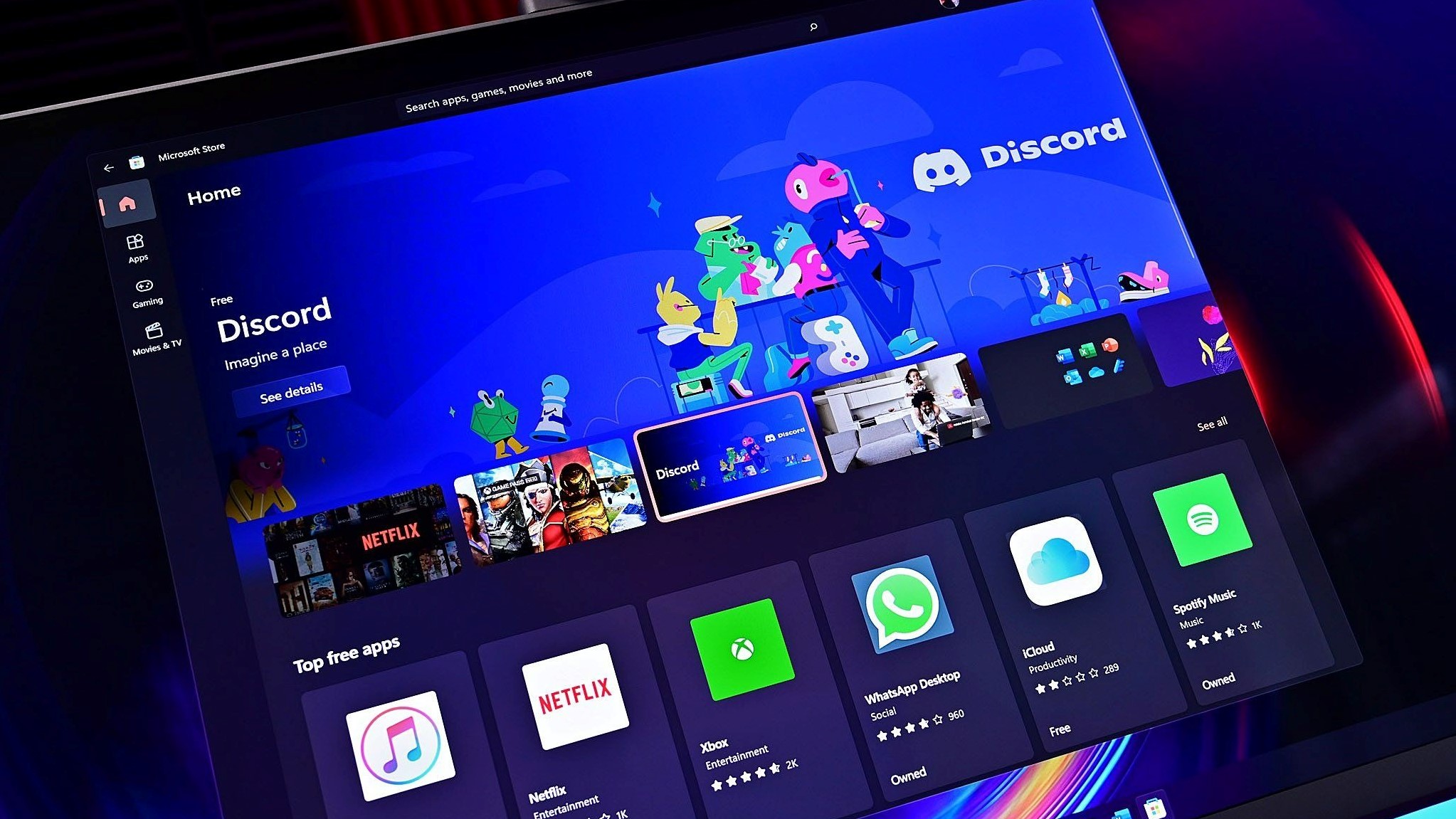
    Microsoft has quietly removed the ability to stop apps from the Microsoft Store from automatically updating on Windows 11 and Windows 10. In the last couple of months, users have noticed that the Microsoft Store's option to turn off automatic app updates now prompts the user to pause them for up to 5 weeks instead.


    In the past, the toggle to turn off automatic app updates did just that. It would turn off the Microsoft Store's ability to automatically update installed apps, leaving the ability to check for updates and install them entirely up to the user. Now, when turning off the automatic app updates toggle, the user is presented with a drop down that only allows you to pause it between 1 and 5 weeks.


    Microsoft Store app updates pause

    This is the prompt you'll see when you try to turn off automatic app updates.

    (Image credit: Windows Central)


    This means that if you don't want the Microsoft Store to automatically update your apps, you can no longer stop it from doing so forever. At some point, the Microsoft Store will ensure all your installed apps are up to date. This is the same way Windows Update works, where you can pause it for a number of weeks, but never outright turn it off. Eventually, it will install the latest updates. Now the Microsoft Store will do the same.

    Of course, this change only applies to apps that you've acquired from the Microsoft Store. Apps downloaded from outside the Microsoft Store won't be impacted by this change, and will continue to rely on their independent update systems.


    In recent months, the Microsoft Store has really come into its own. I called it "actually great now" in a recent editorial, and I stand by that claim. In regards to catalog and app availability, pretty much all of the apps I'd want to install on Windows are available in there. The ability to update all my apps in one place is also great, and works well now.


    Unfortunately, the ability to outright disable automatic app updates is a little annoying, especially if you're using a particular version of an app that you don't want to move away from. On the flipside, it's good for security as it means you'll always be using the latest, most secure version of an app available.


    Thanks for the tip, Jameson!


    Source


    Hope you enjoyed this news post. Feedback welcome.

    Posted Wednesday 22 October 2025 at 4:53 am AEST (my time).

    News posts... 2023: 5,800+ | 2024: 5,700+ | 2025 (till end of September): 4,533

    RIP Matrix


    User Feedback

    Recommended Comments

    I didn't know that turning off updates from MS store was every an option.  Which is why I never used apps that were only available through MS. 

    • Like 2
    Link to comment
    Share on other sites


    Is there any way to re-halt the update of MS Store apps through the Local Group Policy Editor.


    That said, I've noticed a pattern in Microsoft.  Every time they add a "feature" or "fix" something, they take away more control from the end user.  Considering how Nadella once tried to devalue his female employees by saying they should be paid in karma, I'm not surprised his own employees are devaluing us endusers.  It needs to stop.  Now.

    Link to comment
    Share on other sites


    6 hours ago, The Boca Deb said:

    Is there any way to re-halt the update of MS Store apps through the Local Group Policy Editor.


    AFAIK, Option 3 here using a Group Policy will still work... Enable or Disable Automatically Update Apps in Microsoft Store in Windows 11


    The Group Policy also exists in Windows 10 Pro and this method should also work there.


    It's been mentioned that setting your connection to Metered will also prevent MS Store app auto updates.

    Link to comment
    Share on other sites


    On 10/23/2025 at 10:54 PM, Karlston said:


    AFAIK, Option 3 here using a Group Policy will still work... Enable or Disable Automatically Update Apps in Microsoft Store in Windows 11


    The Group Policy also exists in Windows 10 Pro and this method should also work there.


    It's been mentioned that setting your connection to Metered will also prevent MS Store app auto updates.

    Thank you!  Good to know Option 3 Group Policy Editor still works!  😃

    Link to comment
    Share on other sites


    Join the conversation

    You can post now and register later. If you have an account, sign in now to post with your account.
    Note: Your post will require moderator approval before it will be visible.

    Guest
    Add a comment...

    ×   Pasted as rich text.   Paste as plain text instead

      Only 75 emoji are allowed.

    ×   Your link has been automatically embedded.   Display as a link instead

    ×   Your previous content has been restored.   Clear editor

    ×   You cannot paste images directly. Upload or insert images from URL.


  • Recently Browsing   0 members

    • No registered users viewing this page.
×
×
  • Create New...