

3175x175(CURRENT).thumb.jpg.b05acc060982b36f5891ba728e6d953c.jpg)
A new Copilot button might be making its way to the File Explorer app on Windows 11, if a newly discovered hidden button is anything to go by.
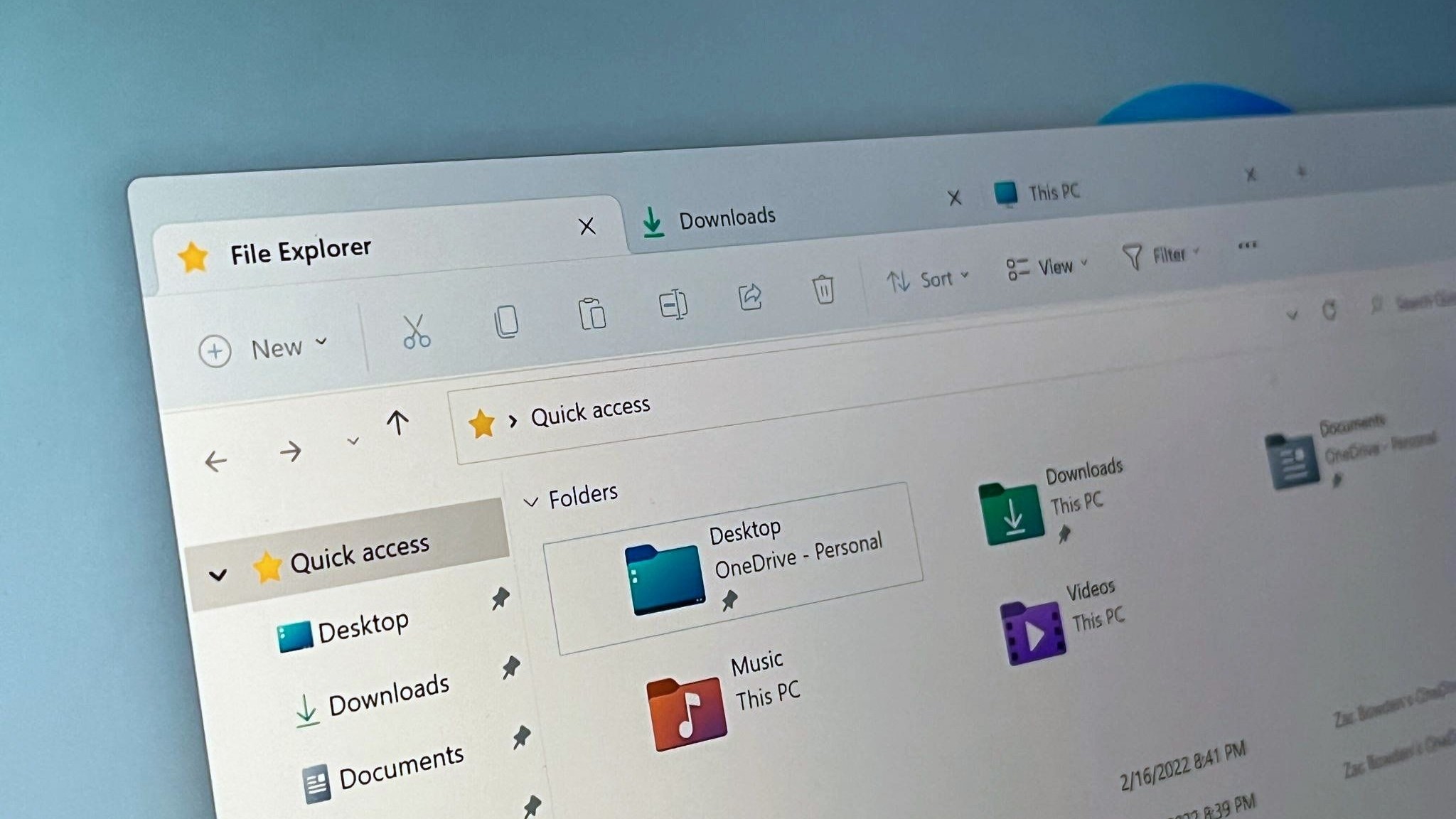
An invisible button has been spotted in the File Explorer app on the latest Windows 11 preview builds. Currently, the button is non-functional, only appearing when you hover over a blank space in the navigation bar, but that hasn't stopped Windows Insider sleuths from looking into what it might be for.
Discovered by @phantomofearth, it appears the button will be tied to Copilot. Strings spotted in the current Windows 11 preview builds specifically mentions a feature called "Chat with Copilot," along with an option to detach the Copilot interface from the File Explorer window.

A mockup of the Copilot Chat interface in File Explorer
(Image credit: Windows Central)
File Explorer actually already has a basic level of Copilot integration via the right-click menu. If you select a file and right-click it, the option to Ask Copilot will appear, which when clicked will open the dedicated Copilot app in a new window where you can ask questions about the file.
This experience isn't very seamless or integrated into File Explorer, which is why this new invisible button is notable, as it might be a sign that an improved, more integrated Copilot experience is on the way for File Explorer on Windows 11. This should hopefully be a more streamlined experience for those who do utilize Copilot often.
Given that this potential integration isn't yet functional in the current Windows 11 preview builds, none of this is confirmed and could change or be canceled. What we do know for sure is Microsoft is testing a new Copilot button of some kind in the File Explorer, which is currently invisible and non-functional in the latest Windows 11 preview builds.

This is the hidden button that appears if you hover over this blank space in File Explorer on the latest Windows 11 preview builds.
(Image credit: Windows Central)
In the meantime, what are you hoping to see from File Explorer on Windows 11 in 2026? Would you welcome yet more Copilot integration in the File Explorer app, or would you rather the company focus its efforts on other aspects of the app? Let us know in the comments!
Hope you enjoyed this news post. Feedback welcome.
Posted Saturday 10 January 2026 at 6:18 am AEST (my time).
News posts... 2023: 5,800+ | 2024: 5,700+ | 2025: 5,700+
Recommended Comments
Join the conversation
You can post now and register later. If you have an account, sign in now to post with your account.
Note: Your post will require moderator approval before it will be visible.