

3175x175(CURRENT).thumb.jpg.b05acc060982b36f5891ba728e6d953c.jpg)
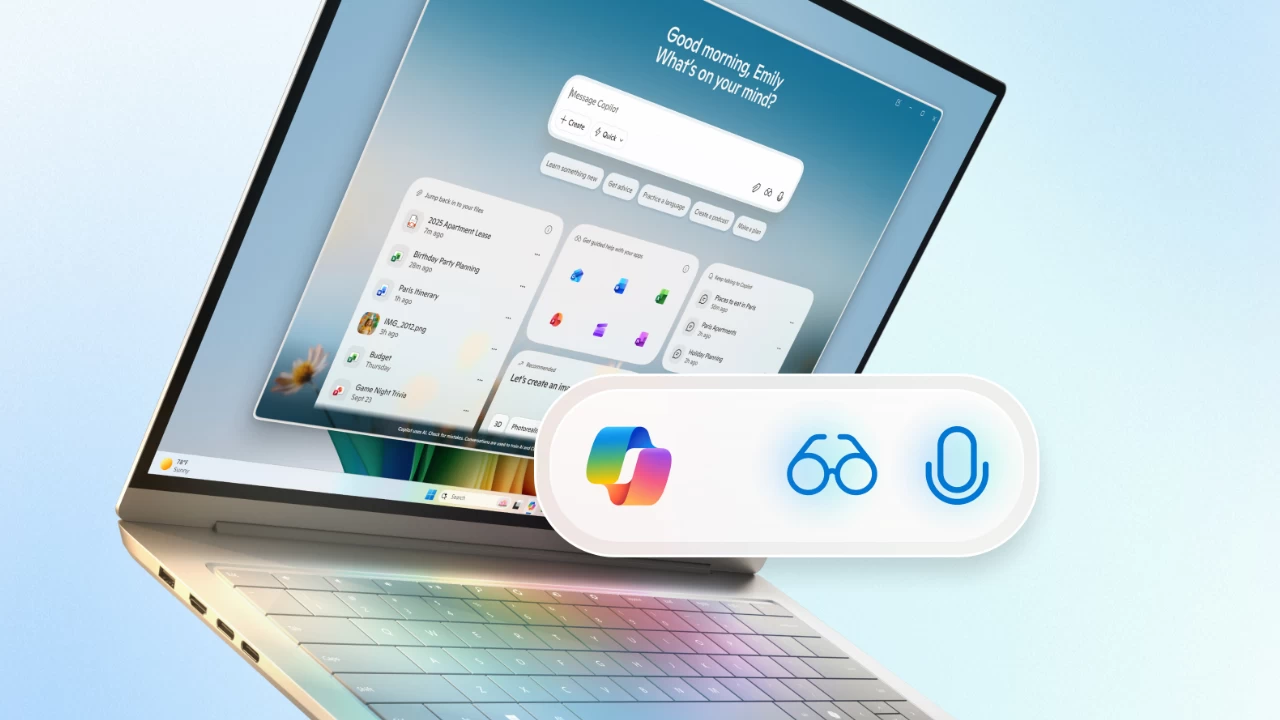
After a bunch of teasers on X hinting at some voice-related announcements for Windows, Microsoft has officially announced the new "Hey Copilot" voice activation command for the Copilot app on Windows 11. Now, in addition to launching Copilot with the Alt + Tab shortcut, Windows 11 users can trigger Copilot, particularly its Voice feature, by simply saying "Hey Copilot," just like in the days of Cortana and Windows Phone.
After waking up the assistant, you will hear a chime and a small window with a microphone at the bottom of the screen. Now, you can simply start talking to Copilot and ask questions. In addition to waking up Copilot with the new phrase, you can finish the conversation by simply saying "goodbye." After a few seconds of inactivity, Copilot will turn off with a chime, signaling you that the conversation is over.
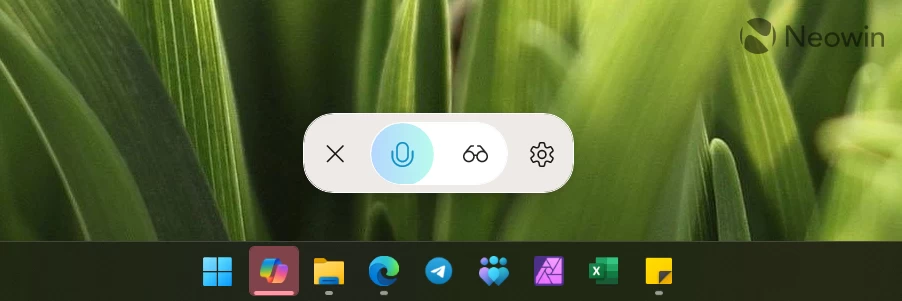
The "Hey Copilot" voice activation feature is now generally available to all Windows 11 users (initially launched for insiders in May). Note that you need a microphone and a working internet connection to talk to Copilot.
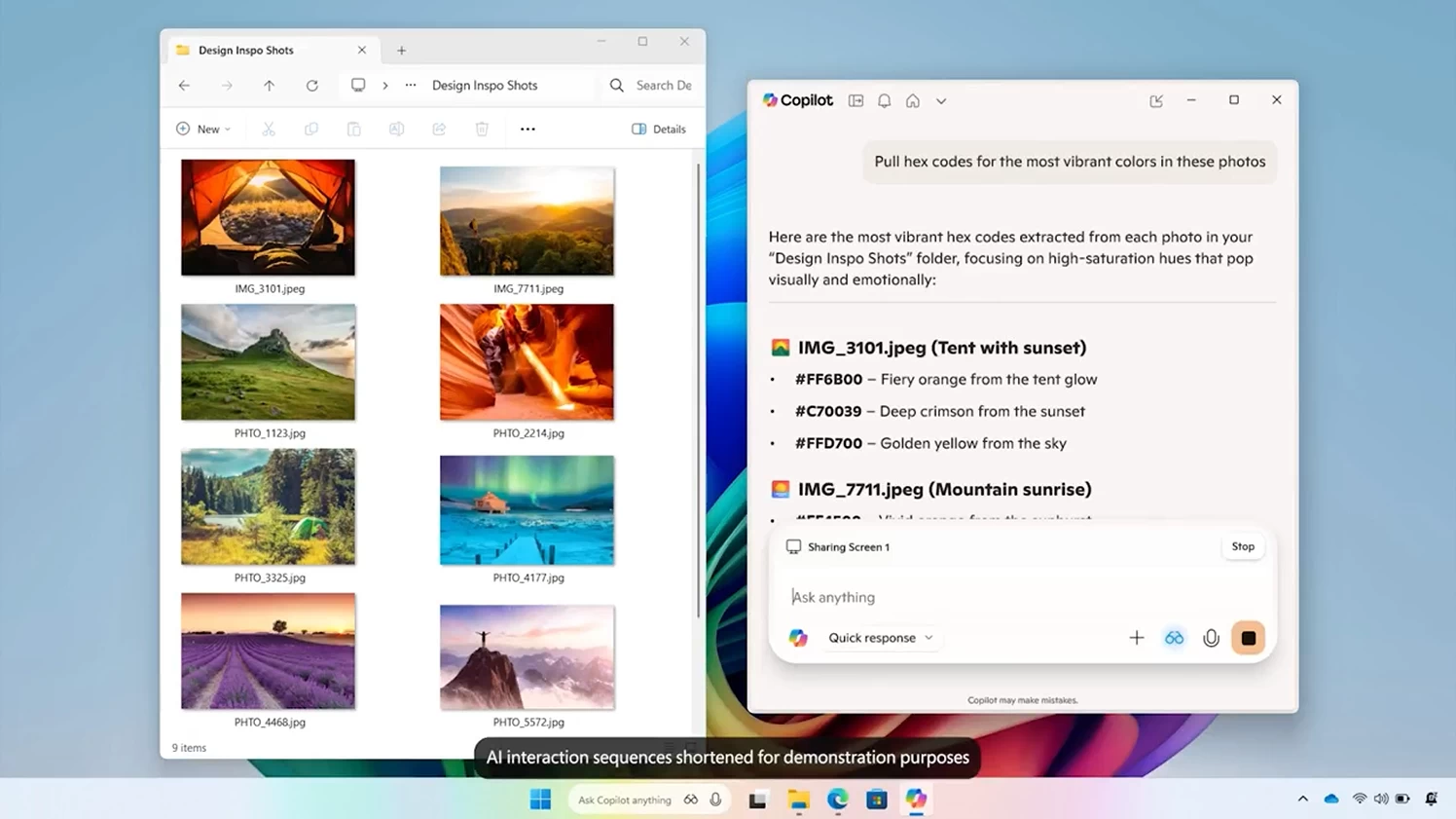
In addition to "Hey Copilot," Microsoft is rolling out Copilot Vision to all markets where Copilot is available. This feature lets you share your desktop or a specific app with Copilot so that it can analyze content, provide insights, answer your questions, and offer tips. Moreover, you can ask Copilot to show you how to do a particular thing with the Highlights feature. If you use Copilot Vision with Office apps, Copilot can look "beyond your screen," for example, analyze your entire presentation, not just the current slide.
Finally, Microsoft is working on a new "Text-in Text out" feature that will let you speak with Copilot during Vision sessions using text, not just voice. Here is an example of asking Copilot to extract HEX codes from the most vibrant colors in a folder:
Here is what Yusuf Mehdi, Consumer Chief Marketing Officer at Microsoft, says about the launch of Copilot Vision and "Hey Copilot":
The magic unlock with Copilot Voice and Copilot Vision is the ease of interaction. Using the new wake word, “Hey Copilot,” getting something done is as easy as just asking for it. And with your permission, Copilot Vision can analyze what’s on your screen helping you learn new apps, get recommendations for a project or show you how to do it. Since its initial release, early adopters of Copilot Vision have inspired us with their creative use cases, from troubleshooting settings, to getting step by step guidance, and even learning complex editing tools.
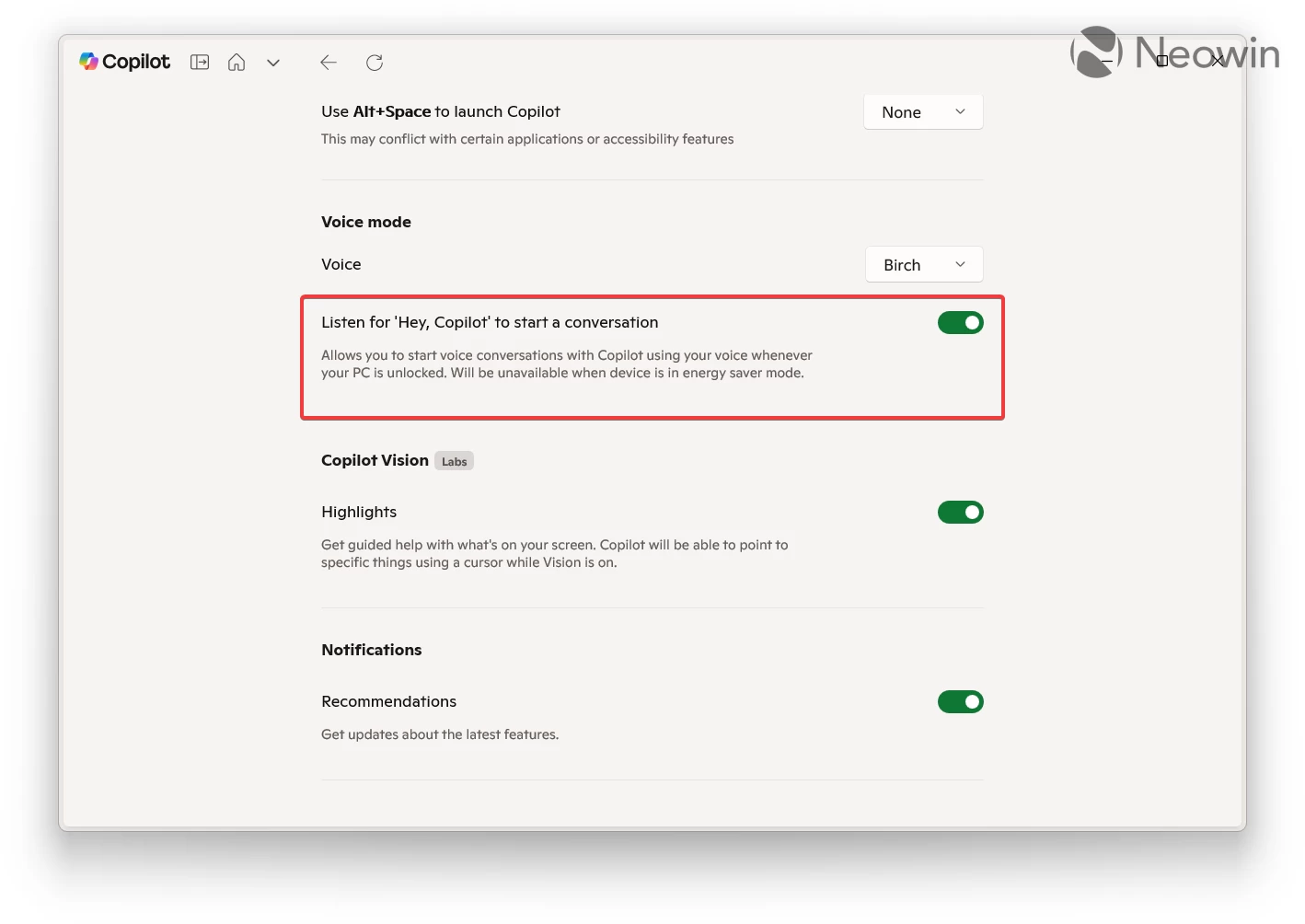
Voice activation in the Copilot app for Windows is turned off by default. It is a strictly opt-in experience, which you can enable by heading to Copilot settings and turning on the "Listen for 'Hey, Copilot' to start a conversation" feature.
Hope you enjoyed this news post. Feedback welcome.
Posted Friday 17 October 2025 at 4:02 am AEST (my time).
News posts... 2023: 5,800+ | 2024: 5,700+ | 2025 (till end of September): 4,533
Recommended Comments
There are no comments to display.
Join the conversation
You can post now and register later. If you have an account, sign in now to post with your account.
Note: Your post will require moderator approval before it will be visible.