

3175x175(CURRENT).thumb.jpg.b05acc060982b36f5891ba728e6d953c.jpg)
Microsoft’s OneDrive mess has users panicking over “lost” files. Here’s what’s really going on.
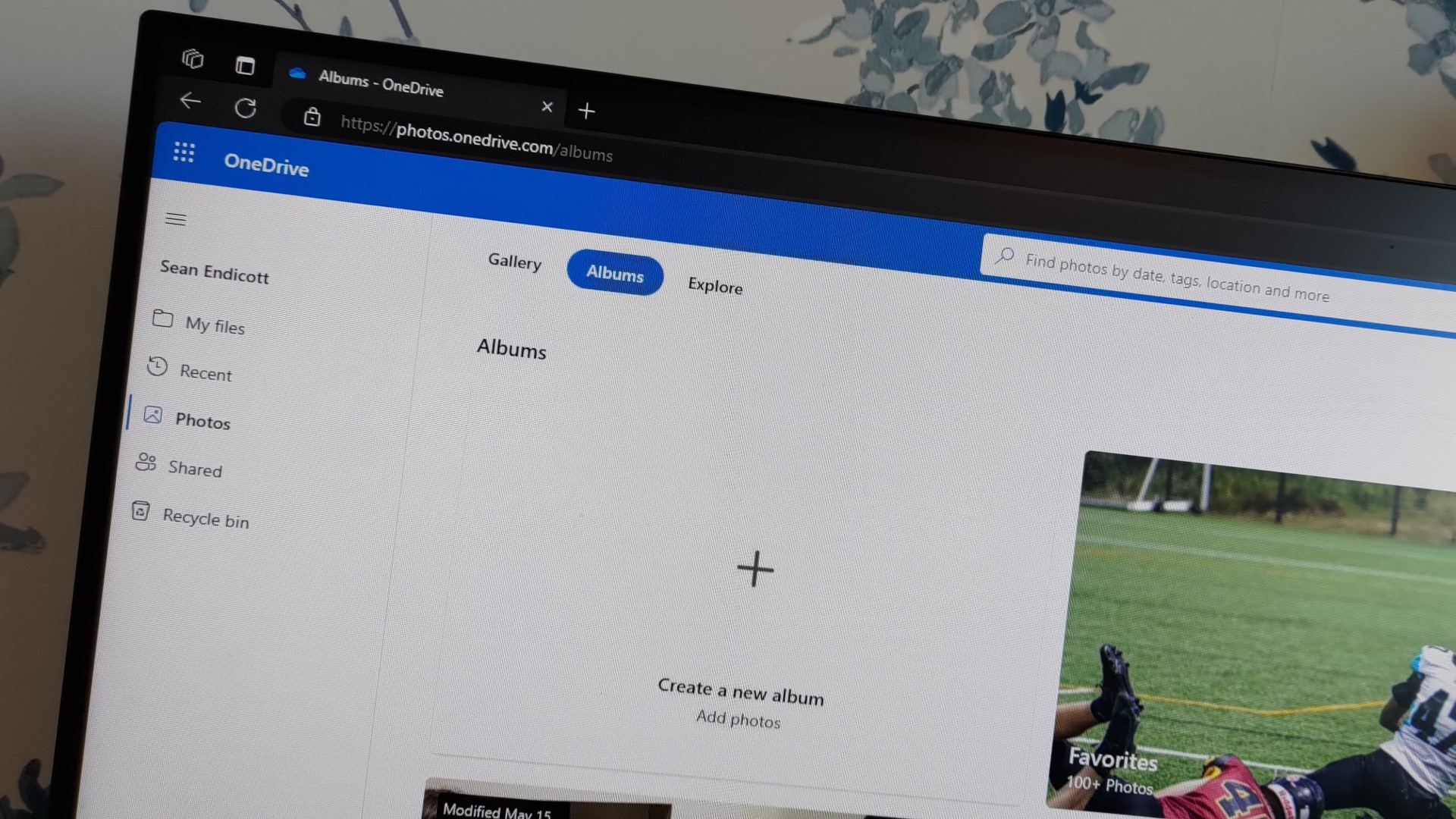
With the lost art of physical albums and printed photographs, everything has seemingly gone digital. Right now, you can simply take a photo on your phone and upload it to the cloud, then delete it from your phone's storage for extra space.
In a perfect world, the process should be as simple as I just described, but unfortunately, this isn't always the case. Over the past few years, multiple people have run to social media to express their frustrations after losing access to their fondest memories and even confidential work information.

(Image credit: Getty Images | NurPhoto)
The user submitted 18 compliance forms in an attempt to have the issue resolved, but the efforts were rendered futile. While it's still unclear whether the user ever got any assistance, the issue seems to be persistent.
A Windows Central reader facing the same predicament recently reached out to me, expressing his frustrations:
"Two days ago I was stung by this very same issue losing decades of purchased content (mainly Xbox and subscriptions), documents, emails, access to third party services at the whim of an AI.
On NYE I took a photo of my kids watching a film while in silly positions in our living room without even thinking about it. The next morning my OneDrive was blocked for potential child abuse. My email was still working (I checked) so I launched an appeal using my MS email. A few hours later, I found out that email was also disabled. I immediately reappealed the same day with an alternative email. It quickly became clear that the photo from the night before was the culprit, as it was the only thing not synced to my other devices."

(Image credit: Ben Wilson | Windows Central)
The user says that the photo wasn't inappropriate. "I think the AI scan was triggered because the angle showed one child wearing pink clothes slightly overlapping the youngest child, who also has pink clothes and arms behind their head," he added.
While the user admits that the composition of the photo is slightly confusing with poor lighting, "any human looking at the image for more than a second would see there is no issue."
They made an appeal to have the account restored, but the ban was upheld. "There are no other routes for me to contact MS at present, phone numbers are all AI bots with no escalation path, contact forms all require a sign in."
This case isn't unique; there's a ton of videos and posts across social media about this specific issue. "I think they should have to go to jail for this," another user lamented on TikTok. "If you're unaware, for last few years, Windows has come with a piece of malware called OneDrive." The user claimed that if you're not careful, the app will spontaneously delete files from your computer.
Microsoft lack of transparency about OneDrive Backup's changes is to blame for the confusion
(Image credit: Future)
Microsoft shipped Windows 11 version 25H2 to broad availability on September 30, 2025, with a new Start menu and improved gaming experience. But what you might have missed is that the OneDrive Backup feature is also enabled by default when you sign in with a Microsoft account on a new PC (via ZDNet).
As such, your folders like Documents, Pictures, and Desktop are moved into OneDrive, which is why some users have been complaining that they can't access their data and files directly from their PCs.
Prior to Microsoft's recent changes to its OneDrive Backup feature, users had to locate files and manually transfer them back to their designated folders when disabling the feature. However, the recent changes have made the process a tad easier, allowing users to automatically move files to where they should be in their local profiles.
According to the outlet, when adding an account to an existing Windows 11 installation, Microsoft's Out of the Box Experience (OOBE) will include an option to "Only save files to this PC," though it is easy to miss, especially if you are rushing through the setup process.
This gets a bit complicated when using a Microsoft account to sign in during a Windows 11 clean installation, regardless of whether it's a new or existing account. However, when adding your Microsoft account, you'll be notified that "We'll also back up your files and photos on this device to OneDrive to help keep them safe."
You won't get the option to save your files locally during the setup process. As such, this changes your settings and backs up files from your local Documents, Pictures, and Desktop folders to OneDrive.
The new changes aren't limited to Windows only, either. If you're using a pre-release version of Microsoft 365 Personal or Family, new files create on Word or any other productivity app will be automatically saved by default in OneDrive.

(Image credit: Windows Central)
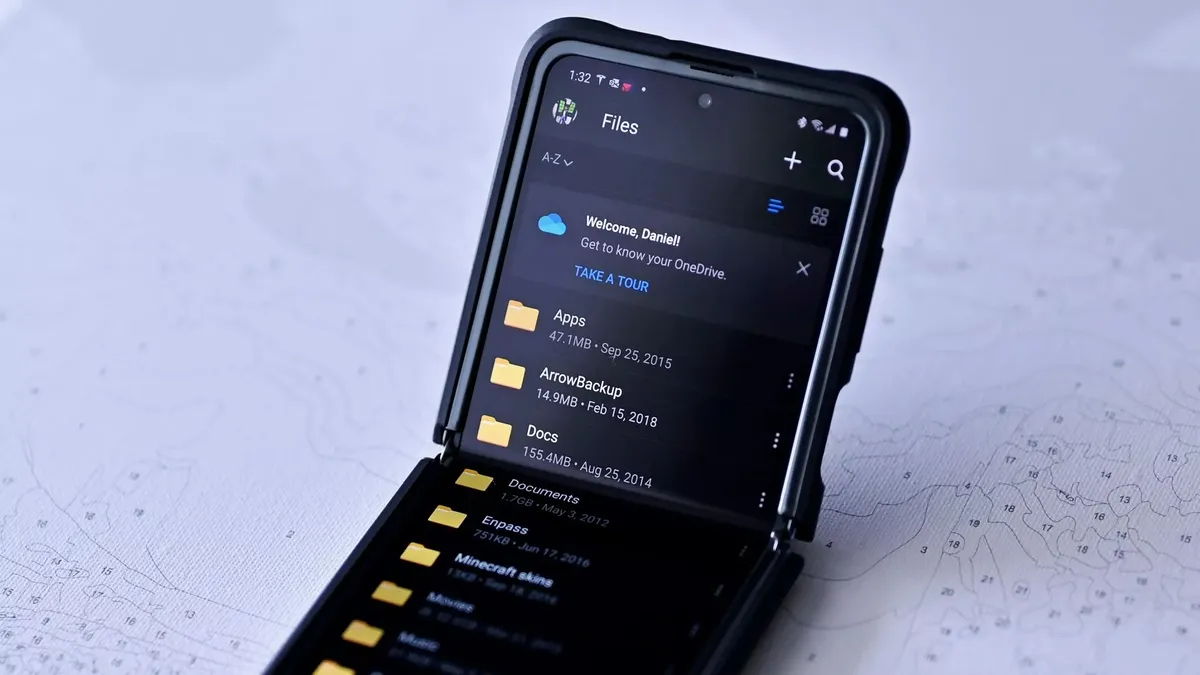
It's worth noting that if you're saving your files locally, you can access them in the usual location across your default folders in your user profile. However, if you have enabled the OneDrive Backup feature, the files are moved to OneDrive. The files will remain on your local PC and are synced to the cloud.
As a result, the local folders (even though they are empty) remain on your Windows PC despite being moved and backed up to OneDrive. This is the issue being flagged up by most users across social media. It's not that Microsoft has deleted your files from your local folders; they have just been relocated and synced to OneDrive because the backup feature was enabled by default when upgrading to Windows 11, version 25H2.
While it's easy to look at this whole situation as an opportunistic business strategy by Microsoft to bolster its cloud services, the recent changes also protect you against the absolute loss of your data to malware or when your device fails or gets stolen.
What are your thoughts on Microsoft's new changes to OneDrive's sync system? Let me know in the comments
Hope you enjoyed this news post. Feedback welcome.
Posted Thursday 15 January 2026 at 5:24 am AEST (my time).
News posts... 2023: 5,800+ | 2024: 5,700+ | 2025: 5,700+
Recommended Comments
Join the conversation
You can post now and register later. If you have an account, sign in now to post with your account.
Note: Your post will require moderator approval before it will be visible.