

3175x175(CURRENT).thumb.jpg.b05acc060982b36f5891ba728e6d953c.jpg)
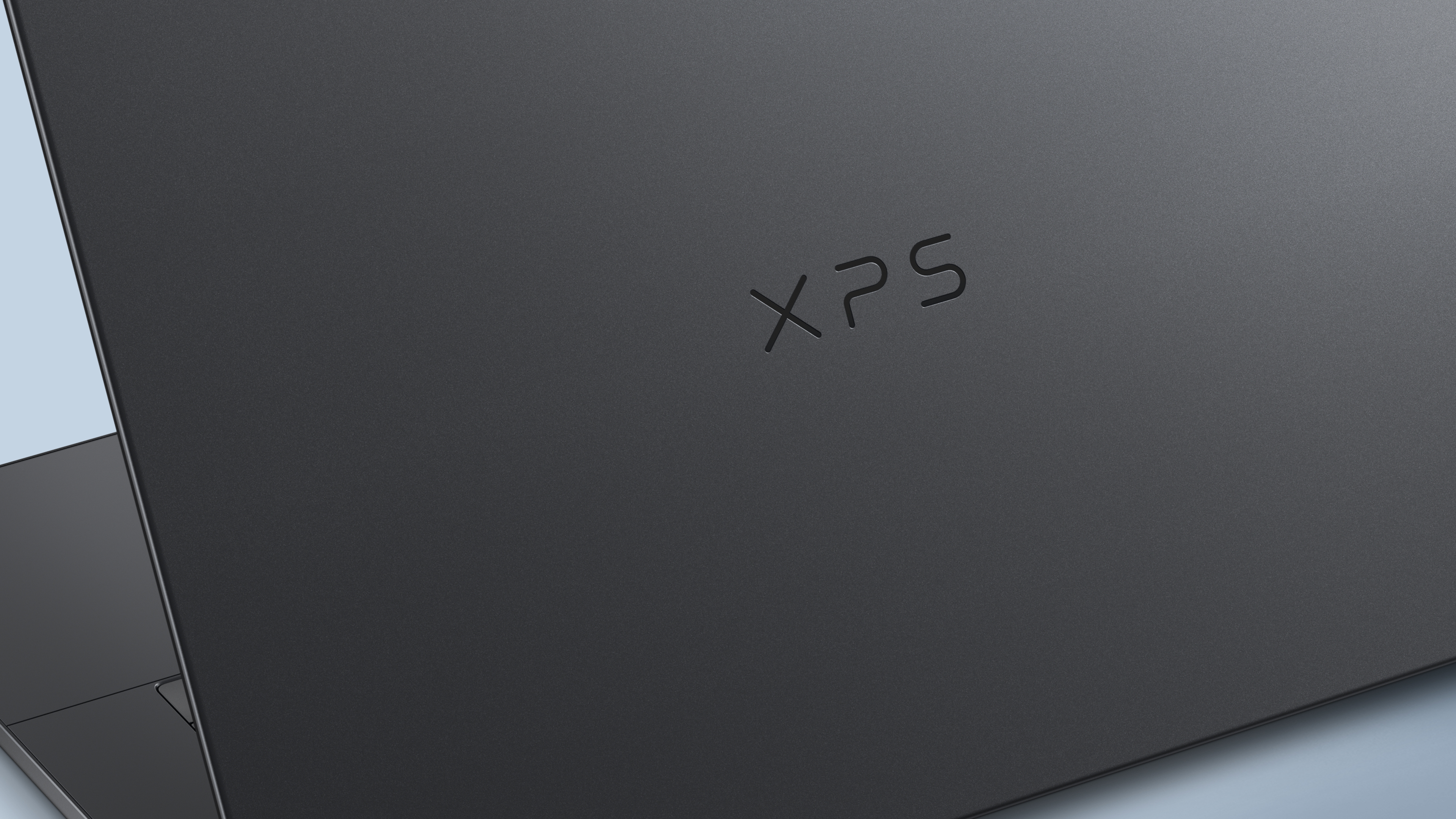
The endless reboot loops plaguing Dell PCs were a result of a botched update of the company's own software.
Last month, several Dell users reported that Dell SupportAssist, the company’s device recovery software, was instead causing system crashes, leading to blue screens and reboot loops on Windows 11. However, the PC maker indicated that Microsoft's Windows 11 wasn't to blame.
At the time, Dell recommended uninstalling the software. However, our own Windows OS expert, Mauro Huculak, noted that disabling the service could also mitigate the issue. Concerningly, Dell has published a new blog post indicating that its Remediation Dell SupportAssist (version 5.5.16.0) and Alienware SupportAssist can trigger blue screen errors and unexpected reboot loops on Windows 11 (via Neowin).
Dell SupportAssist is part of the company’s broader SupportAssist OS Recovery Tools, so users are advised not to disable or uninstall it while troubleshooting. Dell has since released an update, version 5.5.16.1, which is expected to resolve the issue.
Impacted users are advised to verify that their devices are running the latest version by checking the Installed Apps section in Windows Settings. A new update should be available through the SupportAssist's "Update Software" feature or Dell Command Update. This should resolve the annoying issue.
Late last month, I also reported on an annoying HP BIOS bug that was leaving high-end Windows 11 PCs stuck in an endless BitLocker recovery loop. At the time, HP recommended users to avoid downloading and installing the faulty BIOS update by in Windows Update in their device settings app while it worked on a permanent fix.
The company also provided a manual workaround to resolve the BitLocker Recovery loop and allow for the successful implementation of the 2023 Microsoft certificates on an individual computer.
To resolve the issue where the new UEFI Secure Boot CA 2023 certificates fail to apply, HP now recommends updating affected devices to the latest BIOS version and ensuring the required Secure Boot certificates are configured before installing Microsoft’s Windows 11 Patch Tuesday updates. Affected devices might require several BIOS configuration changes to run seamlessly without unexpected system restarts.
Hope you enjoyed this news post. Feedback welcome.
Posted Wednesday 10 June 2026 at 7:54 am AEST (my time).
News posts: 2023 5,800+ | 2024 5,700+ | 2025 5,700+ | 2026 (to end of May) 2,092
Recommended Comments
There are no comments to display.
Join the conversation
You can post now and register later. If you have an account, sign in now to post with your account.
Note: Your post will require moderator approval before it will be visible.