

3175x175(CURRENT).thumb.jpg.b05acc060982b36f5891ba728e6d953c.jpg)
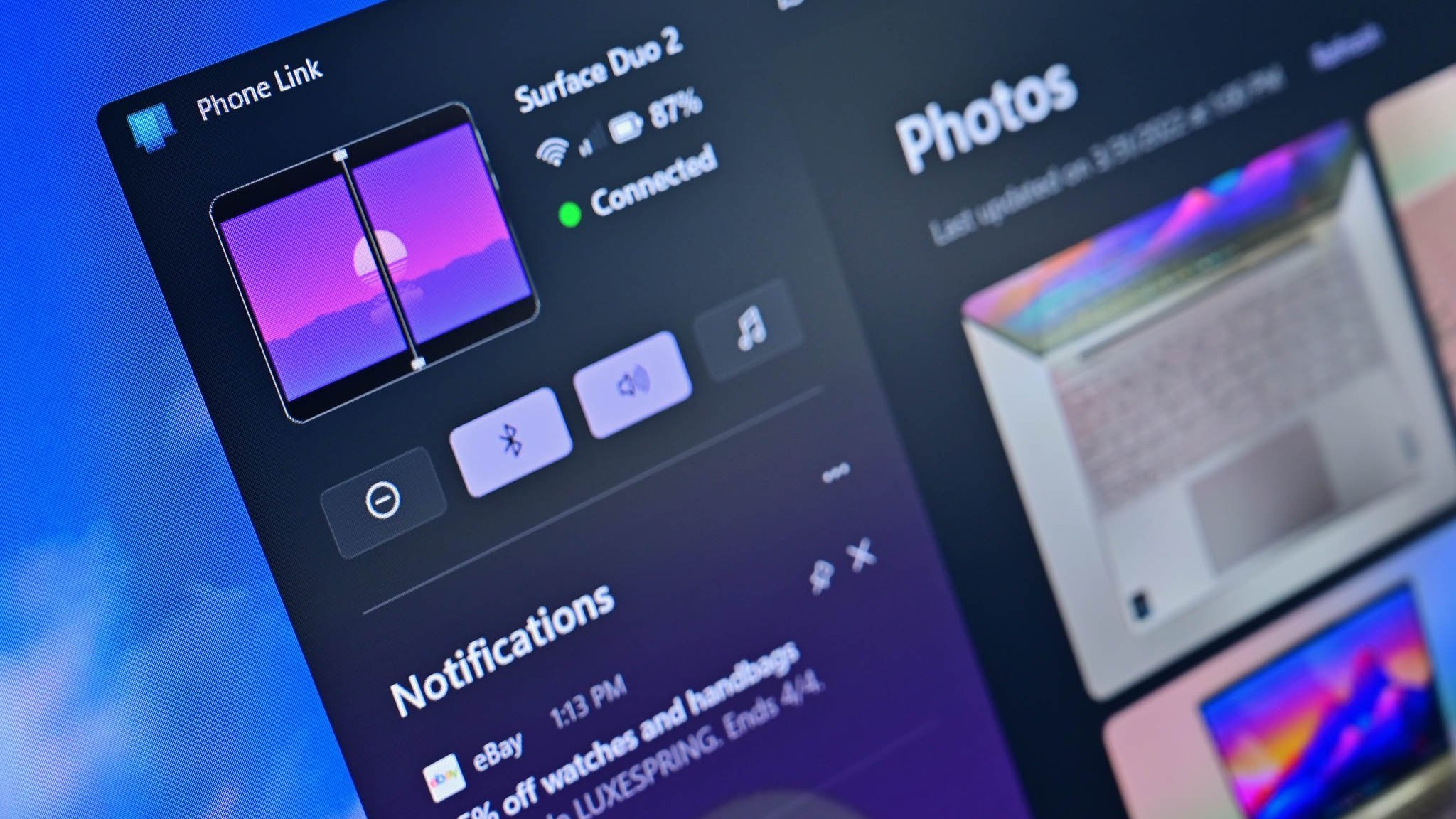
The Phone Link app is losing support for viewing photos from your phone. Microsoft says to use the File Explorer app instead.
An update to the Phone Link app on Windows 11 has revealed that Microsoft is removing the built in Photo viewer soon, replacing it with the ability to view photos directly through the File Explorer instead.
Up until now, users have enjoyed being able to view everything about their phone in one place on Windows 11. The Phone Link app is used to view your phone's status and screen, as well as messages, phone calls, and historically photos. It was a great way to view all your recent pictures, and copy them to your PC.

This is the popup that is now appearing at the top of Phone Link.
(Image credit: Windows Central)
The ability to view your phone in File Explorer is not a new feature, but it's also noticeably seperate from the Phone Link app. It requires setting up your phone using the Mobile Devices feature in Windows Settings, but offers additional functionality such as using your phone as a webcam.
Phone Link still exists and continues to support features like notification relay and the ability to control your phone from your PC, but the Mobile Devices feature is designed to treat your phone like a peripheral, appearing in File Explorer like a removable drive and like an external camera.
It's unclear when Microsoft intends to outright remove the ability to view photos in the Phone Link app, but the app is already encouraging people to switch over to viewing photos in File Explorer instead.
- dabourzannan
-
 1
1
Recommended Comments
Join the conversation
You can post now and register later. If you have an account, sign in now to post with your account.
Note: Your post will require moderator approval before it will be visible.