

3175x175(CURRENT).thumb.jpg.b05acc060982b36f5891ba728e6d953c.jpg)
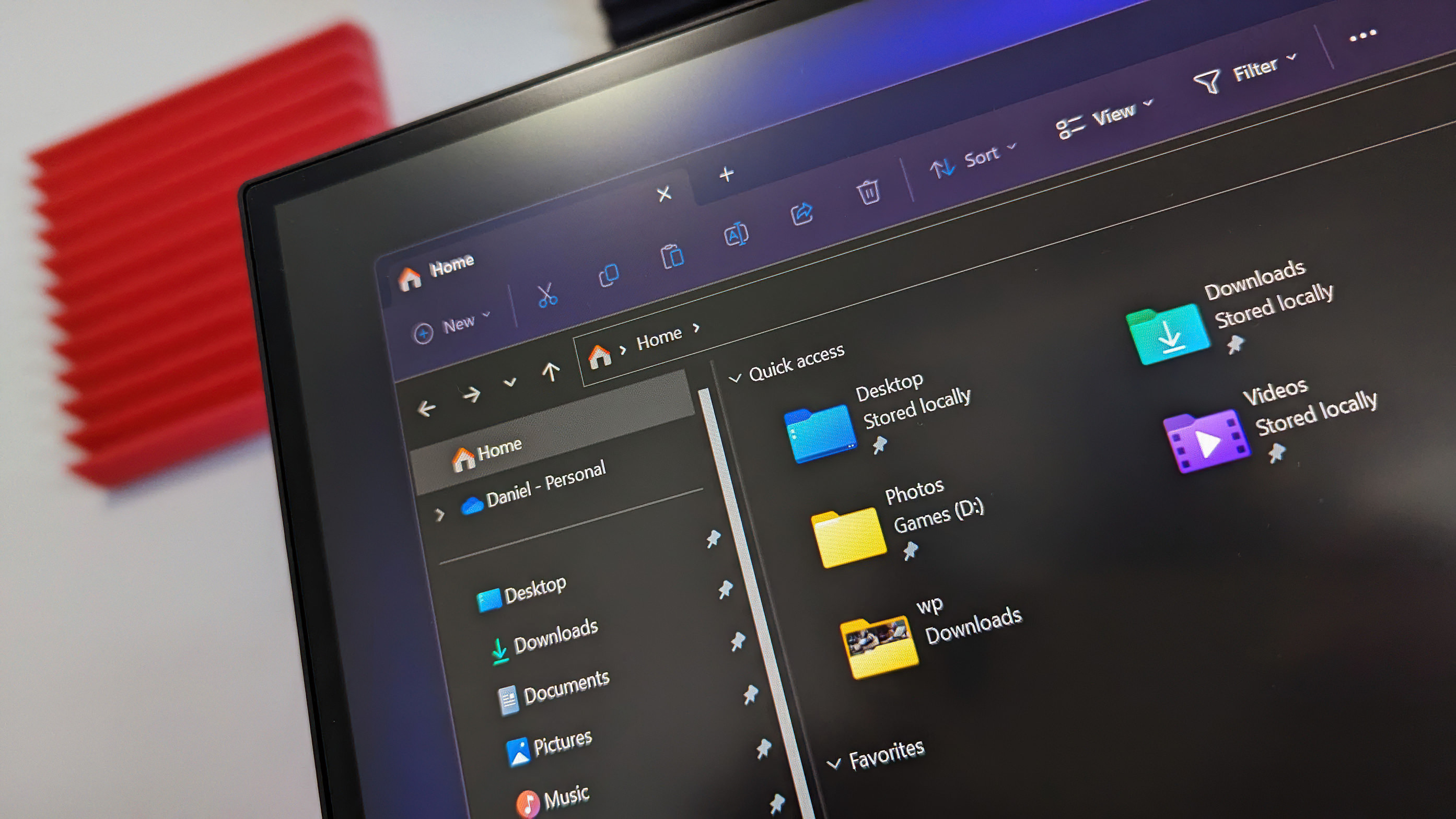
Windows 11 is soon getting an updated dark mode that applies to more areas of the File Explorer, including the file operations dialog, which is also getting a new color after more than 10 years.
Microsoft is slowly working on bringing dark mode to more areas of the system on Windows 11, and this week it has been discovered that that work also includes an updated colorway for an iconic part of the Windows interface.
In the latest Windows 11 preview builds, the work-in-progress dark theme for file operations like copy and delete has replaced the classic green expanded progress indicator with a blue one, which fits in much more naturally with Windows 11's overall aesthetic.
For now, this new blue color for the operation progress only applies when in dark mode. Light mode still uses the green color that was first introduced with Windows 8 over a decade ago, and has remained the same ever since. This new dark mode is the first time we've seen Microsoft touch this interface in any meaningful way in over a decade.
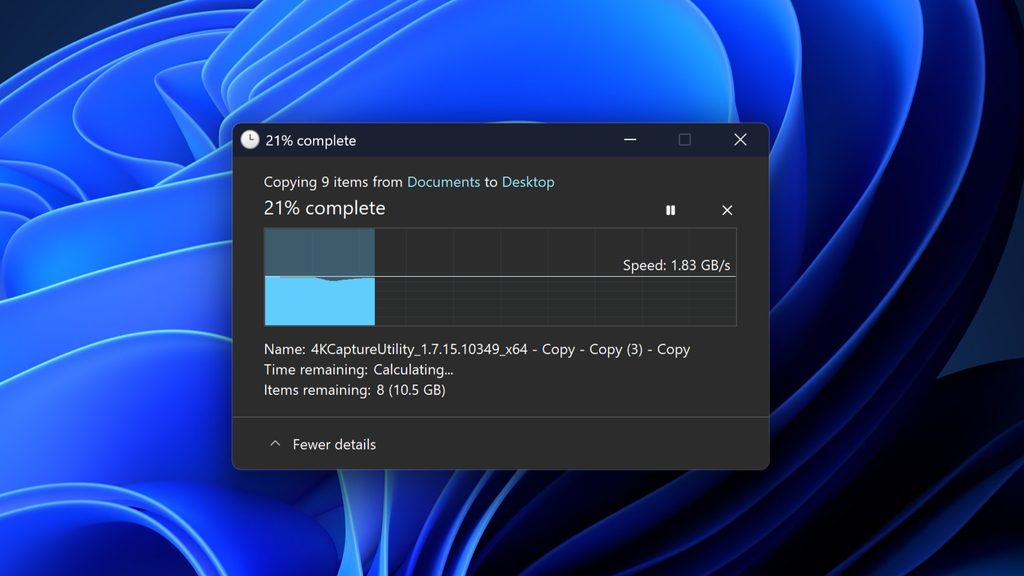
The copy dialog now has a blue progress indicator in dark mode.
(Image credit: Windows Central)
Currently, this color doesn't follow your system accent theme, so if you were hoping to be able to change it to red or yellow based on your system accent color, that's currently not possible. Perhaps that's something Microsoft could add in the future.
For now, the expanded file operations progress bar being updated with a new blue color when in dark mode makes it much easier on the eyes when in a dark environment. It really does seem like Microsoft has suddenly found the drive to get on with finishing Windows 11's dark mode, something that has been embarrasingly incomplete for over a decade.
Windows first gained a dark mode in 2016 with a Windows 10 feature update. Unfortunately, that dark mode was woefully unfinished, with many areas of the system still operating in light mode when dark mode was enabled. This has remained the case for many years, with only a few areas of the system being updated since then.
Even to this day, there are still many legacy areas of Windows that still do not support dark mode. It's the only modern OS platform that has a dark mode that isn't all encompassing, and it's very frustrating if you have eyes that are sensitive to bright light, especially at night. Being flash banged by Windows 11's File Explorer is a common occurrence.

This is the experience that's currently shipping on Windows 11.
(Image credit: Windows Central)
Although it has taken a decade, now that Microsoft is back working on adding dark mode to more areas of the Windows 11 interface, there's hope that this trend will continue with more than just legacy areas of the File Explorer. There are still Control Panel applets and system apps like the Registry Editor and Group Policy Editor that should absolutely support dark mode alongside mainstream apps. There's simply no excuse.
Microsoft's updated dark mode interfaces for some areas of the File Explorer were recently discovered hidden in a Windows 11 preview build. These new dark themes apply to the file copy dialog, file delete popup, and folder security access dialogs. Unfortunately, there's currently no sign of any work being done to file property windows, but fingers crossed it's on the way.
Windows 11's next feature update won't include any notable new features on the surface. Microsoft has confirmed that Windows 11 version 25H2 will launch with the same featureset as version 24H2, and will be serviced and updated at the same time as they both share the same servicing stack. That means these new dark mode interfaces likely won't launch with version 25H2, and will arrive in a feature drop in the months following.
For now, what are your thoughts on Microsoft's progress when it comes to adding dark mode to more areas of the Windows interface? Are you a fan of this new blue colorway for the expanded file operations progress bar? Let us know in the comments below!
Hope you enjoyed this news post. Feedback welcome.
Posted Thursday 11 September 2025 at 2:14 am AEST (my time).
News posts... 2023: 5,800+ | 2024: 5,700+ | 2025 (till end of August): 4,048
- jenyco2 and TheChimaker
-
 2
2
Recommended Comments
There are no comments to display.
Join the conversation
You can post now and register later. If you have an account, sign in now to post with your account.
Note: Your post will require moderator approval before it will be visible.