

3175x175(CURRENT).thumb.jpg.b05acc060982b36f5891ba728e6d953c.jpg)
The latest Windows 11 preview build includes a fix for the infamous "update and shutdown" bug where your PC wouldn't actually shut down after installing an update.
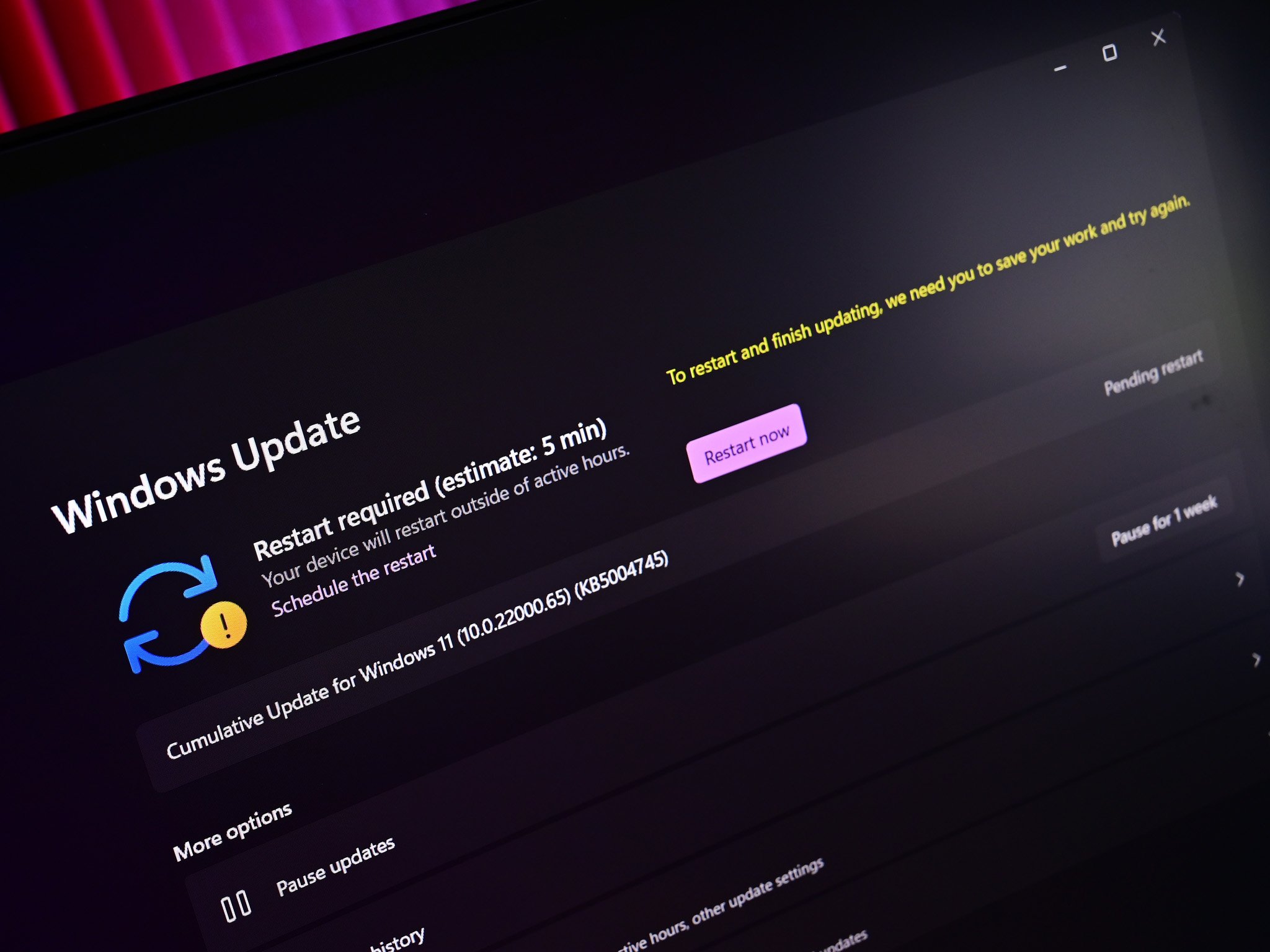
Microsoft has confirmed that it's testing a fix in the latest Windows 11 preview builds that is supposed to address a long standing bug with Windows Update, where the "update and shut down" option that appears when an update is pending install didn't actually shut down your PC.
For a while, users have reported that the "update and shut down" option that appears in the Start menu or Windows Update on Windows 11 would never actually turn the PC off. The update would install and restart your PC instead, bringing the device back to the lock screen or desktop.
This is an issue that has plagued Windows 11 users for well over two years, though it doesn't appear to impact everyone all the time. Sometimes the update and shut down option would work, but for a lot of users it usually wouldn't. It's never been explained why said function was so unreliable, but Microsoft has now confirmed it's being fixed.

This option will finally work.
(Image credit: Windows Central)
The fix is present in the latest Windows 11 Dev and Beta Channel builds, which means it should roll out to all Windows 11 users in the coming weeks. Here's the fix that's mentioned in the current changelog:
"Fixed an underlying issue which could lead “Update and shutdown” to not actually shut down your PC after."
The option to update and shut down comes in handy whenever you have a pending Windows update and are done with your PC for the day. If you're ready to shut down, but have an update pending, it's annoying having to wait for that update to install and restart before you can shut down the PC and leave.
Ideally, that update and shut down option would mean you didn't need to wait around, but given it was unreliable in actually shutting down the PC, many people found that they'd have to wait around to manually shut down the PC anyway. Hopefully, that'll no longer be the case with this new fix!
Recommended Comments
There are no comments to display.
Join the conversation
You can post now and register later. If you have an account, sign in now to post with your account.
Note: Your post will require moderator approval before it will be visible.