The latest optional non-security preview update for Windows 11 introduced a new recommended files feature, which Microsoft has now pulled.
Microsoft has paused the rollout of an upcoming new feature for the File Explorer on Windows 11 that promoted "recommended" files in large thumbnails at the top of the File Explorer Home tab.
The feature has been in testing for a number of months, and began rolling out to production PCs for the first time on October 28. As of November 5, however, Microsoft has hit the breaks on rolling out this feature to the public.
"The Recommended section in File Explorer now makes it easier to access files you frequently use or recently downloaded. To view this section on the homepage, turn on the Show Recommended section setting in File Explorer > Options. This feature is now available to all users, including those signed in with personal Microsoft accounts."
Alongside pausing the rollout of this feature, Microsoft has also paused the rollout of StorageProvider APIs for the File Explorer app. This feature would let third-party cloud storage providers show cloud-based placeholder files in File Explorer, similar to OneDrive. It's unclear why both features have been paused, or when they expected to resume rollout, as Microsoft hasn't said.
The changelog has been updated to say "These features previously listed in the October 2025 non-security update will roll out in a future date."
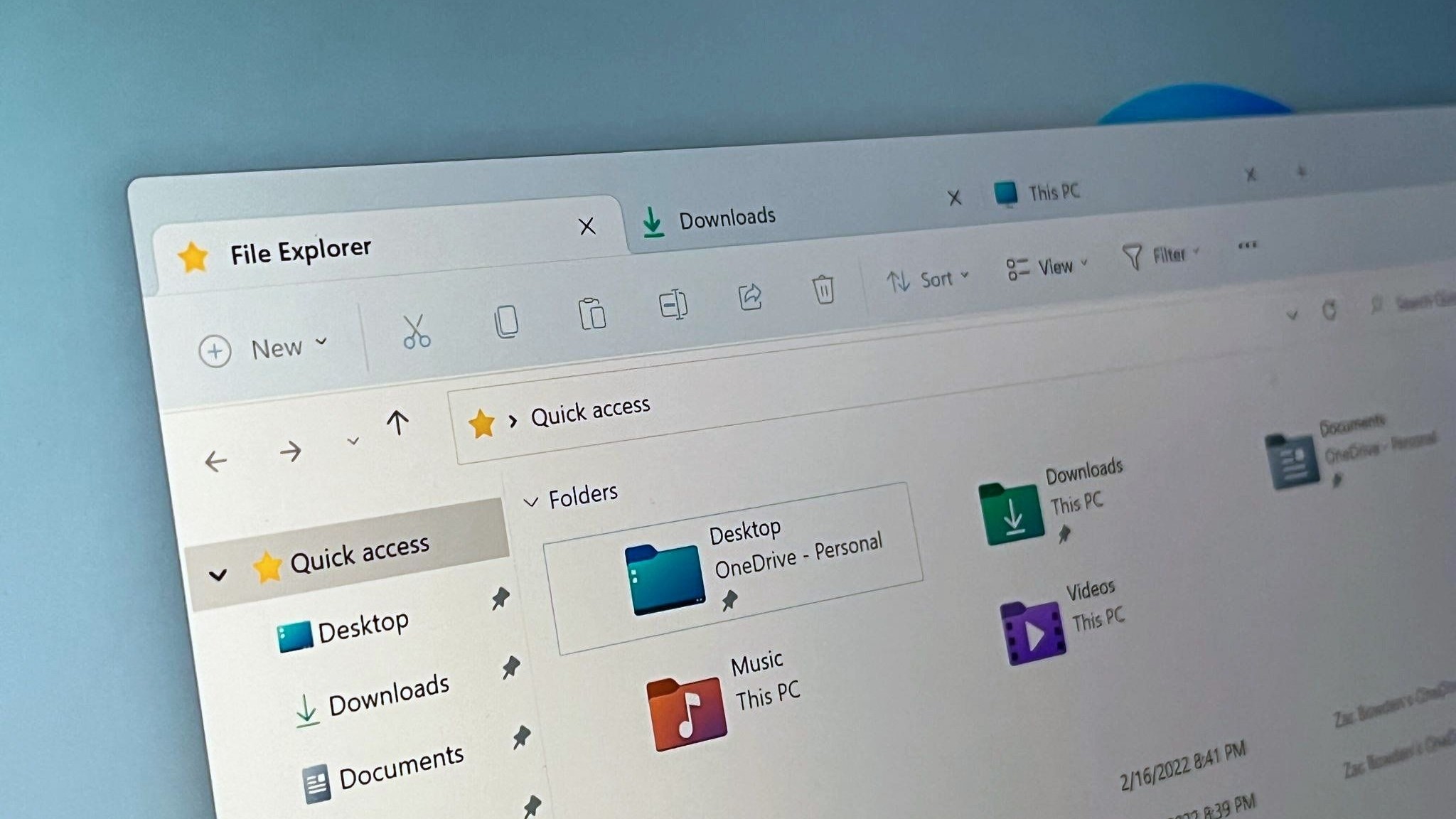
The recommended feed at the top of the Home tab.
(Image credit: Windows Central)
Microsoft has been building the new recommended files feature for the File Explorer app for a couple of years. It originally began rolling out on Windows 11 PCs that were domain joined, meaning it was first only available on PCs used for work. In recent months, Microsoft started testing the feature on consumer-facing PCs too.
The feature is able to showcase recently downloaded or opened apps and files at the top of the File Explorer home tab with large thumbnails. It also shows recent activity from shared documents, and cloud files from OneDrive. The feature is optional, so you can turn it off if you don't want it.
Either way, the feature is no longer rolling out with the latest Windows 11 updates, but is expected to return in the near future.
What are recommended files in File Explorer?
Recommended files in File Explorer are files that appear in large thumbnails at the top of the Home tab within the app. It showcases recently accessed photos, videos, documents, and downloads, including recent activity in shared files and OneDrive files.
Is the recommended files view optional in File Explorer?
Yes, if you don't want to see recommended files in the Home tab in File Explorer, you can turn it off by heading to File Explorer > Options and unchecking "Show recommended."
You can post now and register later.
If you have an account, sign in now to post with your account.
Note: Your post will require moderator approval before it will be visible.


3175x175(CURRENT).thumb.jpg.b05acc060982b36f5891ba728e6d953c.jpg)



Recommended Comments
There are no comments to display.
Join the conversation
You can post now and register later. If you have an account, sign in now to post with your account.
Note: Your post will require moderator approval before it will be visible.