

3175x175(CURRENT).thumb.jpg.b05acc060982b36f5891ba728e6d953c.jpg)
Windows 11 25H2 users get a BitLocker bug fix, while Windows 10 remains stuck with recovery headaches until Microsoft rolls out a broader solution.
Last month, Windows Central reported on an issue with the April 2026 Security Update (KB5083769) for Windows 11. The update shipped with a faulty BitLocker-related issue, causing affected devices to boot directly into the BitLocker recovery screen — consequently locking users out of their Windows PCs.
My colleague Mauro Huculak published a comprehensive guide to fix the issue by undoing the Group Policy configuration or entering the recovery key when prompted.
Before I dive into the nitty-gritty, BitLocker is a Windows 11 security feature that protects your data by encrypting drives, keeping sensitive information safe from unauthorized access. It’s especially essential if your device is lost or stolen, since no one can access your files without the recovery key.

(Image credit: Microsoft)
Earlier this week, Microsoft announced it had shipped a fix addressing the annoying BitLocker issue that locked users out of their PCs. However, it's worth noting that the fix is only available for users running Windows 11, version 25H2 on their devices. This means that Windows 10 and Windows Server users will have to wait a bit longer before Microsoft rolls out a permanent fix.
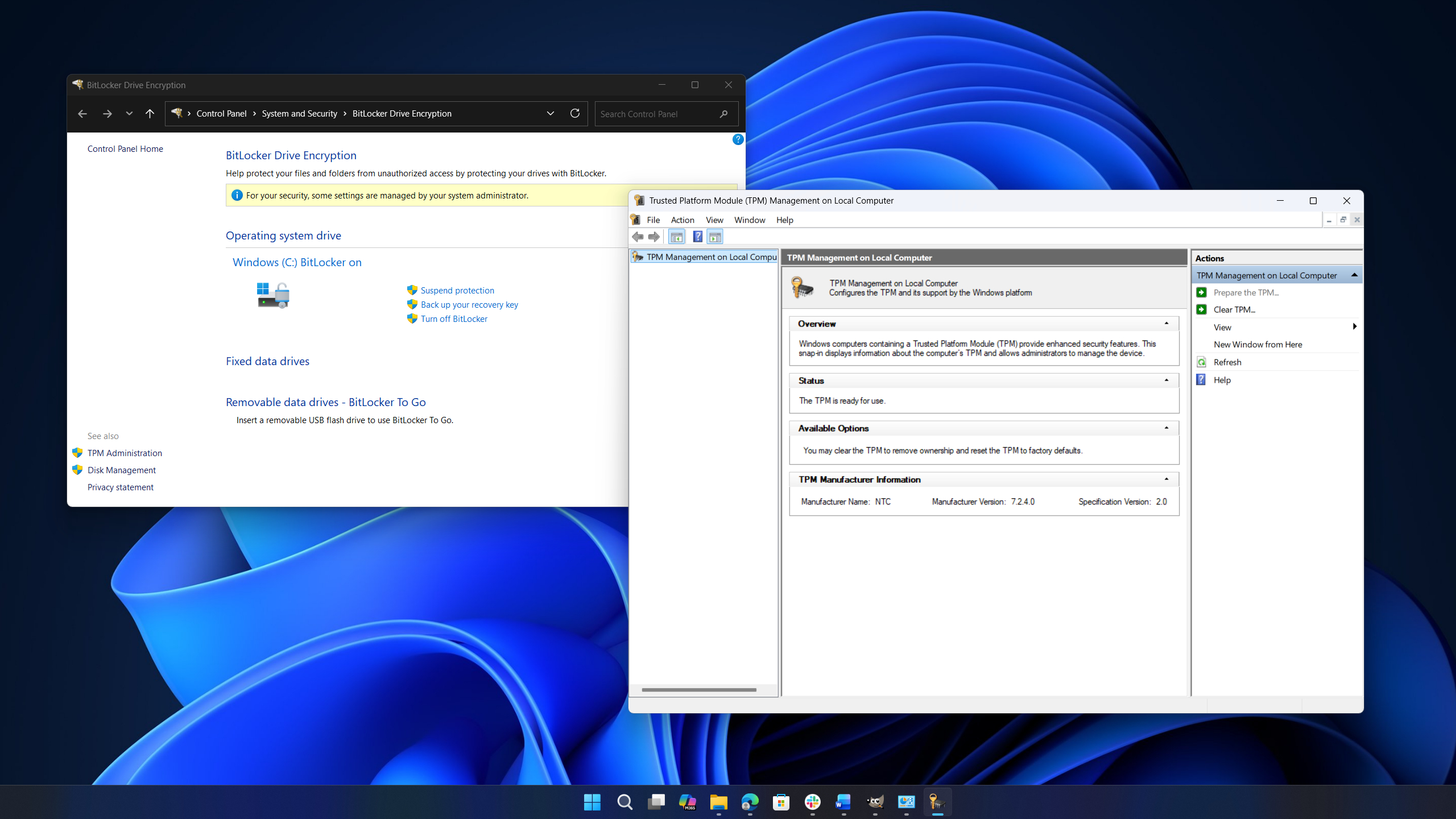
This update addresses an issue where some devices might enter BitLocker Recovery after updating boot files on systems with certain Trusted Platform Module (TPM) validation settings, including invalid PCR7 (Platform Configuration Register 7) configurations. This might occur after installing the April 2026 security update (KB5083769).
Microsoft
While Microsoft works on delivering a permanent fix for the issue across all platforms, admins are advised to remove the "Configure TPM platform validation profile for native UEFI firmware configurations" Group Policy configuration before downloading and installing the April 2026 Security update onto their devices.
I'm ecstatic that Microsoft will soon give Windows 11 users more control over Windows updates by allowing us to pause Windows updates indefinitely. The company recently announced a new feature that will allow users to automatically roll back faulty drivers.

(Image credit: Mauro Huculak)
Elsewhere, our friends at Tom's Hardware recently reported that security researcher Chaotic Eclipse (better known as Nightmare-Eclipse) managed to bypass Windows 11's sophisticated BitLocker security feature using a USB stick.
The security sleuth posted the zero-day YellowKey exploit, which enabled them to access a locked file. For context, YellowKey can be triggered by copying some files to a USB stick and rebooting to the Windows Recovery Environment. According to Tom's Hardware:
"We tested this ourselves, and sure enough, not only does it work, it bears all the hallmarks of a backdoor, down to the exploit's files disappearing from the USB stick after it's used once."
The exploit reportedly works across Windows Server 2022 and 2025, but not in Windows 10. Eclipse says they "could have made some insane cash selling this, but no amount of money will stand between me and my determination against Microsoft." You can read more about the YellowKey zero-day exploit story on Tom's Hardware.
Recommended Comments
There are no comments to display.
Join the conversation
You can post now and register later. If you have an account, sign in now to post with your account.
Note: Your post will require moderator approval before it will be visible.