

3175x175(CURRENT).thumb.jpg.b05acc060982b36f5891ba728e6d953c.jpg)
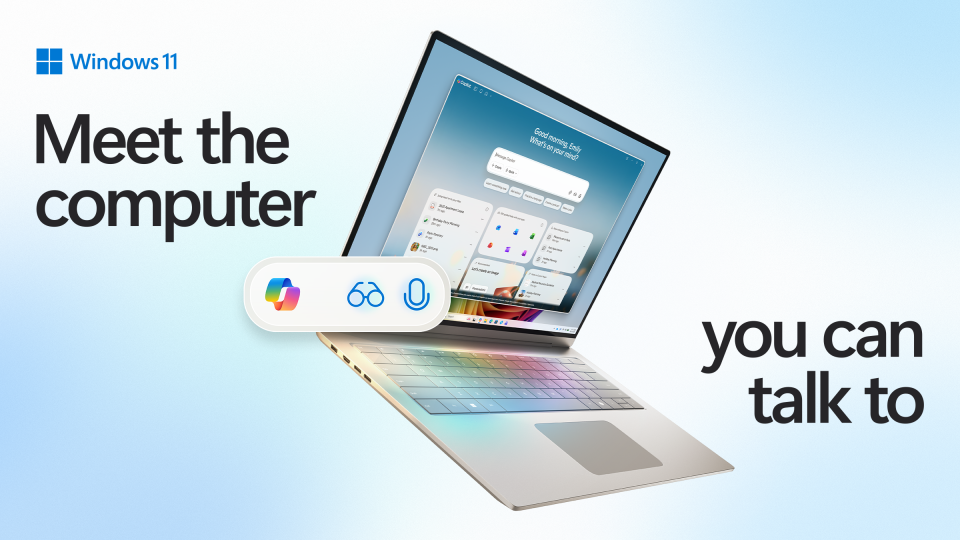
Windows 11 is getting an agentic AI assistant that lets you ask Copilot to control apps and files for you. It's also making it easier to access Copilot from the Taskbar and with your voice.
Microsoft has today unveiled a major update coming soon to Windows 11 and Copilot that introduces a new, dedicated agentic AI assistant to the platform that understands natural language and can be used to control your PC and complete tasks or actions on your behalf, just by asking for it.
The new AI agent is called Copilot Actions, and is part of a new agentic AI framework coming to Windows 11. The feature is off by default, but once enabled, will integrate with the Copilot app and enable you to chat with your PC to ask it to do things for you.
Microsoft calls this the first general-purpose agentic AI experience on Windows, giving Copilot permission to act on your behalf and control or interact with the apps and files on your PC. You can command Copilot to complete a task, such as replying to an email or sorting through files, and Copilot Actions will take that task into its own hands and complete it for you, right in front of your eyes or in the background while you work on something else.

You'll have to enable Copilot Actions manually before you can use it. (Image credit: Microsoft)
The feature utilizes special agentic user accounts, along with its own desktop environment for the agent, where it can take your task and complete it without getting in your way. You'll be able to view the agents progress inside the Copilot app, and the assistant will prompt you to take action if something requires human intervention, like accessing sensitive information or dealing with an unexpected error prompt.
"Simply describe the task you want to complete in your own words, and the agent will attempt to complete it by interacting with desktop and web applications" says Microsoft Consumer Chief Marketing Office, Yusef Mehdi. "While this is happening, you can choose to focus on other tasks. At any time, you can take over the task or check in on the progress of the action, including reviewing what actions have been taken."
Alongside the new Copilot Actions framework, Microsoft is also promoting voice as a primary input method on Windows 11. It's introducing a new "Hey Copilot" wake word that launches into the Copilot Vision mode automatically, letting you chat with Copilot about whatever it is that's on your screen at any time, hands-free.
It's also more deeply integrating the Copilot experience into Windows 11 by adding Copilot to the Taskbar's search box, combining traditional Windows Search with AI chat capabilities, and making access to Copilot Vision and Copilot Actions just a click away at all times. Microsoft says it wants "to make the taskbar a dynamic hub that helps you accomplish more with less effort."

The new Windows Search interface with Copilot enabled.
(Image credit: Microsoft)
With these new updates, you'll no longer need to navigate to the Copilot app every time you want to use it. You can either invoke Copilot just by shouting "Hey Copilot" and using Windows hands-free, or you can access the assistant right from the Taskbar search box using a keyboard, mouse, or touch.
Surprisingly, Microsoft says these new Copilot capabilities are coming to all Windows 11 PCs, and are not just exclusive to Copilot+ PCs. That means everyone running Windows 11 today will be able to use "Hey Copilot" and Copilot Actions to experience agentic AI capabilities on their PC, regardless of NPU compute power.
Microsoft is expected to begin rolling out access to these new Copilot capabilities in waves, with some available starting today and others coming in the following months. Hey Copilot is available now, along with Copilot Vision being made generally available in more regions. Copilot Actions and integration with the Windows 11 Taskbar is expected to enter preview soon.
Hope you enjoyed this news post. Feedback welcome.
Posted Friday 17 October 2025 at 4:08 am AEST (my time).
News posts... 2023: 5,800+ | 2024: 5,700+ | 2025 (till end of September): 4,533
Recommended Comments
There are no comments to display.
Join the conversation
You can post now and register later. If you have an account, sign in now to post with your account.
Note: Your post will require moderator approval before it will be visible.