

3175x175(CURRENT).thumb.jpg.b05acc060982b36f5891ba728e6d953c.jpg)
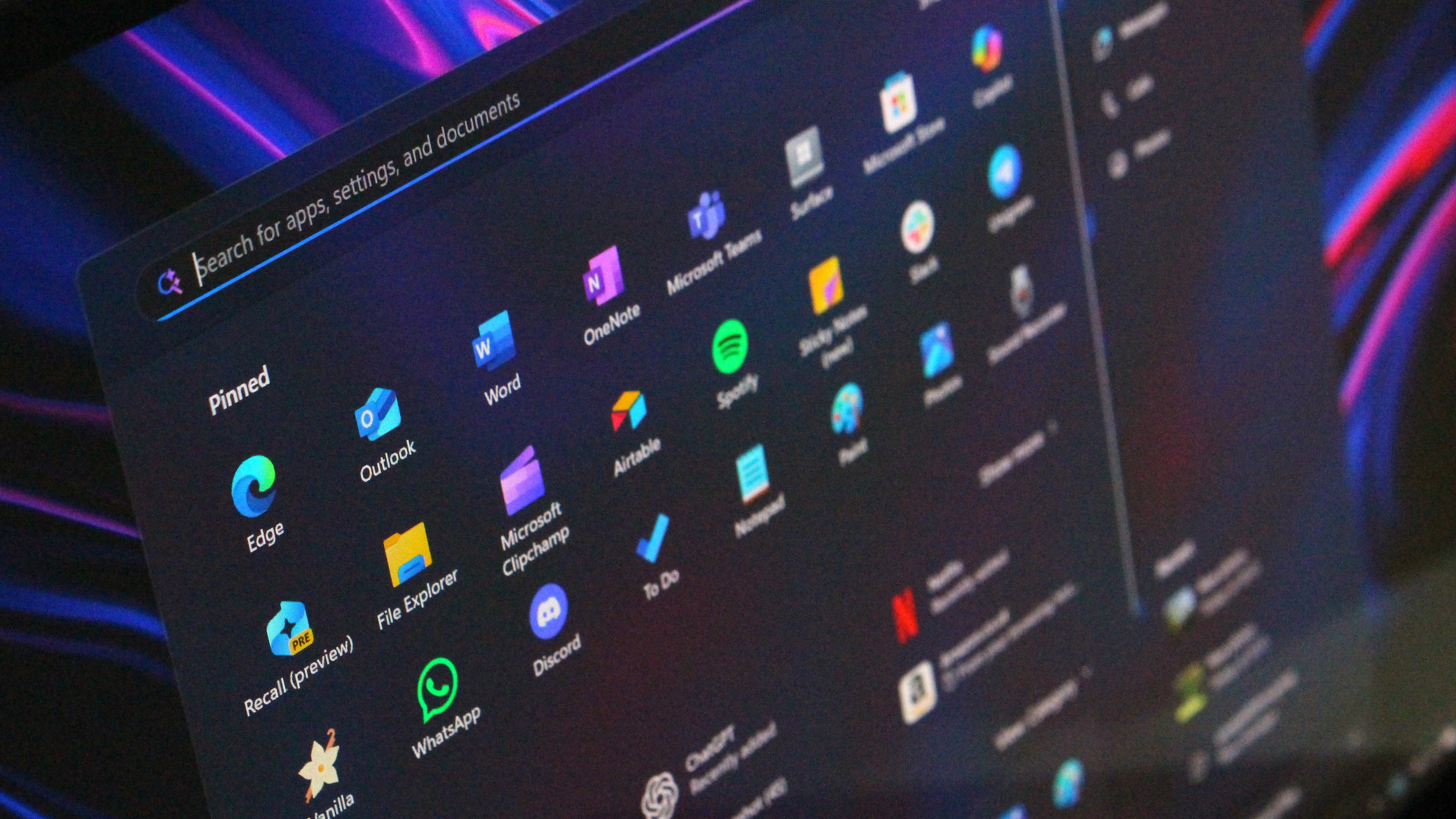
The new Start menu that Microsoft unveiled for Windows 11 earlier this year is now beginning to roll out for users who install the latest optional non-security update.
Microsoft has released the October non-security preview update for Windows 11 version 24H2 and version 25H2 that introduces the long awaited new Start menu, which includes a more customizable layout among other quality of life improvements.
The update, known as KB5067036, is available now for users with the "Get the latest updates as soon as they're available" toggle enabled in Windows Update. Unfortunately, the new Start menu itself is rolling out in waves, meaning not everyone will see it right away once the update is installed.

This is the new Start menu on Windows 11.
(Image credit: Windows Central)
The new layout also promotes the "all apps" list to the main page, and gives you two additional views: grid list and category view. By default, the new Start menu sets your all apps list to the category view, which attempts to automatically group installed apps into buckets similar to the app shelf on iOS or iPadOS.
The new Start is also more adaptive, meaning it will appear bigger on devices with larger screens, giving you the ability to show even more pinned apps at once. It also includes an improved Phone Link panel, which now shows more recent activity including recent notifications, missed calls, and text messages.
This new update also includes improvements to the Taskbar, including animations for thumbnails when hovering over open app icons, and a new battery icon that supports showing your battery percentage on the Taskbar.
Recommended Comments
Join the conversation
You can post now and register later. If you have an account, sign in now to post with your account.
Note: Your post will require moderator approval before it will be visible.