

3175x175(CURRENT).thumb.jpg.b05acc060982b36f5891ba728e6d953c.jpg)
The new Files app update makes it easier for users to tell when it's discovering items for a file operation.
Microsoft has admittedly struggled to attract users to Windows 11 despite launching the operating system over 4 years ago. This can be predominantly attributed to its stringent system hardware requirements and for some, flawed design elements.
As you may know, the software giant is poised to pull the plug on Windows 10, next week, in October 14, 2025. As a result, users are upgrading to Windows 11 while some are defaulting to Microsoft's Extended Security Updates (ESU) program for an additional year of support for Windows 10 after its end-of-life.
It's worth noting that Microsoft made its ESU program free for users in the European Economic Area. Users in this region won't need to sync their PC settings to the cloud via a Microsoft account to access the extended security updates.
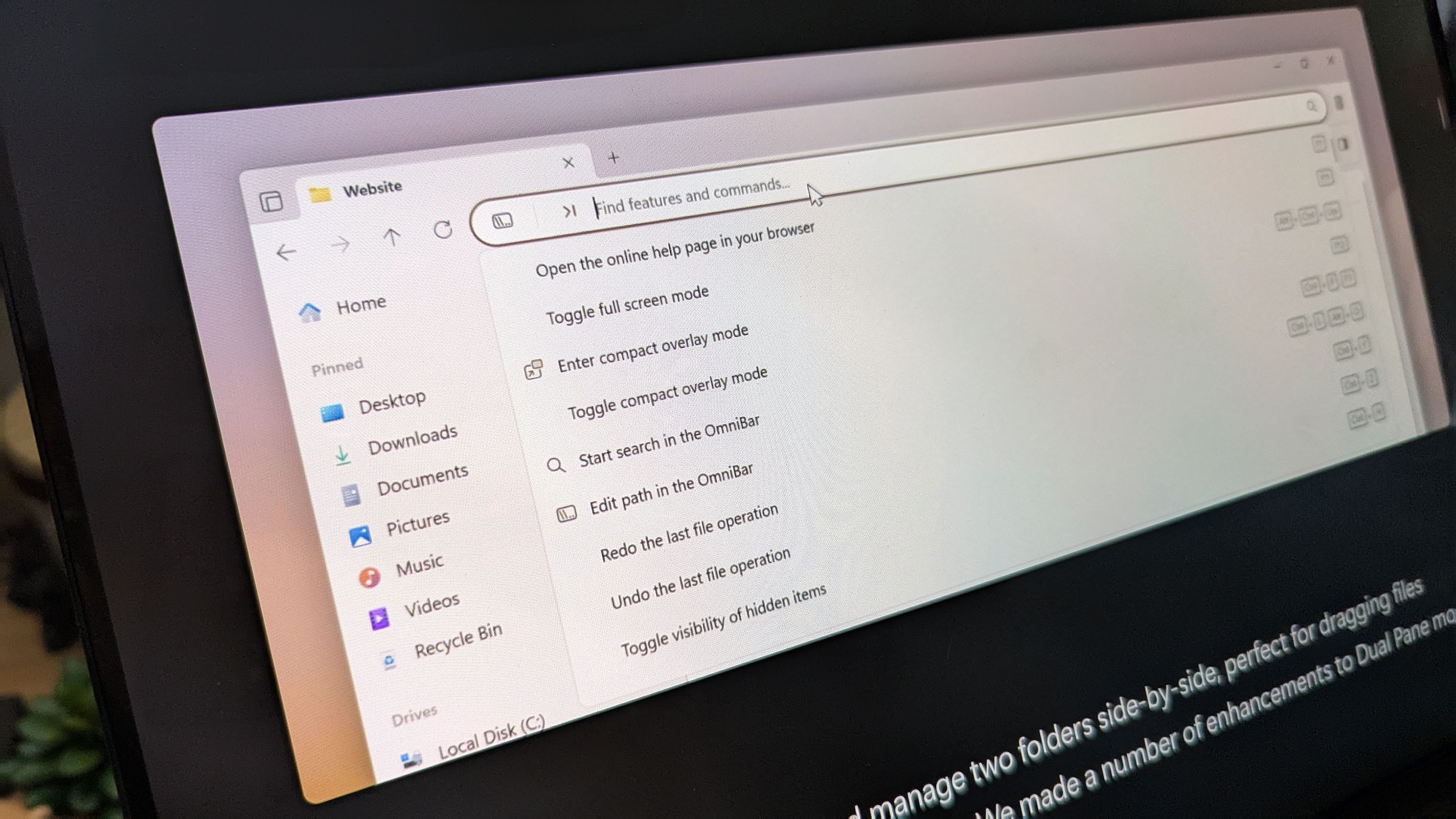
Elsewhere, the best alternative for Windows 11's File Explorer app, Files App just got a neat update in preview, bumping it to v4.0.12. The update ships with noteworthy additions including a new "Discovering" Phase and improved "Cancel" button placement in the Status Center.
For context, the new Discovering Phase notifies the users through the Status Center when it's actively looking for items for a file operation. Previous versions of the app didn't provide visual feedback, making it difficult for users to know what's going on and even suggested that the file operation was stuck.
The Cancel file operation button in the Status Center has been moved to a menu flyout to enhance clarity, creating an intuitive user experience.
Here's everything you need to know about the update, including new features and fixes:
Recommended Comments
There are no comments to display.
Join the conversation
You can post now and register later. If you have an account, sign in now to post with your account.
Note: Your post will require moderator approval before it will be visible.