

3175x175(CURRENT).thumb.jpg.b05acc060982b36f5891ba728e6d953c.jpg)
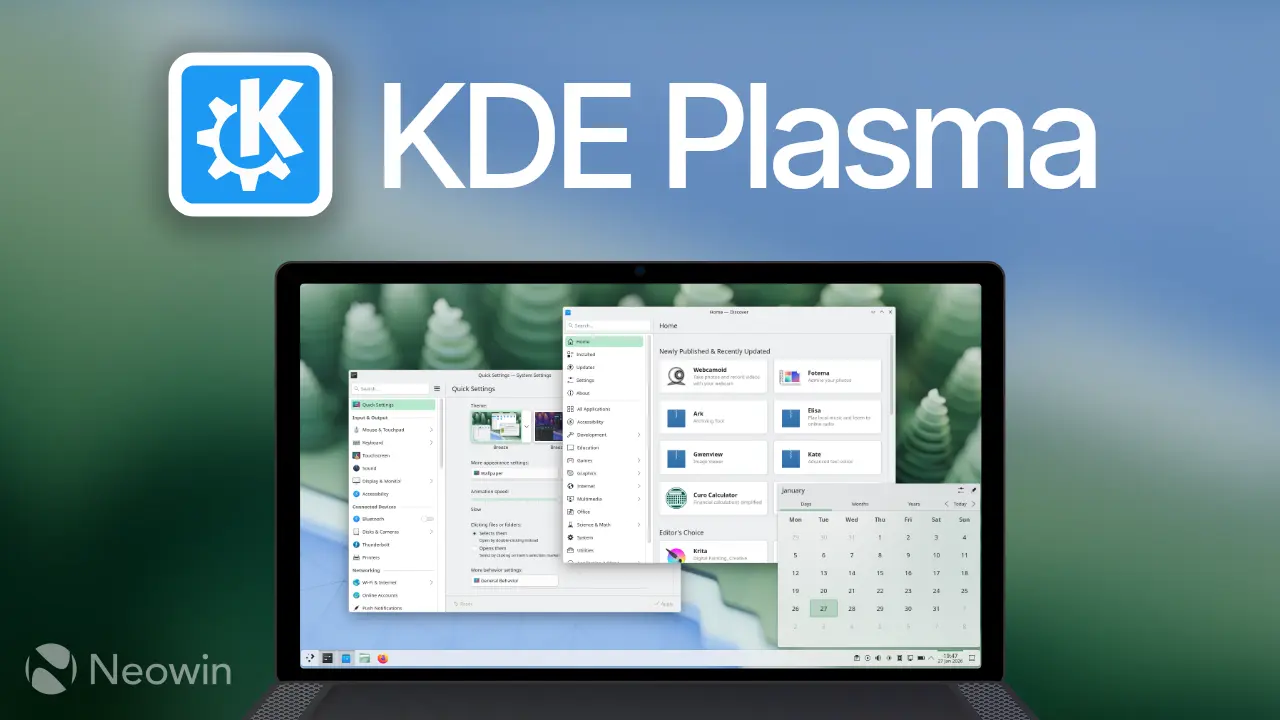
It is finally here! After many weeks in development, KDE Plasma 6.6 is now available for download.
Spectacle in Plasma 6.6 now comes with a neat little OCR feature that lets you extract text directly from any screenshot. To use it, simply pull up Spectacle, hit the "Extract text" button, and it pulls the words out for you. You can also filter specific windows out of screencasts now.
Still on accessibility, there is now a new on-screen keyboard, the Plasma Keyboard. This new keyboard, based on Qt Virtual Keyboard, replaces the old Maliit implementation. It wraps Qt's virtual keyboard tech into its own window and communicates with the compositor using the input-method-v1 Wayland protocol.
The Zoom and Magnifier feature also gained a new tracking mode that always keeps the pointer centered on the screen. For color-blind people, there's a new grayscale filter available in the System Settings' Accessibility page, under "Color Blindness Correction," that brings the total to four filters that account for different kinds of colorblindness.
Plasma 6.6 is the first Plasma version to ship with a new first-run wizard called Plasma Setup. This wizard used to be called KDE Initial System Setup (KISS) during its development and is quite helpful in scenarios where companies ship devices with Plasma pre-installed or when charities refurbish old computers, allowing users to do things like set up an account, connect to a network, and choose their language on the very first boot.
Connecting to a new Wi-Fi network is simpler. If your computer has a camera, you can just scan a QR code to join.
Other common tasks made simpler include controlling individual application volumes by hovering over their task manager icon and scrolling, and quickly accessing a file or folder's properties on the desktop by holding the Alt key and double-clicking.
Other changes Plasma 6.6 brings include:
- Virtual desktops can appear only on your primary screen.
- An optional new login manager is available.
- Devices with ambient light sensors can use optional automatic screen brightness.
- Game controllers can function as regular input devices.
- Discover allows font installation on supported operating systems.
- System Monitor lets you choose process priority.
You can check out the full changelog here.
Hope you enjoyed this news post. Feedback welcome.
Posted Wednesday 18 February 2026 at 6:36 am AEST (my time).
News posts: 2023 5,800+ | 2024 5,700+ | 2025 5,700+ | 2026 (to end of January) 461
Recommended Comments
There are no comments to display.
Join the conversation
You can post now and register later. If you have an account, sign in now to post with your account.
Note: Your post will require moderator approval before it will be visible.