

3175x175(CURRENT).thumb.jpg.b05acc060982b36f5891ba728e6d953c.jpg)
Lively Wallpaper is free, open-source, and looks like a native part of Windows 11, though I found one specific feature that hits your system resources hard.
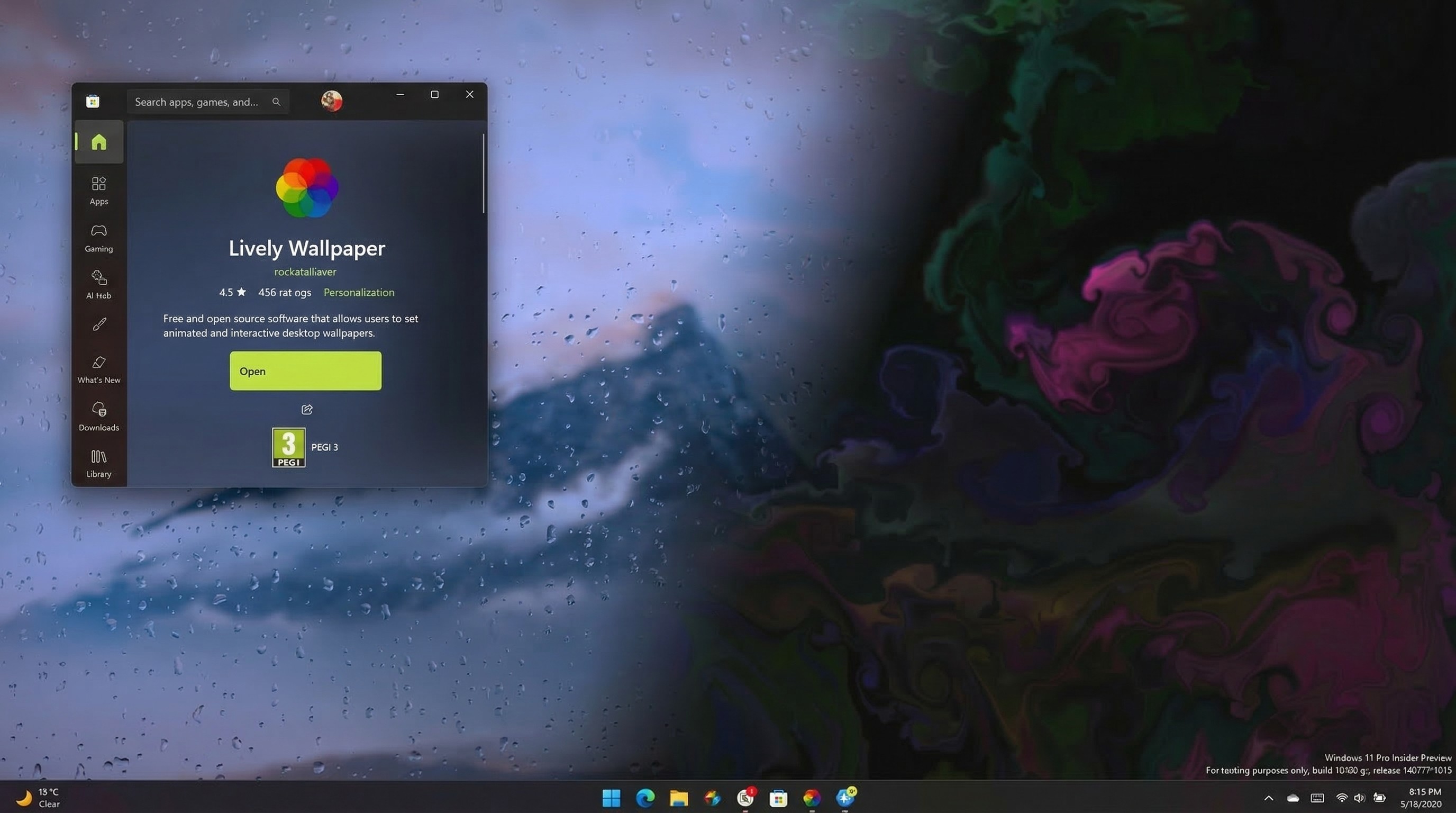
Lively Wallpaper includes several desktop backgrounds that are animated or interactive.
(Image credit: Future | Edited with Gemini)
Wallpapers are where it's at in 2026. After seeing so many people interested in the Windows 11 Bliss wallpaper and our Windows Central wallpaper, I took another look at an app for customizing wallpapers on Windows 11.
Lively Wallpaper lets you set animated and interactive wallpapers on your desktop. With it, you can make GIFs, videos, and webpages into wallpapers.
Lively Wallpaper's website states that the app has "~0% usage" when you are running fullscreen apps or games. In my testing, that has proven true on the CPU side of things. As I write this article, Lively Wallpaper is in the background doing nothing since I have Edge open fullscreen.
But some of your system's resources will still be used by Lively Wallpaper even when it is not active on your screen. Despite hovering between 0 percent to 0.3 percent CPU usage according to Task Manager, Lively Wallpaper currently uses 245.5MB of my PC's memory.
If I minimize Edge and other apps, Lively Wallpaper jumps to about 1 percent CPU usage and uses about 255MB of RAM.
I have a basic rainy day wallpaper with droplets moving around on my screen. Swapping to a YouTube video uses an astronomical 800MB of RAM. CPU usage also jumps to around 4.5 percent when showing the YouTube video as a wallpaper.
I'm on a workstation laptop with 32GB of RAM, so I don't especially care about an app taking up 255MB, or even 800MB, but I'd be less comfortable with that memory usage on a different PC. If you try the app, I'd love to hear how it performs on your system.
I'd argue that while using a YouTube video is possible, it's not the primary use case for this app. Lively Wallpaper is at its best when set to a lightly animated wallpaper.
Where do you get wallpapers for your PC?
I'm a bit surprised to see people so passionate about wallpapers. I've usually defaulted to basic ones or had a program swap them automatically. But having dipped my toe into the world of Windows wallpapers, I can see why it's a big part of PC customization for many.
Where do you get your wallpapers? Do you use any programs like Lively Wallpaper on your PC? Let me know in the comments.
Hope you enjoyed this news post. Feedback welcome.
Posted Thursday 19 March 2026 at 12:30 pm AEST (my time).
News posts: 2023 5,800+ | 2024 5,700+ | 2025 5,700+ | 2026 (to end of February) 854
Recommended Comments
There are no comments to display.
Join the conversation
You can post now and register later. If you have an account, sign in now to post with your account.
Note: Your post will require moderator approval before it will be visible.