

3175x175(CURRENT).thumb.jpg.b05acc060982b36f5891ba728e6d953c.jpg)
There are a lot of bad words one can rightfully say about Windows 11's underwhelming dark mode. Even though Microsoft is finally doing some work to improve it, there is one thing that drives me and thousands of Windows 11 users absolutely crazy: Every time you open a new File Explorer tab, the damn thing throws a stun grenade at you by flashing a white screen for a split second.
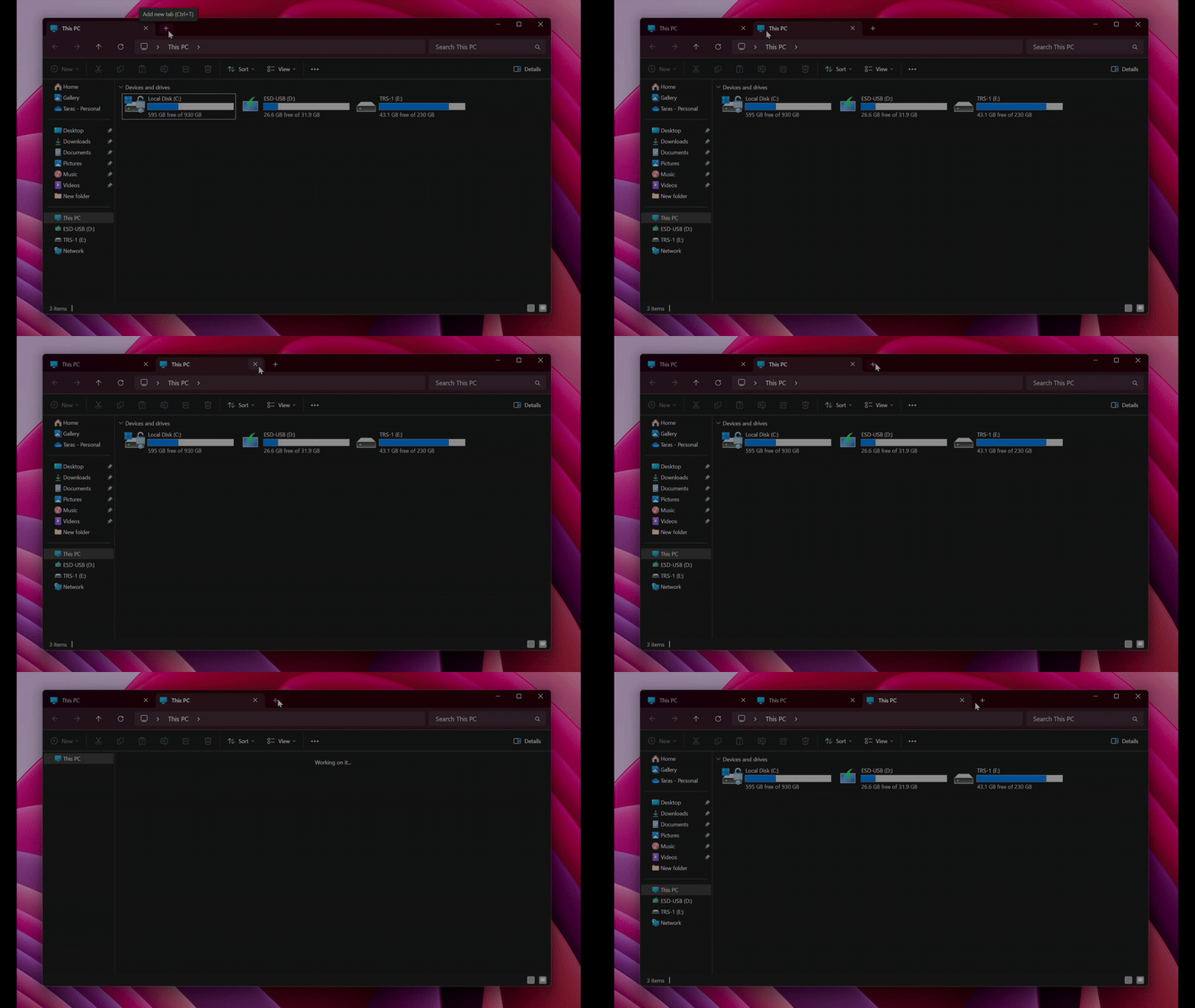
Windows 11 is turning four in a couple of months, but Microsoft still has not fixed this annoying and, for some people, legitimately life-threatening bug (there is a reason why we have seizure warnings in games, movies, etc). As such, users have to take things into their hands and come up with custom solutions. One such solution is a simple Windhawk mod that fixes what a nearly four-trillion-dollar company still won't figure out.
For those unfamiliar, Windhawk is a repository of various Windows mods that can fix and enhance the operating system. One useful mod that we recently covered lets you have some extra information in the tray area, such as RAM/CPU/network usage, weather, etc. Fixing File Explorer flashes in Windows 11 requires a separate mod with a clever name, "Fix white flashes in explorer." Here is how to get it.
Fix Windows 11 File Explorer flashes
- Go to the official Windhawk website and download its client. Install the app.
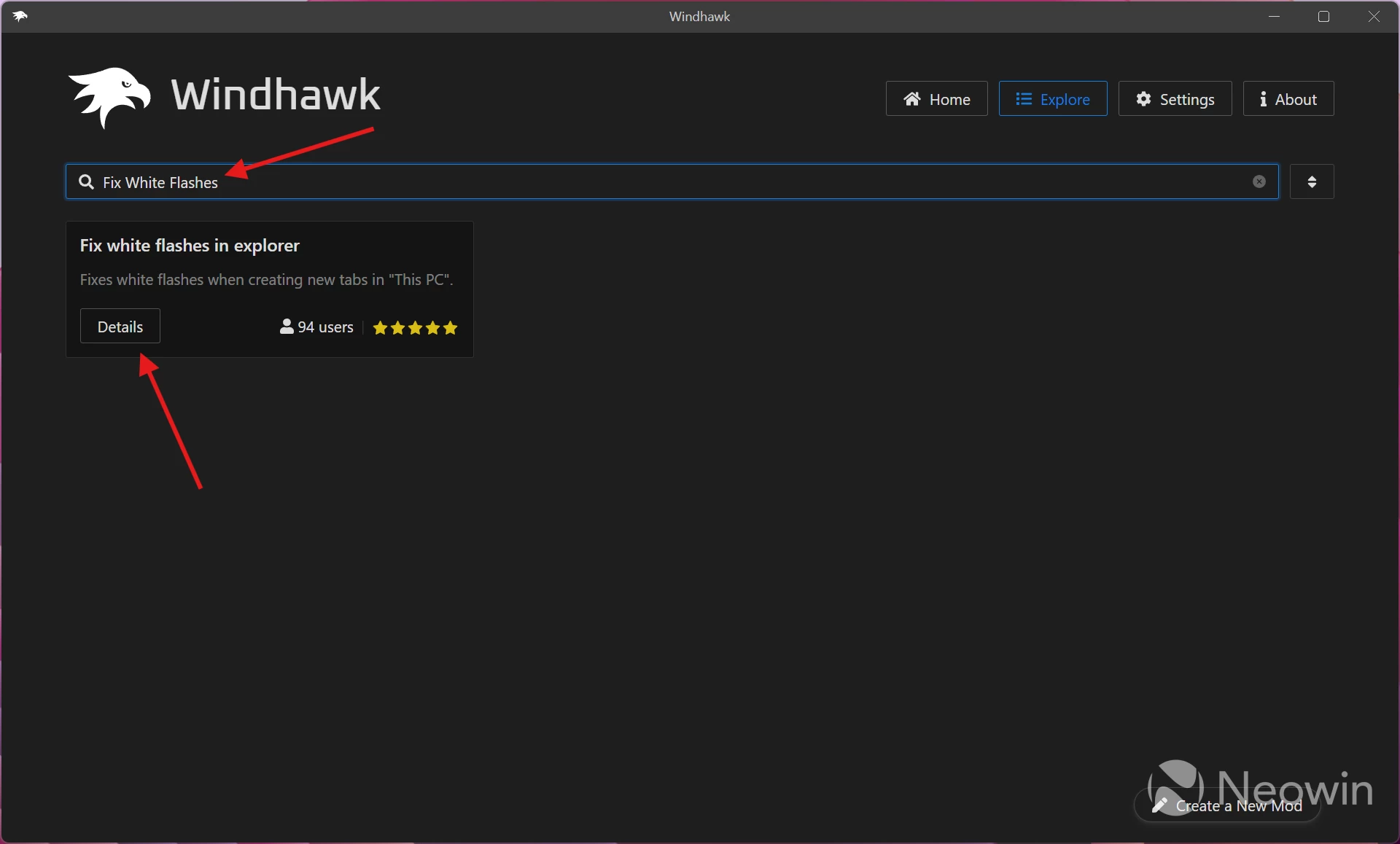
- Launch Windhawk and go to the Explore tab.
-
Type "Fix white flashes in explorer" in the search box or use this link. Click "Details."
-
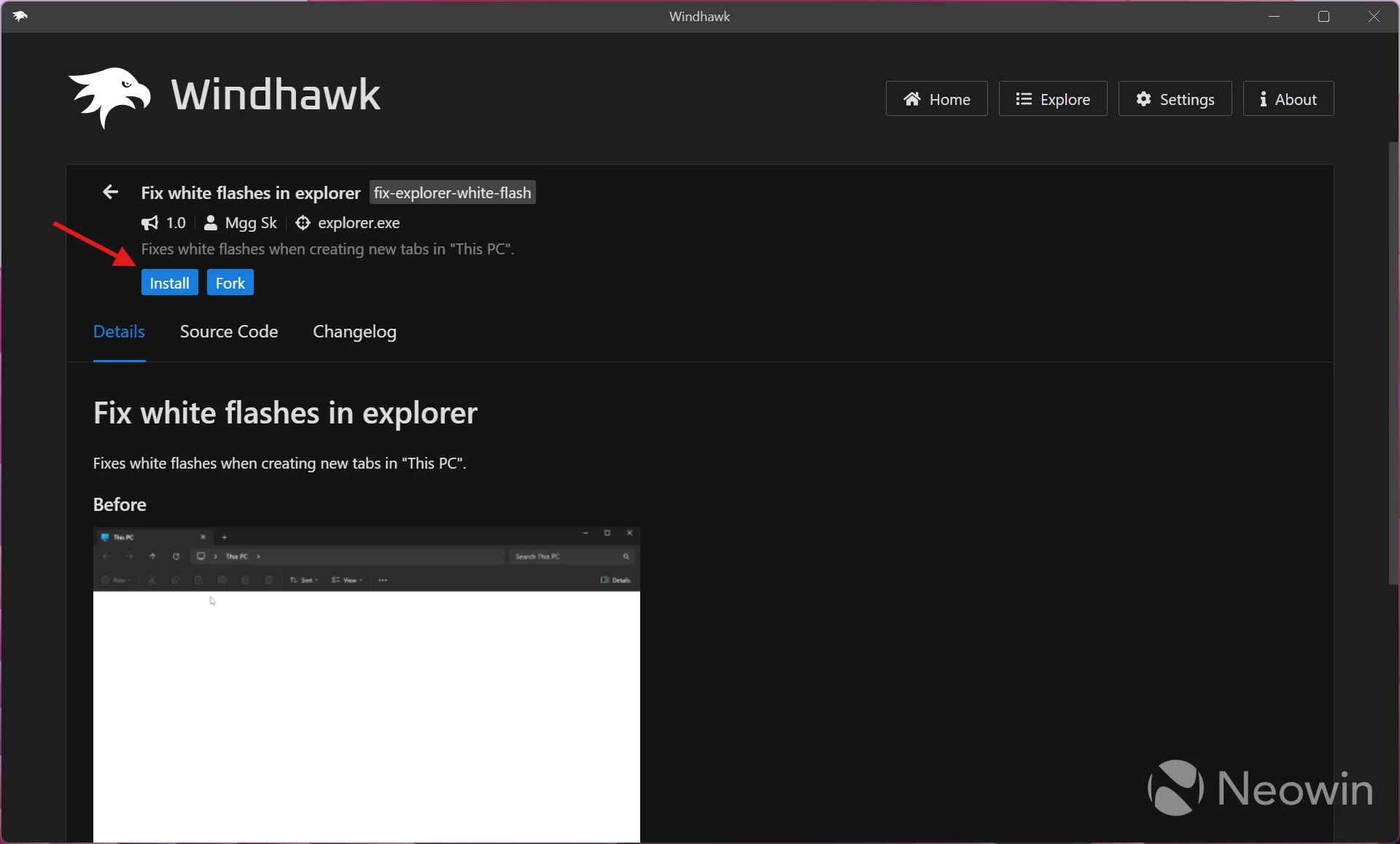
Click "Install." You can also peek under the mod's hood and see what it does by clicking the "Source code" tab.
- And that is it. No more stun grenades when working in File Explorer in dark mode. Here is the result:
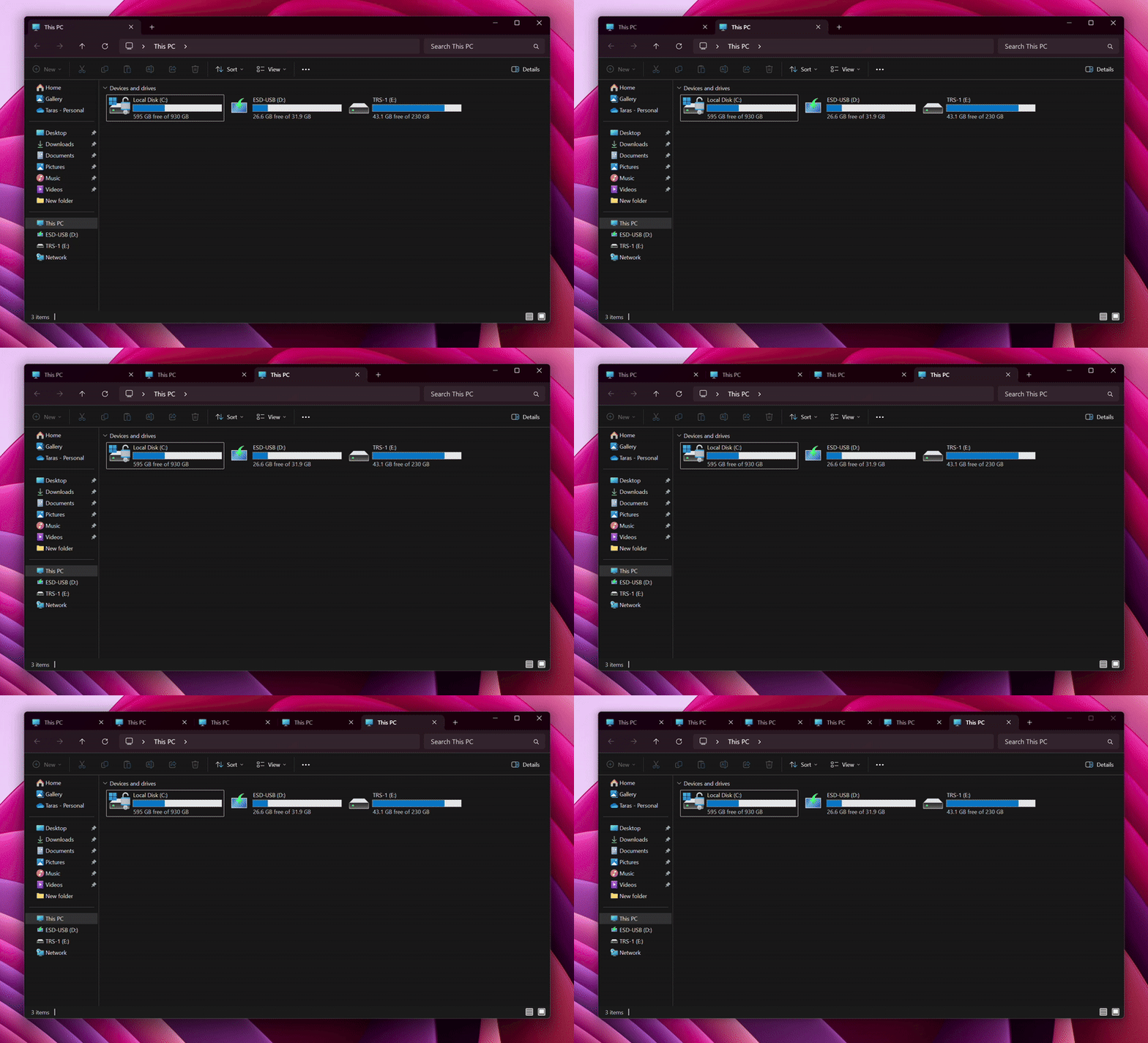
Now, can somebody tell Microsoft how to implement this on the system level?
Hope you enjoyed this news post. Feedback welcome.
Posted Sunday 17 August 2025 at 7:05 am AEST (my time).
News posts... 2023: 5,800+ | 2024: 5,700+ | 2025 (till end of July): 3,458


Recommended Comments
There are no comments to display.
Join the conversation
You can post now and register later. If you have an account, sign in now to post with your account.
Note: Your post will require moderator approval before it will be visible.