


3175x175(CURRENT).thumb.jpg.b05acc060982b36f5891ba728e6d953c.jpg)
The browser user interface is a thing most users probably do not care about as long as it is not distracting. While Microsoft Edge looks alright (minus the killed Mica material, which is sort of still accessible), there is one thing that keeps nagging me and a lot of other customers: scrollbars. In Microsoft Edge, scrollbars are often inconsistent in their looks, size, theme, and more, which creates unnecessary distraction, especially in dark mode, and ruins the overall look. Fortunately, there is a way to fix that.
Part of the problem is that many websites use custom scrollbars for whatever reason. Some time ago, Microsoft added a new accessibility feature that lets you turn off custom scrollbars in Edge and have a single, simple, and consistent scrollbar on every website. Here is how to enable it:
- Open Microsoft Edge and go to Settings > Appearance > Browser behavior and features.
-
Toggle on the "Turn off custom scrollbars" feature. After this, Edge will switch to the standard always-on scrollbars. They will look the same on all websites, but the problem is that they are quite large and distracting. Plus, they are light when you use dark mode and dark when you use light mode. That behavior is intentional for accessibility reasons; it is not a bug. However, if you do not need contrast-y scroll bars, you can make them look much better.
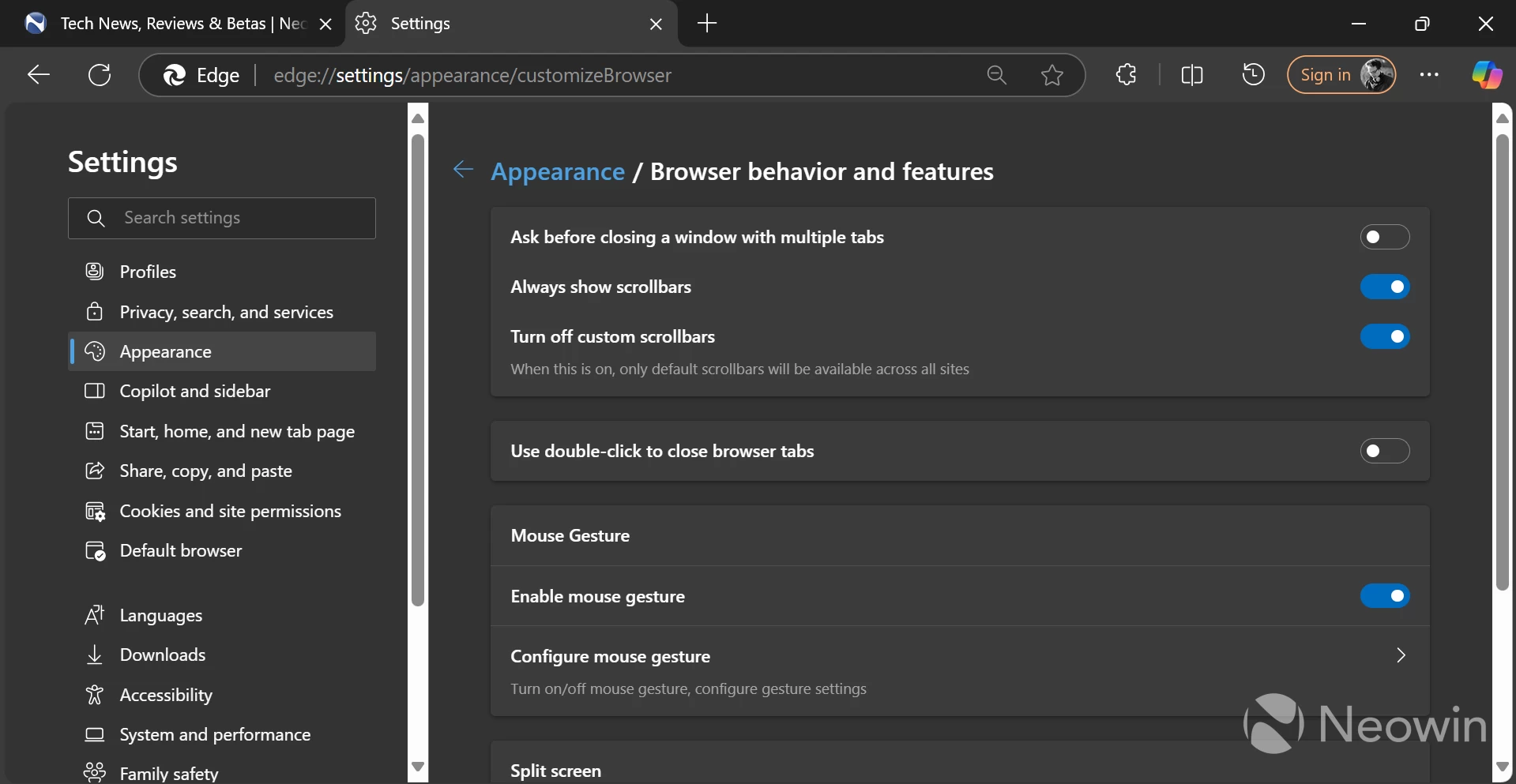
This does not look right -
Now, open edge://flags and find the "Fluent overlay scrollbars."
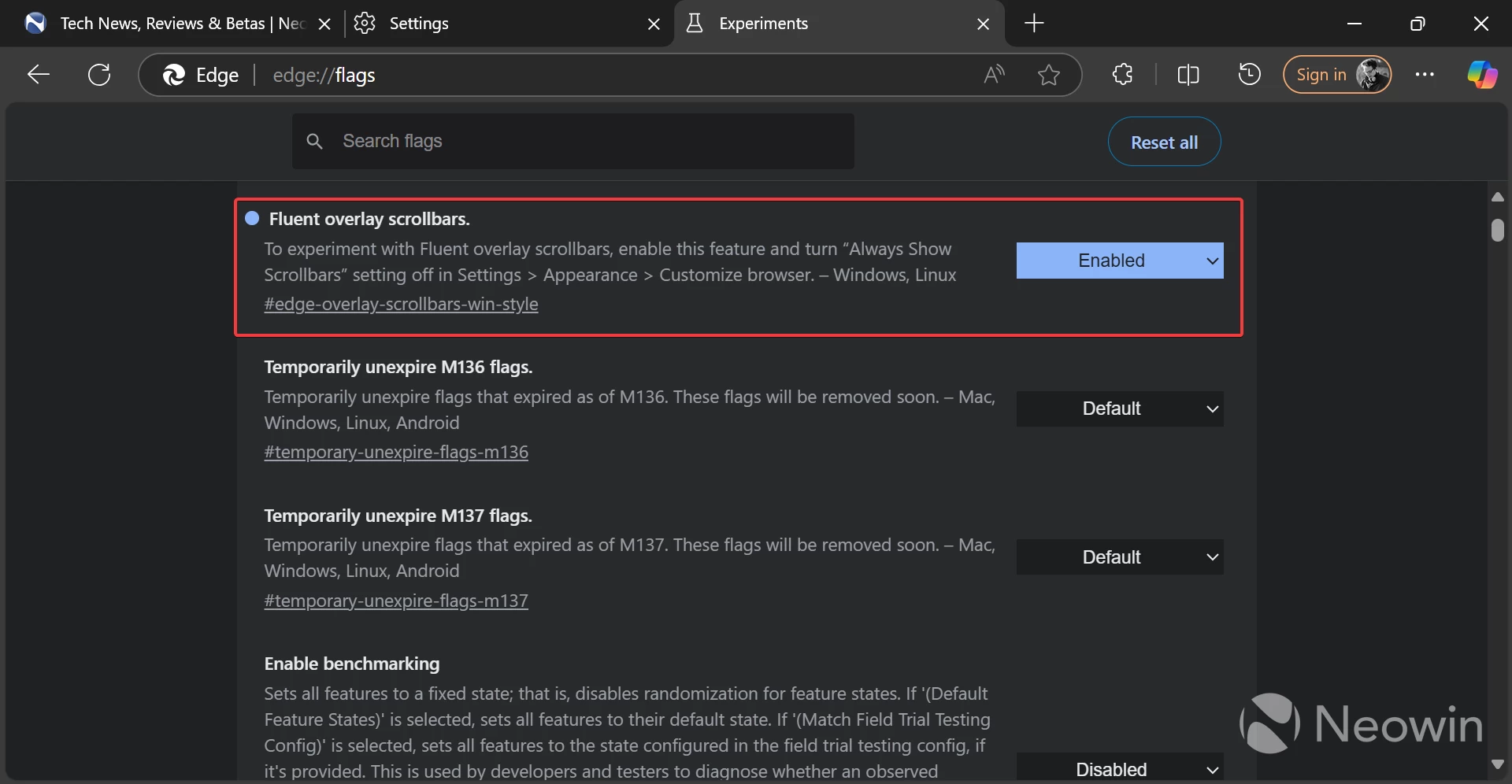
- Set the flag to "Enabled" and restart the browser.
-
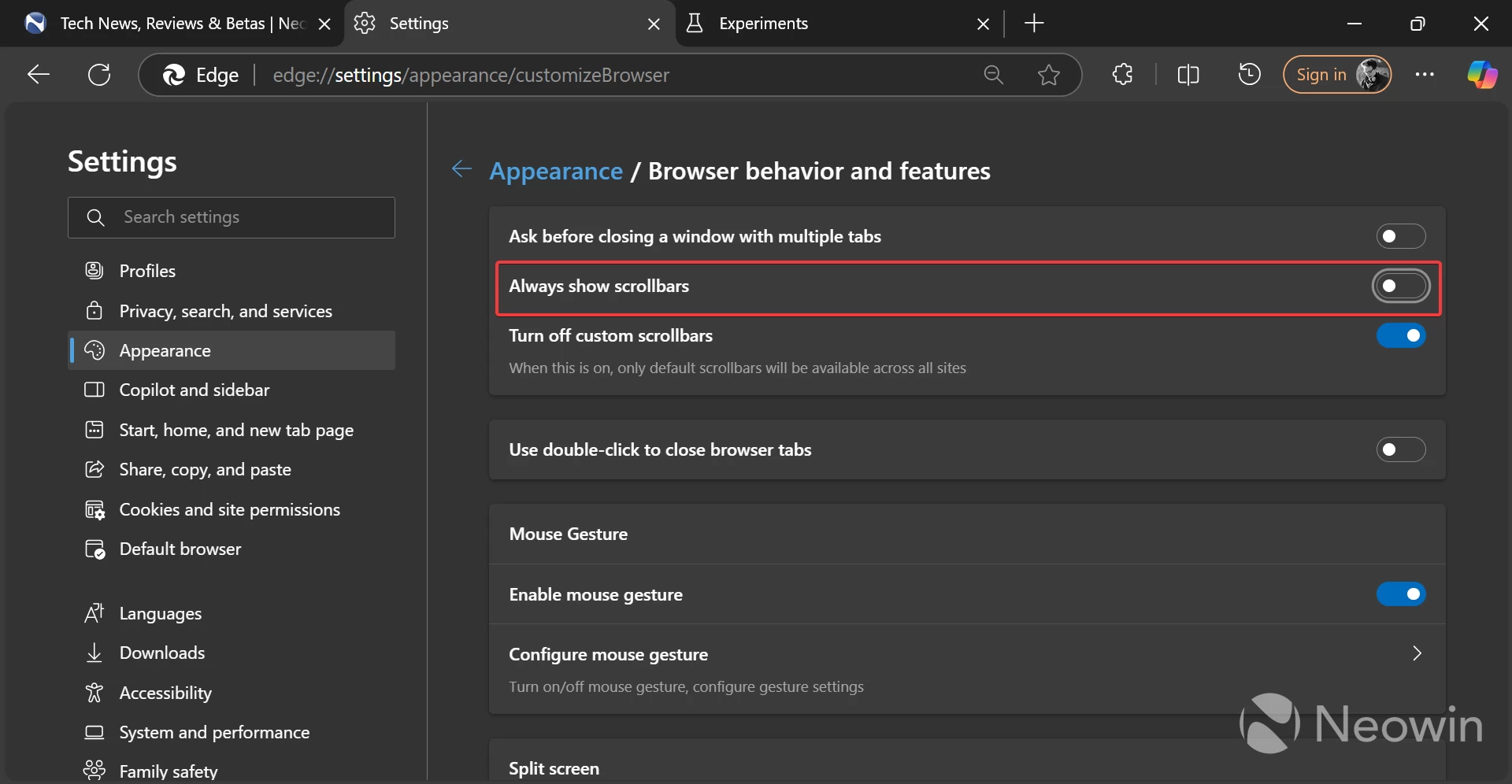
Go to Settings > Appearance > Browser behavior and features and turn off the "Always show scrollbars" feature.
-
Much better!
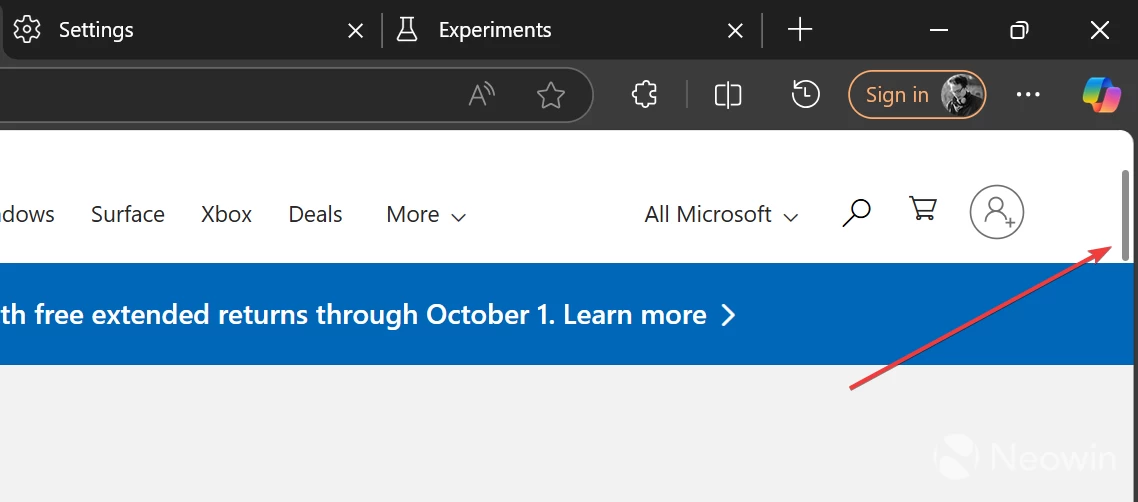
Now, Microsoft Edge will use simple, minimalistic "fluent" scrollbars that only appear on the screen when you scroll a page. Also, you can hover the cursor over the scrollbar to make it larger and scroll a page the old-school way by dragging the bar up or down.
Hope you enjoyed this news post.
Thank you for appreciating my time and effort posting news every day for many years.
News posts... 2023: 5,800+ | 2024: 5,700+ | 2025 (till end of June): 2,864
RIP Matrix | Farewell my friend
Recommended Comments
There are no comments to display.
Join the conversation
You can post now and register later. If you have an account, sign in now to post with your account.
Note: Your post will require moderator approval before it will be visible.