

3175x175(CURRENT).thumb.jpg.b05acc060982b36f5891ba728e6d953c.jpg)
Did you know it was this easy to change the volume on your PC? I didn't.
"It's the little things that matter the most."
This isn't some deep and meaningful post that'll make you think about the meaning of existence. It's about changing the volume on your Windows 11 PC. But it's a little thing I do countless times every day, and I just found out about this insanely useful trick.
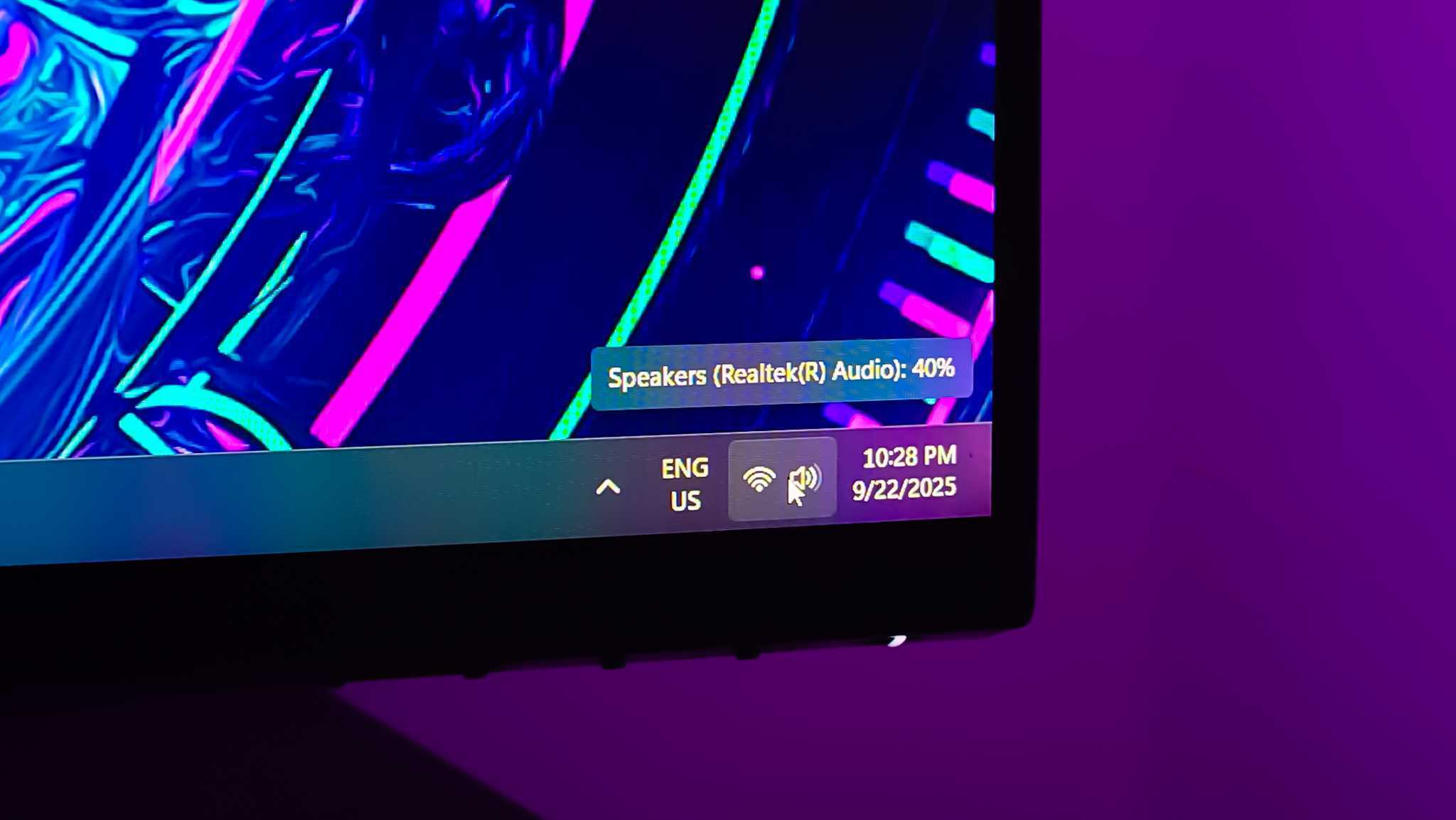
Did you know that you can change the volume on Windows 11 from the taskbar without clicking on anything? No click and slide, no need to use hardware controls on your keyboard, your headphones or your speakers.
As I discovered from the Reddit thread above, you can change the volume on Windows 11 simply by scrolling over the icon in the taskbar.
Obviously, I'm not the only person who didn't know this existed. Counting Reddit, there's at least three of us. I don't even care that Windows 11 25H2 is completely devoid of anything interesting anymore. This has made my day.
That's because it's a feature I will actually use a lot. I often switch keyboards, some I use have hardware dials, almost all have function keys, but it's one of those features I don't have any muscle memory for. So I end up scrambling, usually unnecessarily, to click and slide the volume slider.
- TheChimaker
-
 1
1
Recommended Comments
There are no comments to display.
Join the conversation
You can post now and register later. If you have an account, sign in now to post with your account.
Note: Your post will require moderator approval before it will be visible.