

3175x175(CURRENT).thumb.jpg.b05acc060982b36f5891ba728e6d953c.jpg)
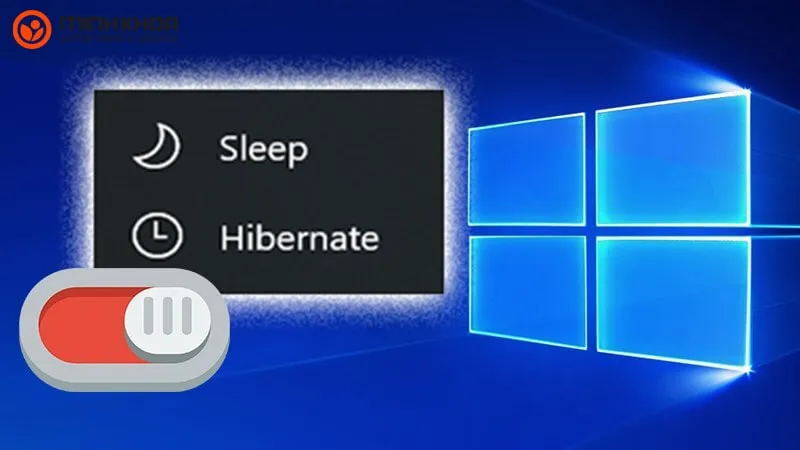
Wondering whether to use Hibernate or Sleep in Windows 11? Both options help manage power, but they behave differently.
This quick comparison explains what each mode does, when to use them, and how to enable Hibernate if it’s missing.
1. What Is Sleep Mode in Windows 11?
Sleep puts your PC into a low-power state without shutting it down. Your apps and documents stay in memory (RAM), so you can pick up right where you left off.
- Power usage: Low
- Resume speed: Instant (1–2 seconds)
- Best for: Short breaks, like stepping away for coffee
2. What Is Hibernate Mode in Windows 11?
Hibernate saves your session to your storage drive and powers off the system entirely. When you restart, everything loads from disk.
- Power usage: None (PC is off)
- Resume speed: Slower than Sleep
- Best for: Long breaks or overnight use
3. Key Differences between Sleep and Hibernate in Windows 11
| Feature | Sleep | Hibernate |
|---|---|---|
| Power Usage | Low | Zero |
| Resume Time | Instant | Moderate |
| Session Storage | RAM | Storage drive (HDD/SSD) |
| Battery Impact | May drain battery slowly | No drain at all |
| Ideal For | Short-term pauses | Long-term inactivity |
4. Which One Should You Use?
- Use Sleep when taking short breaks throughout the day
- Use Hibernate when you won’t be using the PC for a longer time, especially on laptops
5. How to Enable Hibernate in Windows 11
If you don’t see the Hibernate option in the Start menu, here’s how to activate it:
- Press Windows + X and choose Terminal (Admin)
-
Type this command and hit Enter:
powercfg /hibernate on - Restart your PC
- Check the Power menu – Hibernate should now be available
FAQs
Is Hibernate better than Sleep in Windows 11?
Hibernate saves more power, but Sleep is faster. It depends on how long you’re away from your PC.
Why can’t I see Hibernate in my Windows 11 menu?
It’s usually disabled by default. Use the powercfg command to turn it on.
Does Hibernate damage SSDs?
No, but it writes more data than Sleep. Still, it’s safe for general use.
Hope you enjoyed this news post. Feedback welcome.
Posted Friday 15 August 2025 at 5:01 am AEST (my time).
News posts... 2023: 5,800+ | 2024: 5,700+ | 2025 (till end of July): 3,458


Recommended Comments
There are no comments to display.
Join the conversation
You can post now and register later. If you have an account, sign in now to post with your account.
Note: Your post will require moderator approval before it will be visible.